Banana Portrait AI v2.0

Create Stunning AI Portraits Online
Fun, Artistic, and Personalized

Upload your photo and transform it into a unique AI-generated portrait in seconds. Choose from a wide range of styles including Ghibli, Anime, Pop Art, Watercolor, Sketch, and more.

User
User
User
User
Join 50,000+ creators
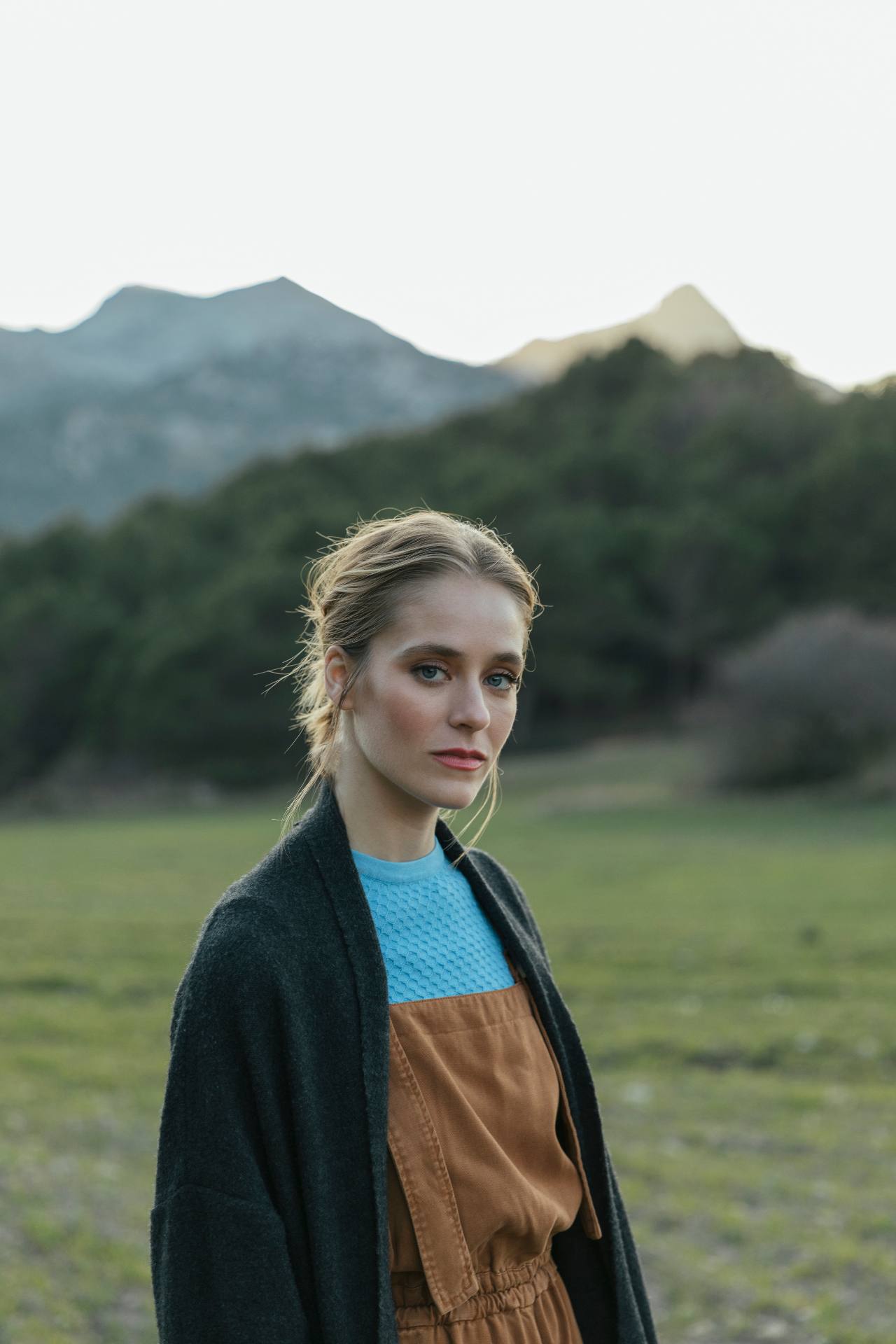
Original Photo
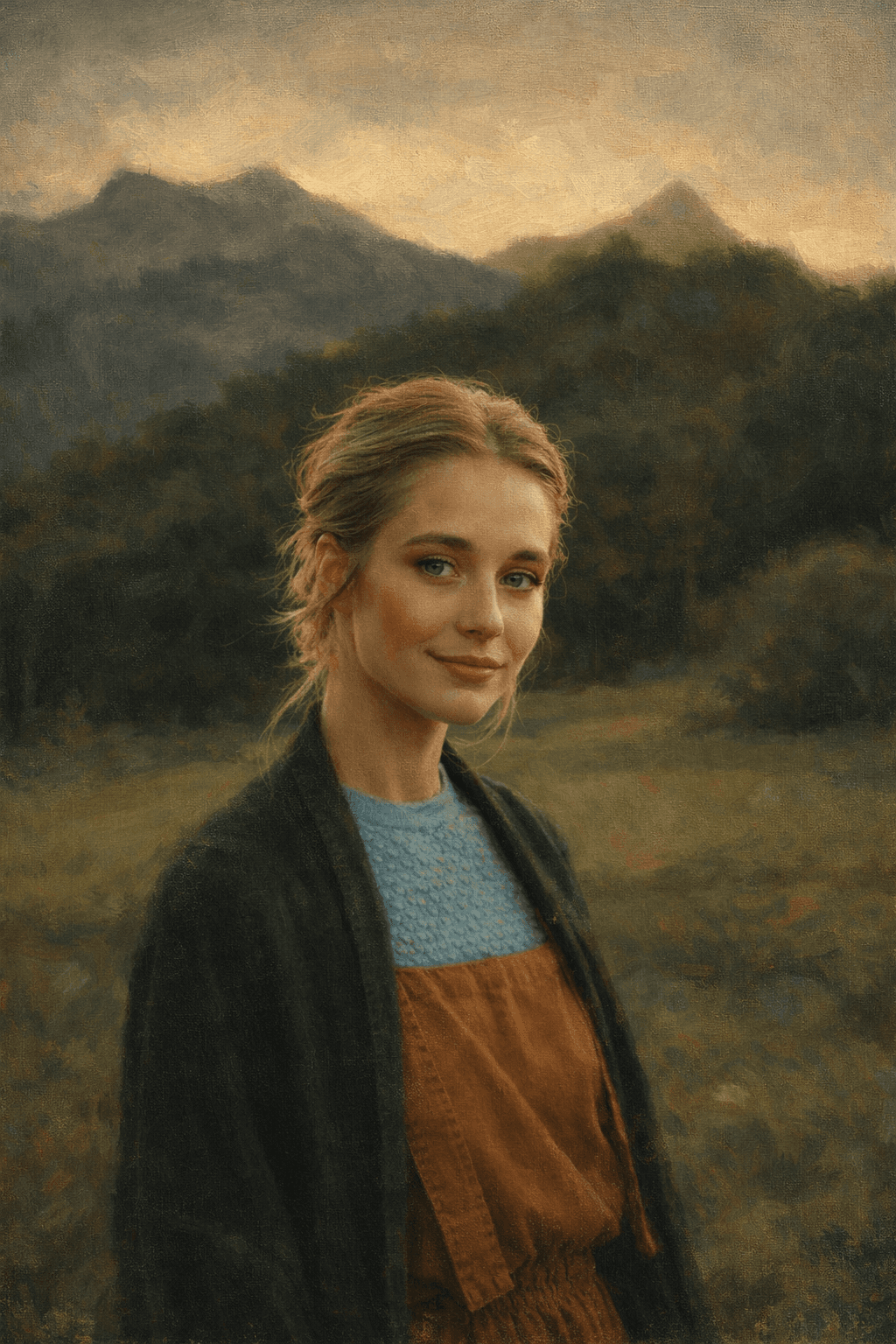
Oil Painting
Oil Painting Style
AI Preview

"Rich colors and expressive brush strokes for classic oil painting style."

100+
Artistic Styles
1M+
Portraits Generated
100+
Unique Styles
500K+
Happy Users
< 30s
Processing Time
Why Choose Us

Why Choose Bananaportrait for Your AI Portraits

Bananaportrait combines cutting-edge AI technology with a user-friendly interface to provide the best online portrait generation experience.

Multiple Styles

Turn your photo into a Ghibli, Anime, Pop Art, Watercolor, or realistic portrait. Our engine supports 100+ unique artistic variations.

Extra Effects

Enhance lighting, blur backgrounds, and adjust expressions for perfect results. Fine-tune your AI portrait with professional-grade parameters.

Fast & Easy

Upload a photo, choose a style, and get your portrait in seconds. No complex software or artistic skills required.

Free & Paid Options

Generate low-resolution previews for free to test different styles, or unlock ultra-high-definition versions with premium features.

Social Sharing

Download, share, or create multiple avatars for your social media profiles. Export to Instagram, TikTok, or Discord.

Customizable AI Avatar

Our AI understands facial features and lighting to create a personalized avatar that looks like you, but better.

Artistic Styles

Explore Our Popular AI Portrait Styles

Bring your photos to life with a variety of artistic styles. Whether you love anime, classic painting, or pop art, we have a style for you.

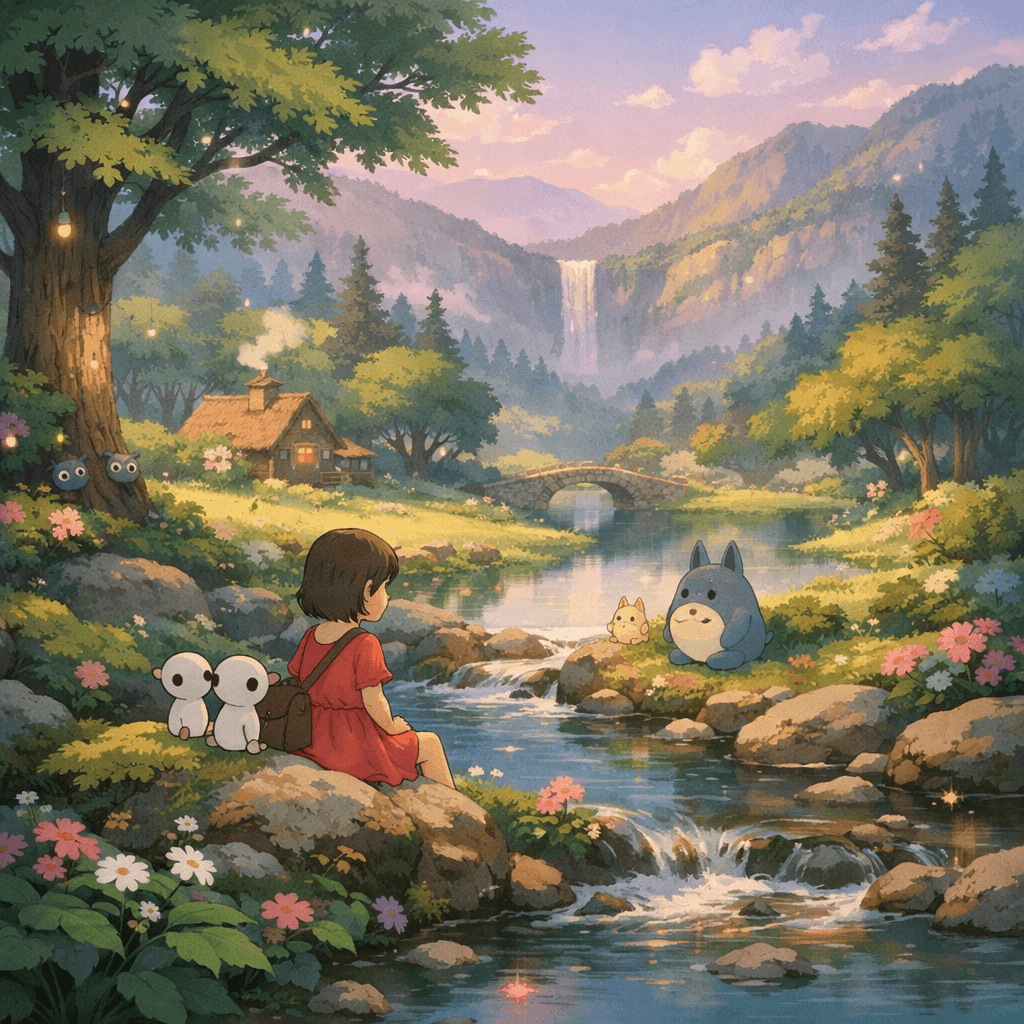
Ghibli Style

Ghibli Style

Soft colors, cinematic lighting, and a magical feel that transports you into a classic animated film.

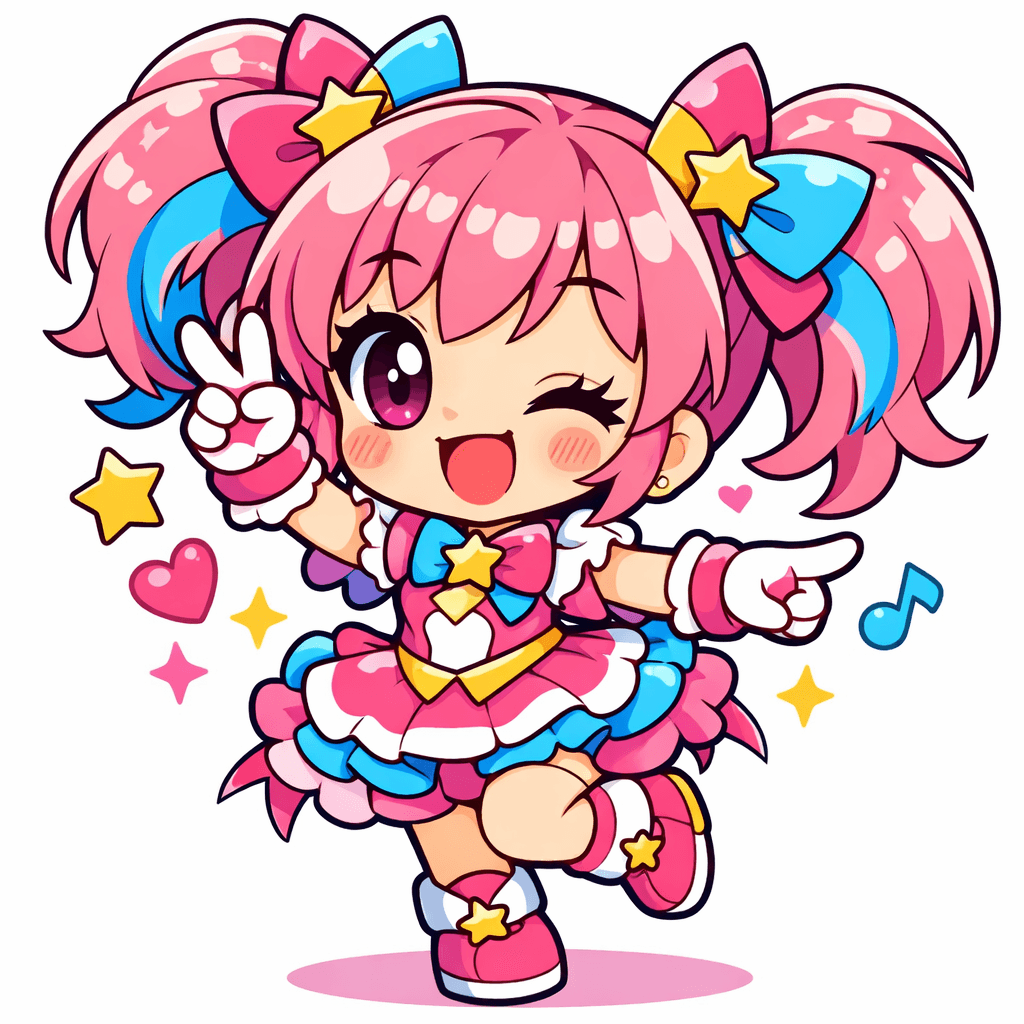
Anime & Chibi

Anime & Chibi

Cute, expressive, and vibrant. Perfect for gaming avatars, Discord profiles, and fans of Japanese pop culture.

Pop Art & Cartoon

Pop Art & Cartoon

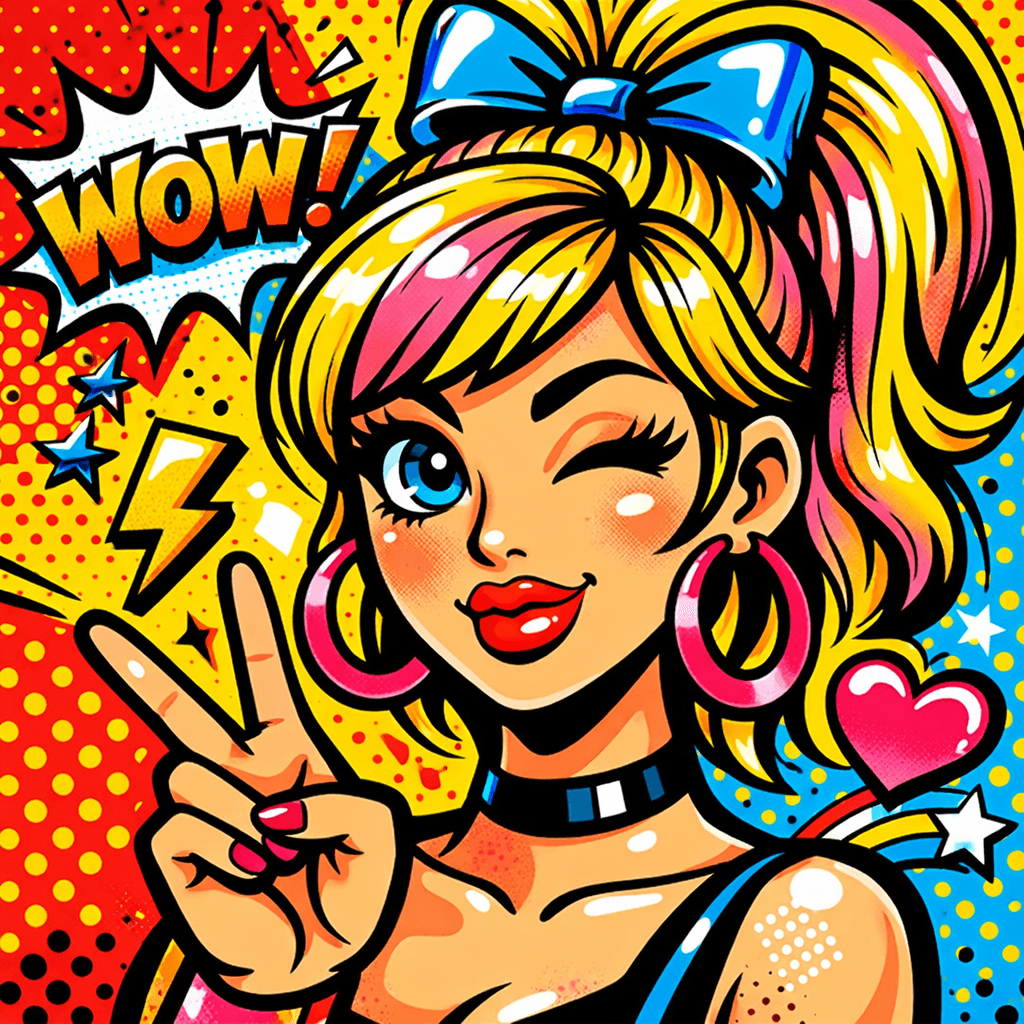
Bold colors, thick outlines, and playful effects. Make a statement with a portrait that pops.

Sketch & Watercolor

Sketch & Watercolor

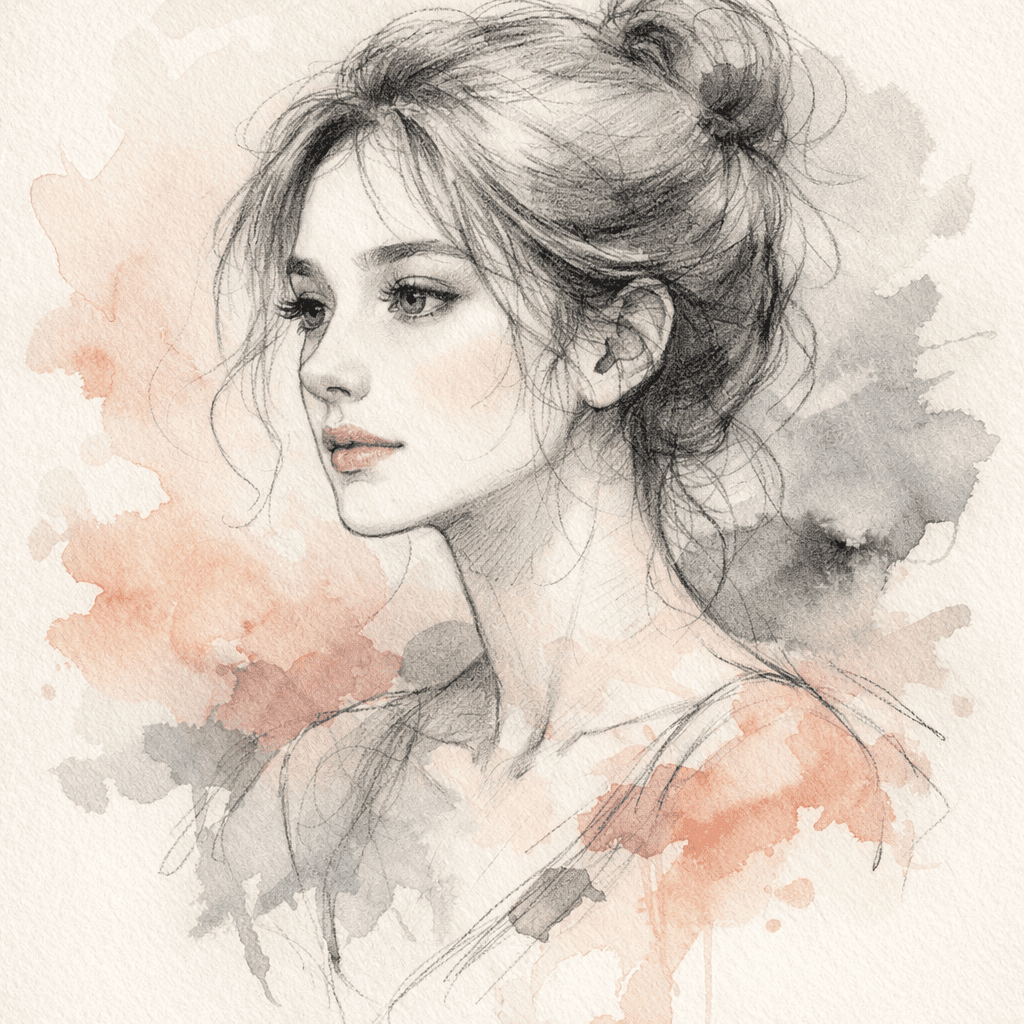
Elegant, artistic, and timeless. These styles mimic traditional media like charcoal, pencil, and watercolor.

Use Cases

Perfect Portraits for Any Occasion

Bananaportrait isn't just for fun—it's a versatile tool for creators, professionals, and gift-givers alike.

Social Media Avatars

Make your profile stand out on Instagram, TikTok, or Discord with a unique AI avatar.

Personalized Gifts

Create custom portraits for birthdays, anniversaries, and holidays. A unique AI-generated artwork makes a thoughtful gift.

Creative Projects

Use AI portraits for illustrations, storyboards, and art portfolios. Speed up your creative workflow.

NFT & Virtual Avatars

Generate unique digital collectibles or game avatars. Our HD exports are ready for the metaverse.

Process

How to Create Your AI Portrait in 3 Easy Steps

Creating art has never been this simple. Transform your photos into stunning AI masterpieces in less than a minute.

1

Upload Your Photo

Select a clear photo of yourself, your pet, or anyone you like. For best results, use a front-facing photo with good lighting.

2

Choose a Style

Pick from a wide range of styles or pre-designed presets. From Ghibli to Cyberpunk, the choice is yours.

3

Generate & Download

See the AI-generated portrait instantly. Download in HD for printing or share to social media.

Portrait Planning Guide

How to Choose the Right AI Portrait Style

The best portrait generator is the one that fits the job you need the image to do. Before uploading, decide whether you need a profile picture, a printed gift, a campaign visual, a creative draft, or a professional headshot. That choice should guide the style, crop, and export quality.

Choose the style by outcome, not just by taste

Anime, Pop Art, and Pixel Art are stronger for avatars, gaming profiles, and high-contrast social posts. Oil Painting, Watercolor, Sketch, and Vintage are better when the image needs to feel personal, giftable, printed, or more editorial.

Start from a clean input before testing effects

A clear source photo gives the AI more useful structure. Use visible faces, balanced lighting, and a simple background when identity matters. If the photo is blurry, crowded, or heavily filtered, the final portrait may become more creative but less predictable.

Pick the crop for the channel you plan to use

Square images are best for profile pictures and thumbnails. Vertical images work better for stories, cards, posters, and mobile wallpapers. Wider images are useful for banners, blog covers, and presentation visuals where the background needs more room.

Review usage rights before publishing commercially

AI portraits can support personal posts, creator assets, gifts, and professional branding, but commercial use depends on your plan and the photo you upload. For ads, merchandise, paid client work, or public campaigns, confirm the license first.

FAQ

Frequently Asked Questions

Everything you need to know about Bananaportrait and our AI generation technology.

Elevate Your Art

READY TO SEE YOURSELF
IN A NEW LIGHT?

Join 50,000+ professionals and start generating your unique AI portraits today. No credit card required to start.