Best Photos for AI Oil Portraits: Light, Crop, and Detail Checklist
bananaportrait Team
7/16/2026
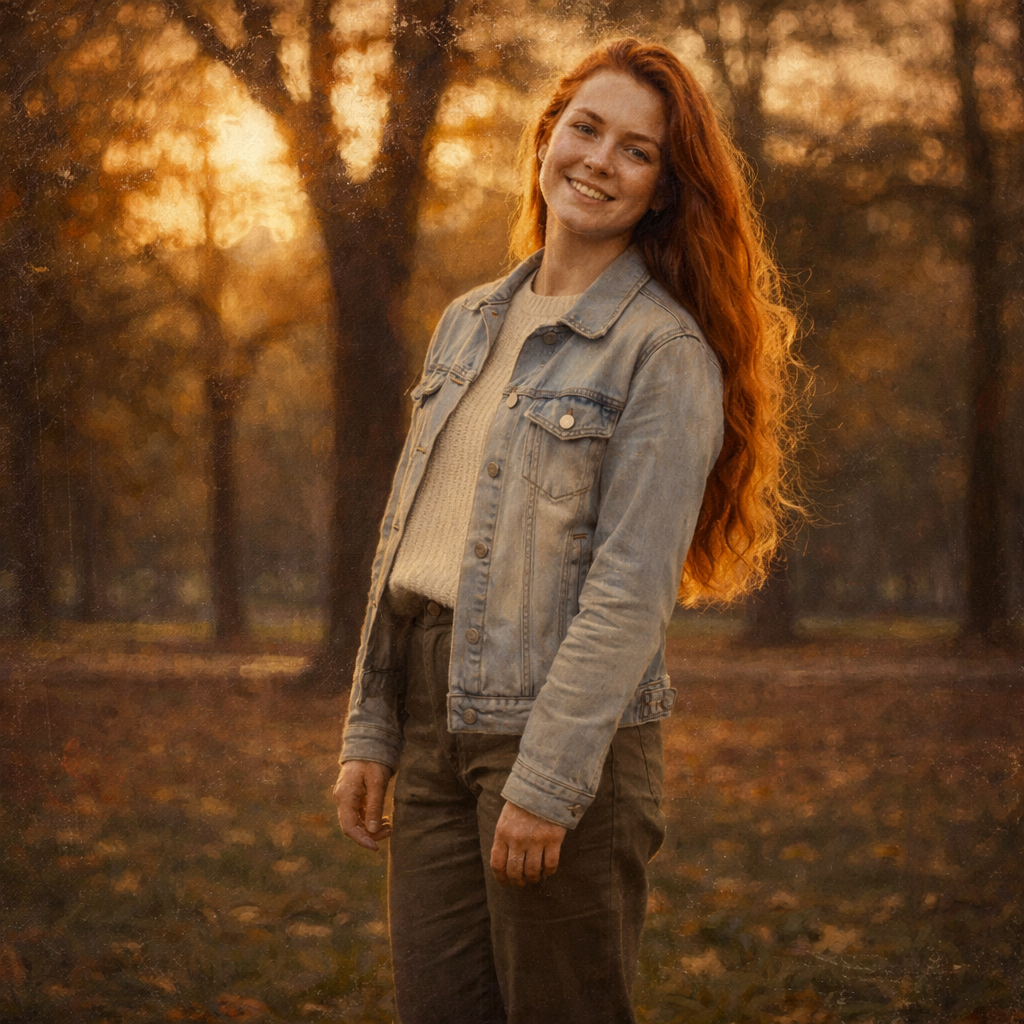
The source photo determines whether an AI oil portrait looks intentional or overly invented. The generator can add painted color, brush texture, and dramatic depth, but it still needs readable facial structure and a stable composition.
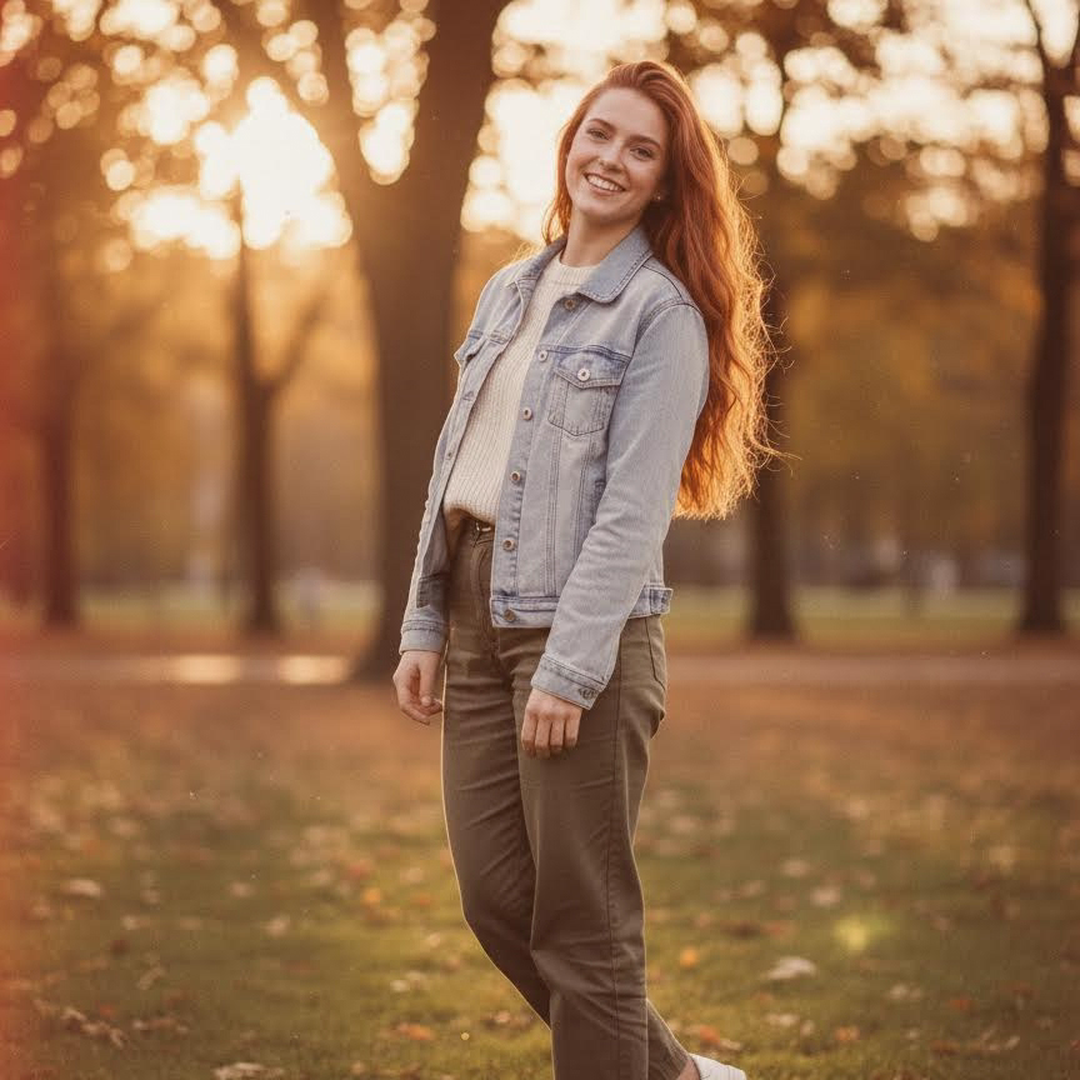
The best portrait source
Use a front-facing or three-quarter portrait with visible eyes, natural skin detail, and room around the head and shoulders. Soft window light or open shade is easier to paint than a dark room, hard overhead light, or a blown-out background.
For a framed portrait, a vertical crop usually feels more formal. For an avatar, begin with a square crop and keep the face large enough to remain readable at thumbnail size.
Couples, families, and pets
Couple and family images work best when every face has similar lighting and similar size. Avoid placing one person close to the camera while another person is small in the distance.
For pets, choose an eye-level photo with visible eyes, ears, and fur edges. Dark pets need enough separation from the background. A simple floor, wall, garden, or outdoor scene gives the AI cleaner shapes than a crowded room.
Landscapes and travel photos
A landscape needs one obvious focal point: a mountain, building, tree, boat, shoreline, or person. Painterly detail becomes noisy when every part of the image competes equally for attention.
Photos to avoid
- Heavy motion blur or aggressive compression
- Faces hidden by sunglasses, hair, hands, or deep shadow
- Tiny screenshots copied from social media
- Crowded groups where faces occupy only a few pixels
- Extreme beauty filters that already changed facial structure
When the source passes this checklist, open the AI Oil Painting Generator. If you want a lighter result with translucent edges, compare oil painting and watercolor before generating.
Try the AI portrait generators mentioned in this guide
Turn Your Photo into an Oil Painting Online
Transform any photo into a beautiful oil painting with AI. Our AI Oil Painting Generator lets you convert portraits, selfies, and landscape photos into stunning classical paintings in seconds.
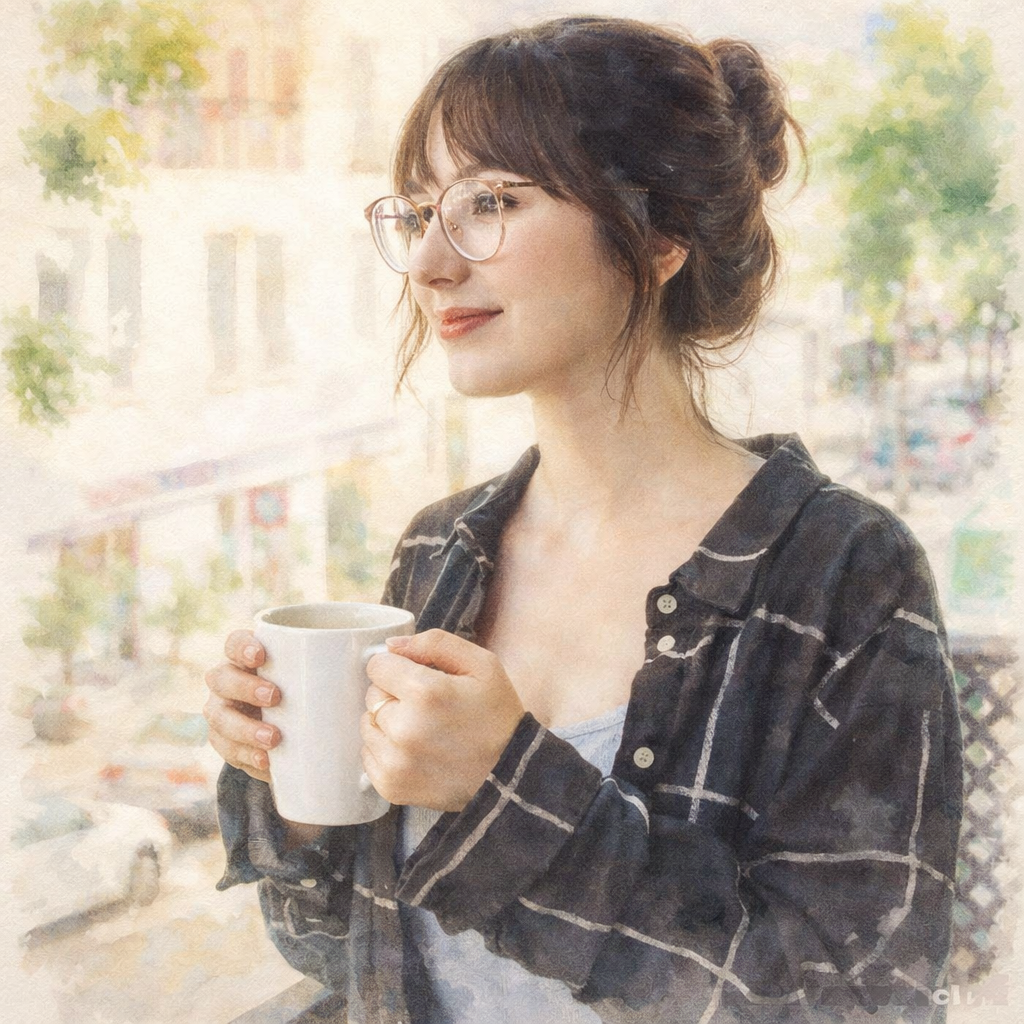
Turn Your Photo into a Watercolor Painting Online
Transform any photo into a beautiful watercolor painting with AI. Our AI Watercolor Generator lets you convert portraits, selfies, and landscape photos into stunning flowing paintings in seconds.
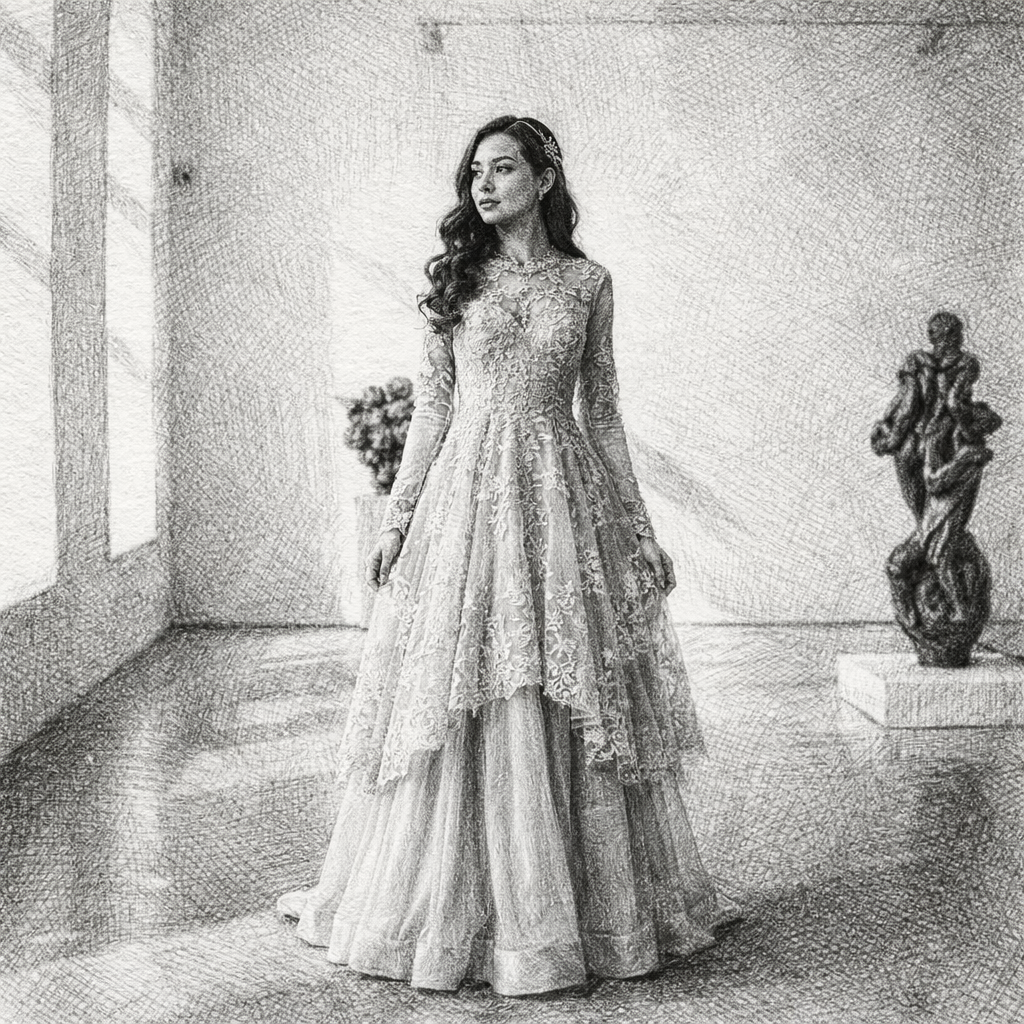
Turn Your Photo into a Sketch Drawing Online
Transform any photo into a beautiful sketch drawing with AI. Our AI Sketch Generator lets you convert portraits, selfies, and photos into stunning hand-drawn style illustrations in seconds.
Keep comparing AI portrait workflows
Oil Painting vs Watercolor: Which Photo-to-Art Style Should You Choose?
Compare oil painting and watercolor conversions by texture, color, portraits, cards, gifts, wall art, and printing needs.
How to Print AI Oil Paintings on Canvas, Paper, Cards, and Gifts
Prepare an AI oil painting for canvas, framed portraits, greeting cards, personalized gifts, and wall art without losing clarity.
How to Transform Photos into Oil Paintings with AI: Complete Guide (2026)
Learn how to turn any photo into stunning oil painting style artwork using AI. Create classical masterpieces from portraits, landscapes, and photos with realistic brush textures.