How to Print AI Oil Paintings on Canvas, Paper, Cards, and Gifts
bananaportrait Team
7/16/2026
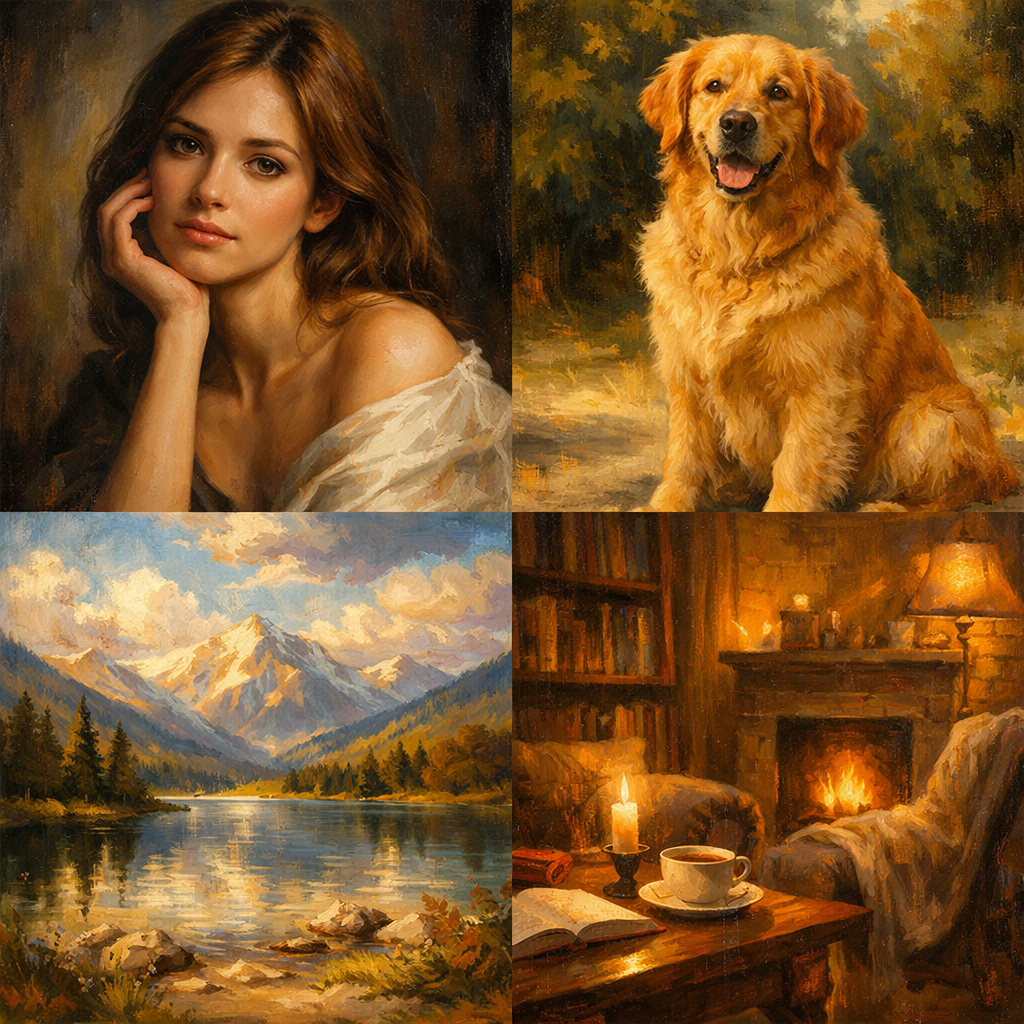
An AI oil painting can look sharp on a phone and still fail as a large print. Printing adds physical size, crop constraints, edge wrapping, paper texture, and viewing distance. Plan those details before sending the file to a print shop.
Check clarity at full size
Open the exported image at 100% and inspect eyes, hair, hands, clothing edges, and important background details. Start from a sharp photo and use the highest available output quality. Avoid enlarging a tiny or compressed result far beyond its original dimensions.
Canvas print
Canvas supports rich color and painterly texture. Leave extra space around faces because gallery-wrap canvas may fold part of the image around the sides. A vertical ratio suits portraits, while landscapes and family scenes often work better horizontally.
Framed portrait
For a framed portrait, decide whether the print will use a mat. A mat reduces the visible area, so keep faces and important details away from the edge. Matte or fine-art paper usually reduces glare and supports a more traditional presentation.
Greeting card
Use a square, vertical, or landscape file that leaves a quiet area for names, dates, or a message. Check the fold and trim guides supplied by the printer before placing text near the border.
Personalized gift and wall art
Mugs, cushions, plaques, and other gifts often use unusual crop areas. Request a product template when possible. For wall art, match the aspect ratio to the frame or canvas size instead of cropping after the artwork is finished.
Create the image with the AI Oil Painting Generator, and review the best source photos for oil portraits before generating a print-sized file. For a lighter card or stationery look, compare oil painting with watercolor.
Try the AI portrait generators mentioned in this guide
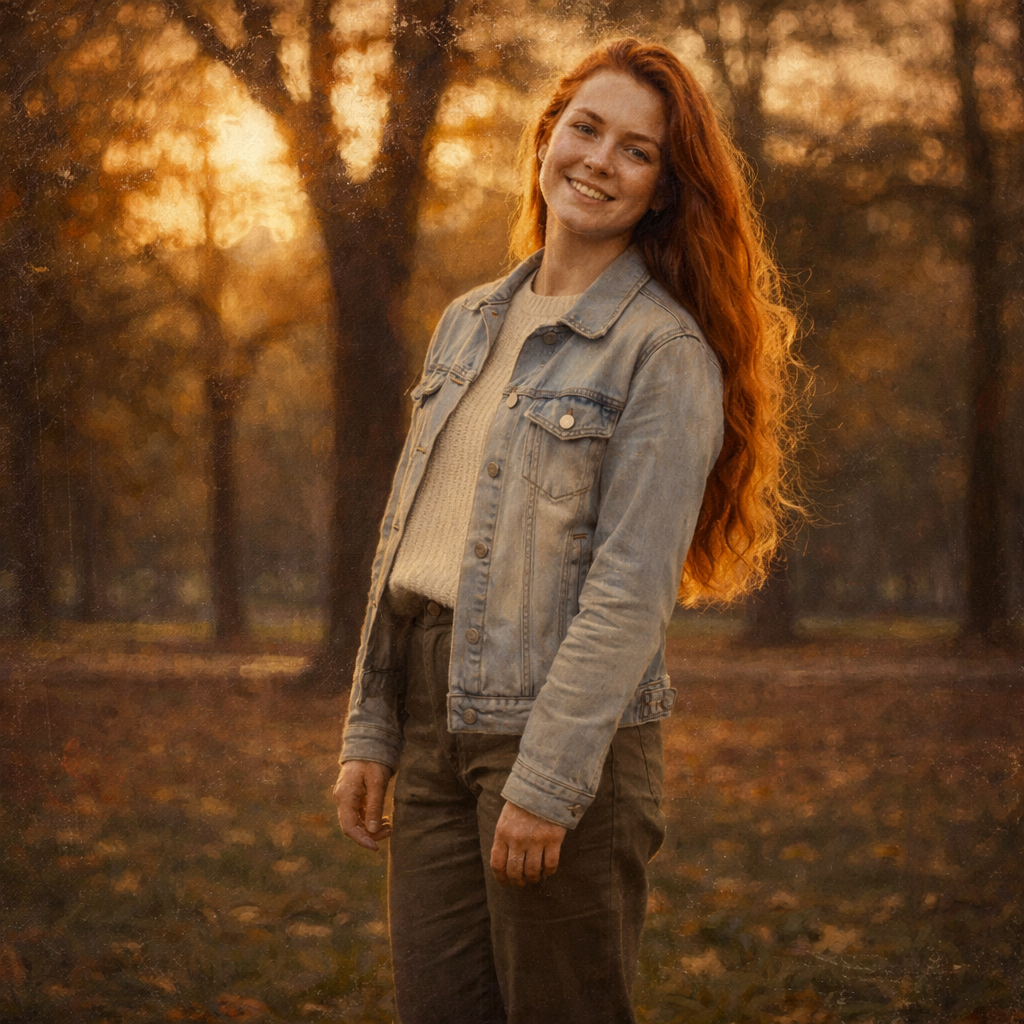
Turn Your Photo into an Oil Painting Online
Transform any photo into a beautiful oil painting with AI. Our AI Oil Painting Generator lets you convert portraits, selfies, and landscape photos into stunning classical paintings in seconds.
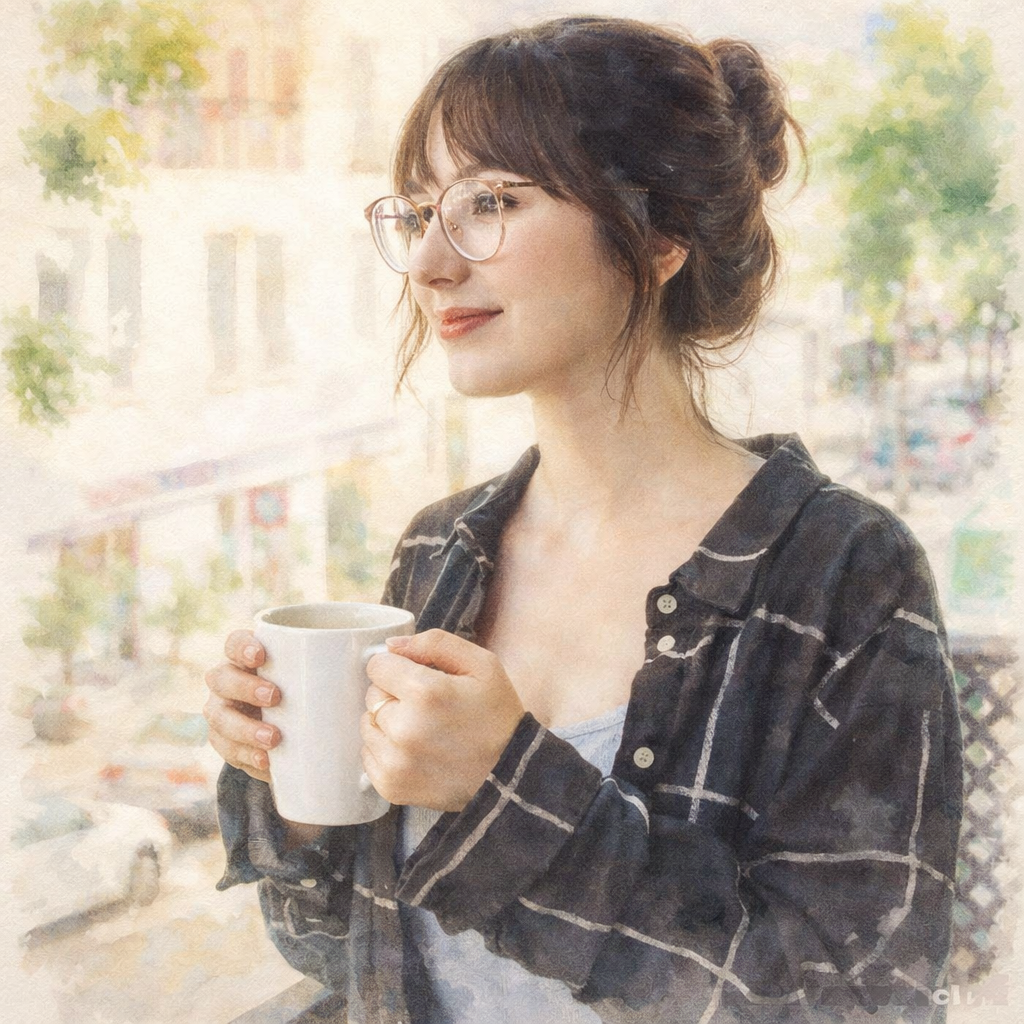
Turn Your Photo into a Watercolor Painting Online
Transform any photo into a beautiful watercolor painting with AI. Our AI Watercolor Generator lets you convert portraits, selfies, and landscape photos into stunning flowing paintings in seconds.
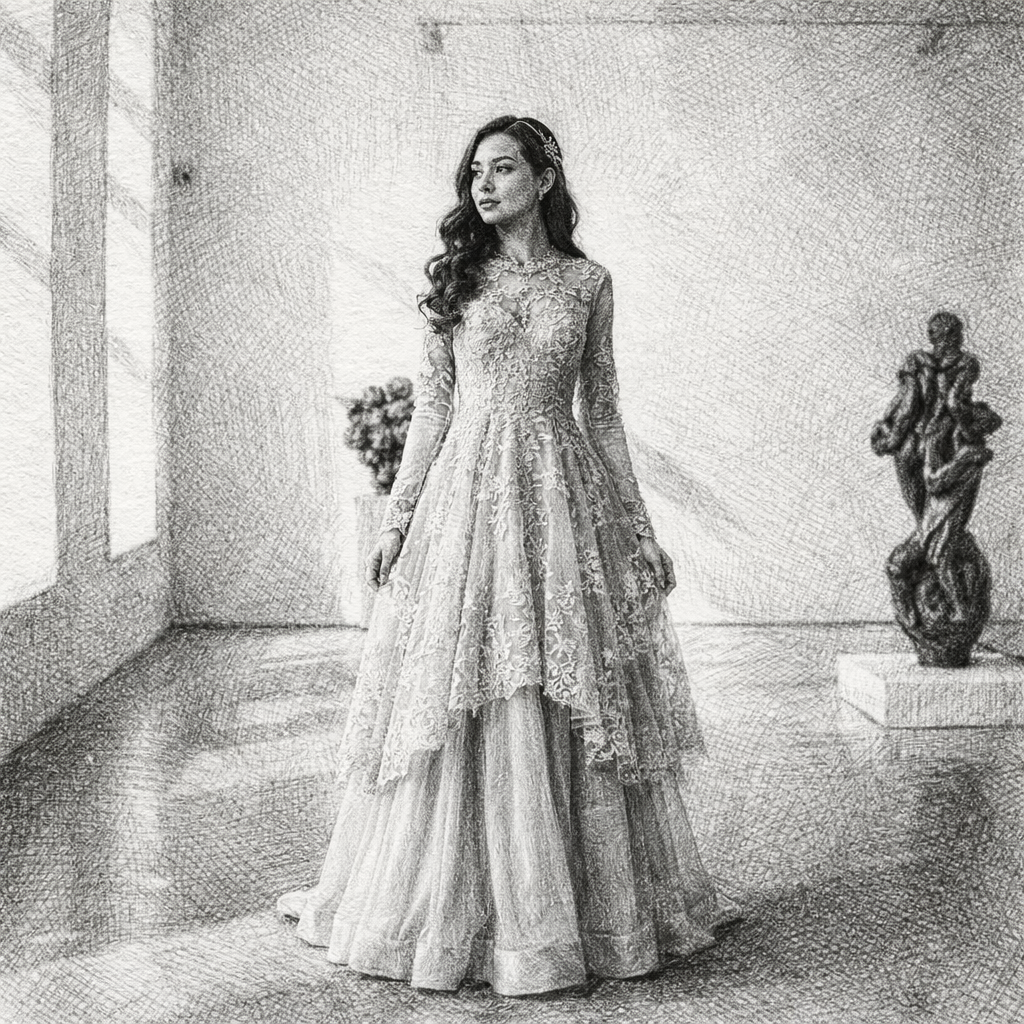
Turn Your Photo into a Sketch Drawing Online
Transform any photo into a beautiful sketch drawing with AI. Our AI Sketch Generator lets you convert portraits, selfies, and photos into stunning hand-drawn style illustrations in seconds.
Keep comparing AI portrait workflows
Best Photos for AI Oil Portraits: Light, Crop, and Detail Checklist
Choose a source photo that preserves faces, pets, couples, and landscapes when converting an image into an AI oil painting.
Oil Painting vs Watercolor: Which Photo-to-Art Style Should You Choose?
Compare oil painting and watercolor conversions by texture, color, portraits, cards, gifts, wall art, and printing needs.
How to Transform Photos into Oil Paintings with AI: Complete Guide (2026)
Learn how to turn any photo into stunning oil painting style artwork using AI. Create classical masterpieces from portraits, landscapes, and photos with realistic brush textures.