Professional Office Portrait Generator Generator

Configure your style and upload a photo to start the AI transformation.

Output Preview

Ready for transformation

Business & Corporate Style

AIProfessionalOfficePortraitGenerator

Transform your photo into a professional office portrait with AI. Create polished business headshots in seconds.

Upload Photo
Fast AI Processing
HD Quality
Office Professional

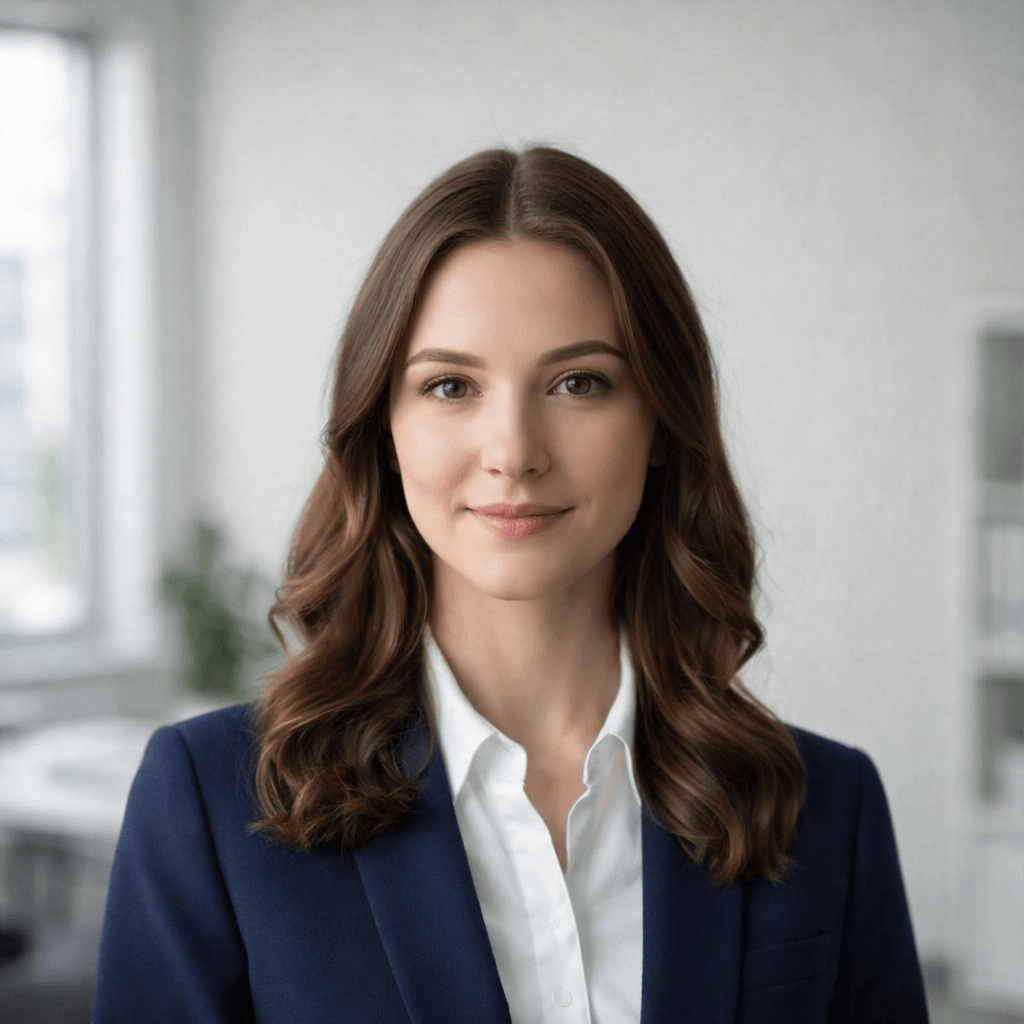
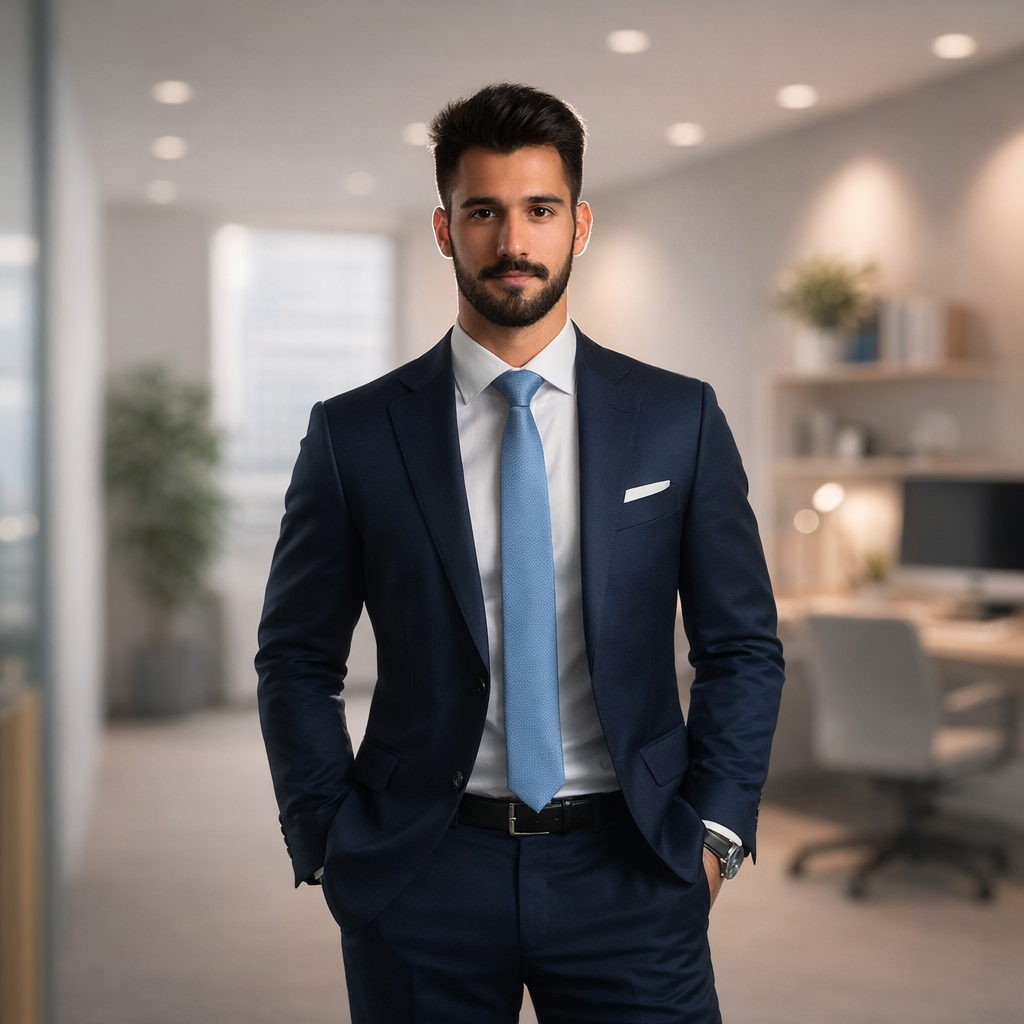
Professional Portrait Result

Office Professional

Original source
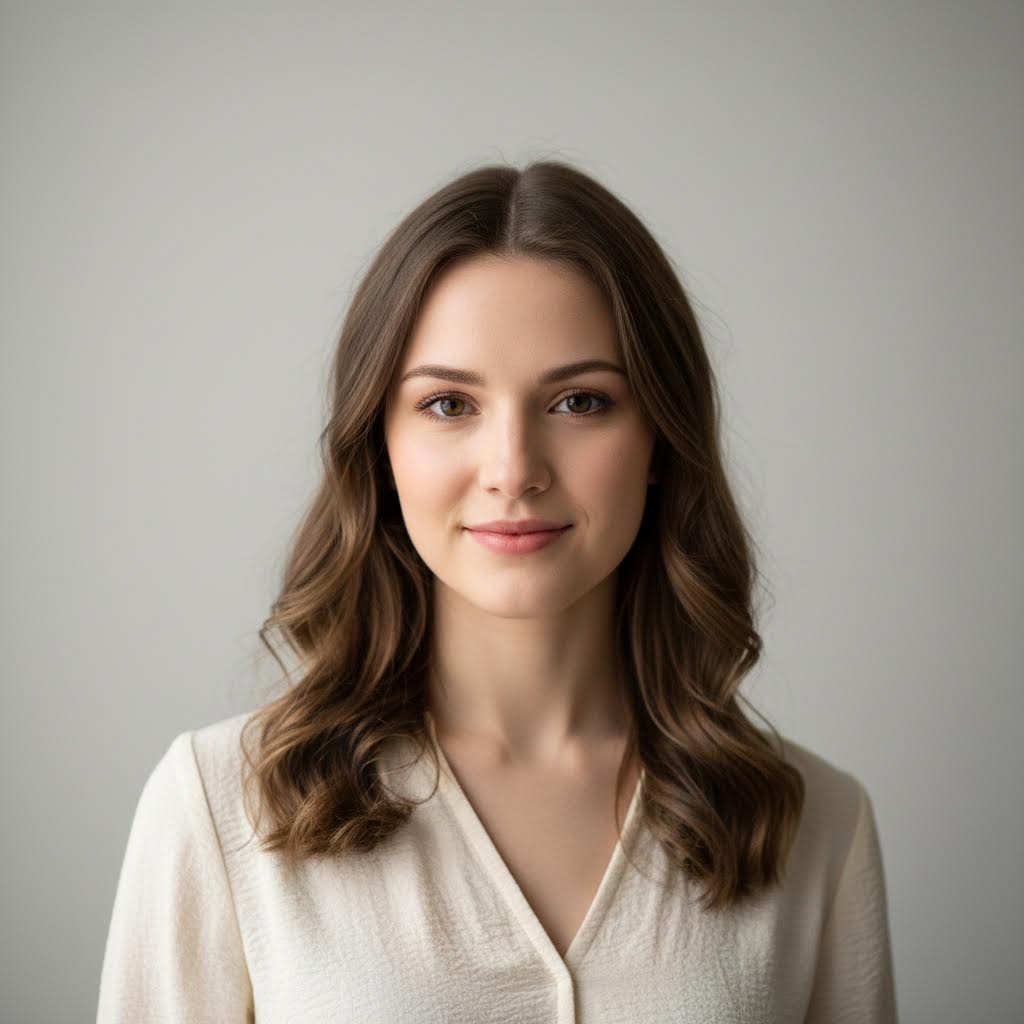
Input Photo

Why Create Professional Office Portraits?

Professional office portraits are essential for corporate branding, LinkedIn profiles, business cards, and company websites. A polished professional headshot conveys competence, confidence, and professionalism. With our AI office portrait generator, you can instantly transform your photo into a professional business portrait without the need for expensive photography sessions. The AI automatically enhances your appearance with professional attire, appropriate lighting, and a clean office background. Create perfect LinkedIn photos, company team pages, or personal branding images that make a lasting impression.

Create professional headshots instantly
Perfect for LinkedIn and business profiles
Generate polished corporate photos
Enhance your personal brand
Great for team and company websites
Office Portrait Examples

See amazing transformations from casual photos to professional office portraits

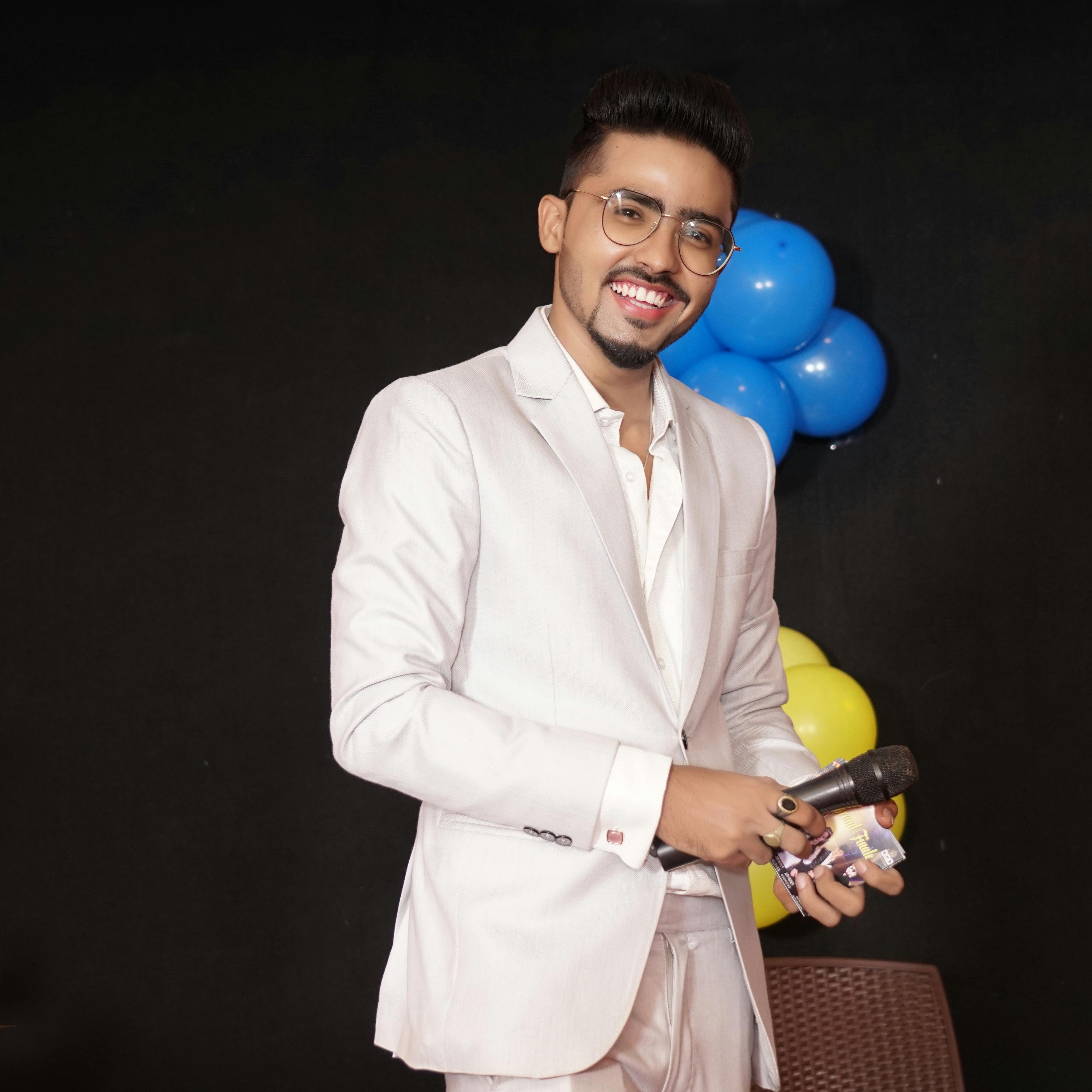
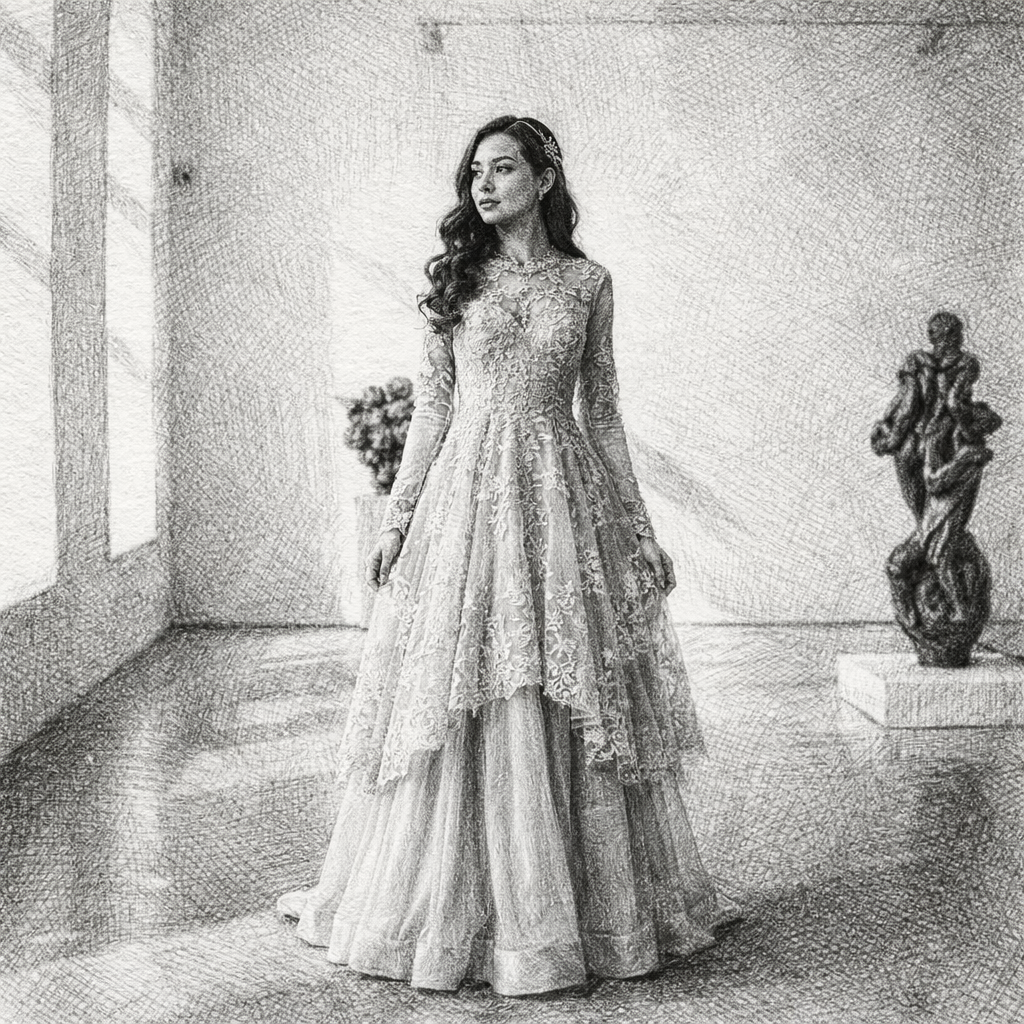
Casual to Professional
Original input
Source
Global Scene

Casual to Professional

Witness how our AI seamlessly blends your portrait into this casual to professional environment, preserving your identity while mastering the complex lighting and atmosphere.

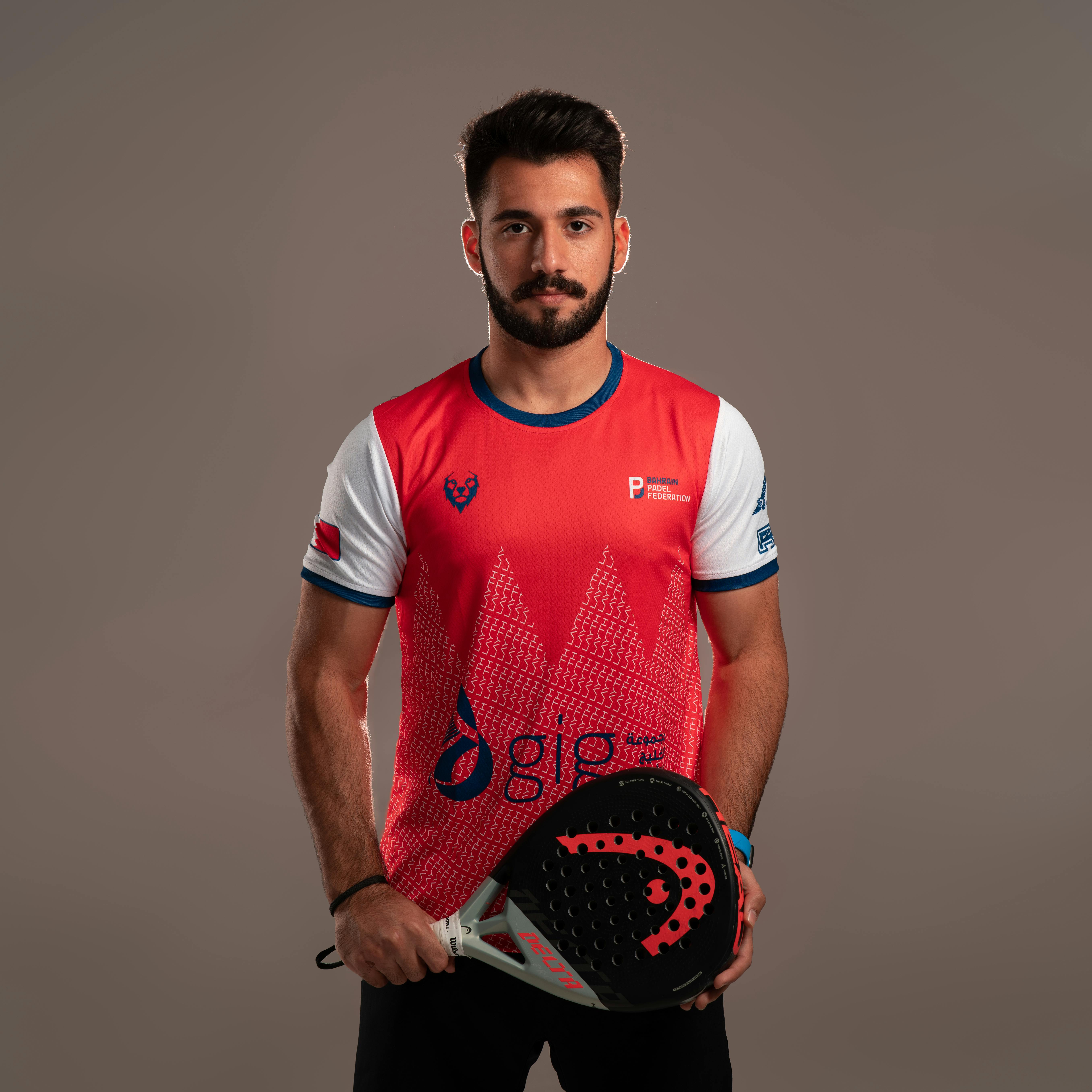
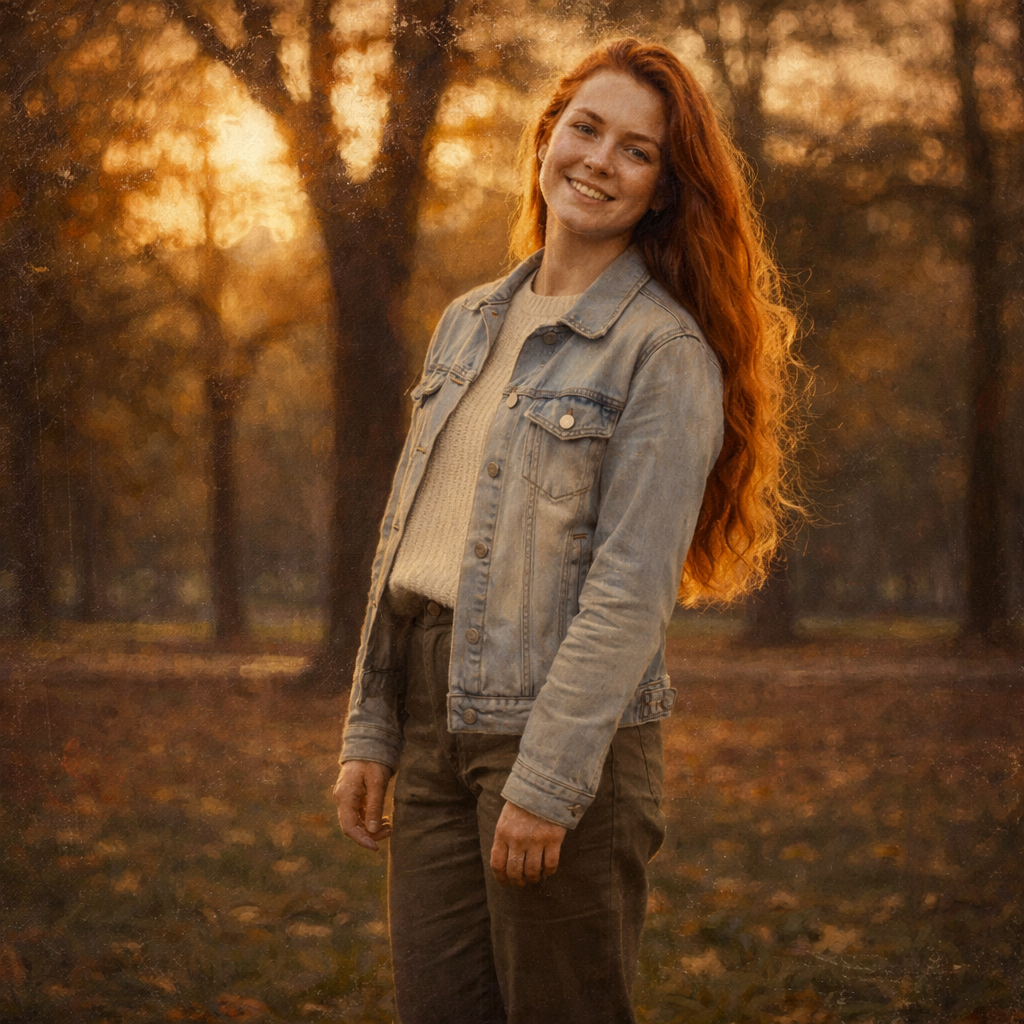
Business Style Transformation
Original input
Source
Global Scene

Business Style Transformation

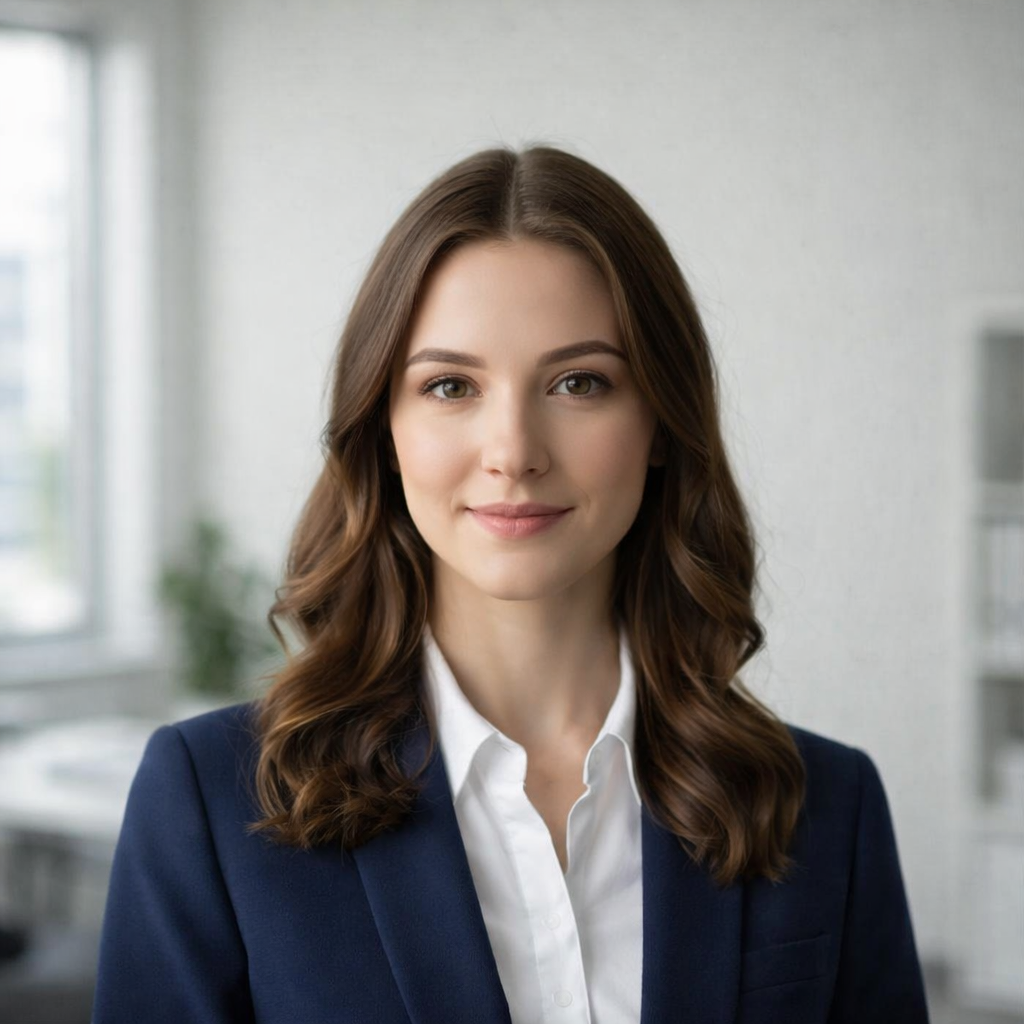
Witness how our AI seamlessly blends your portrait into this business style transformation environment, preserving your identity while mastering the complex lighting and atmosphere.

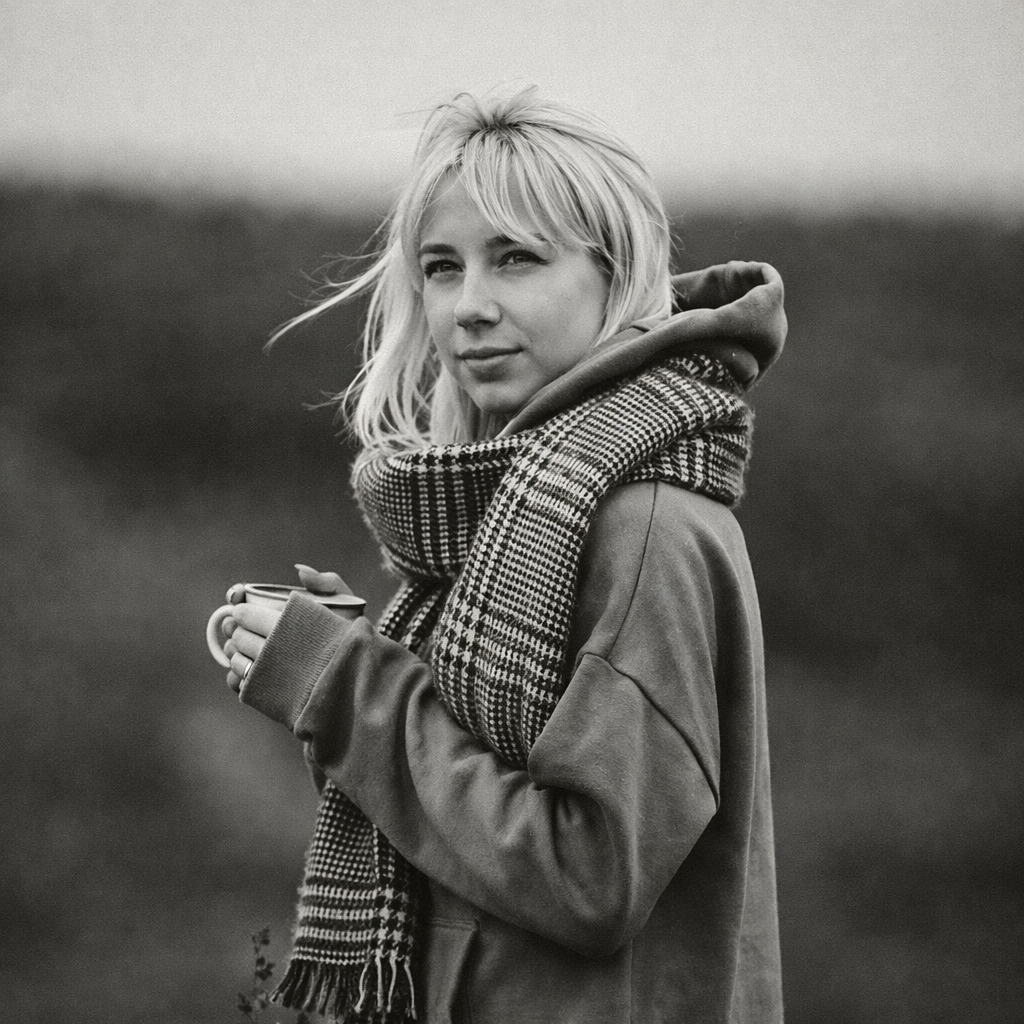
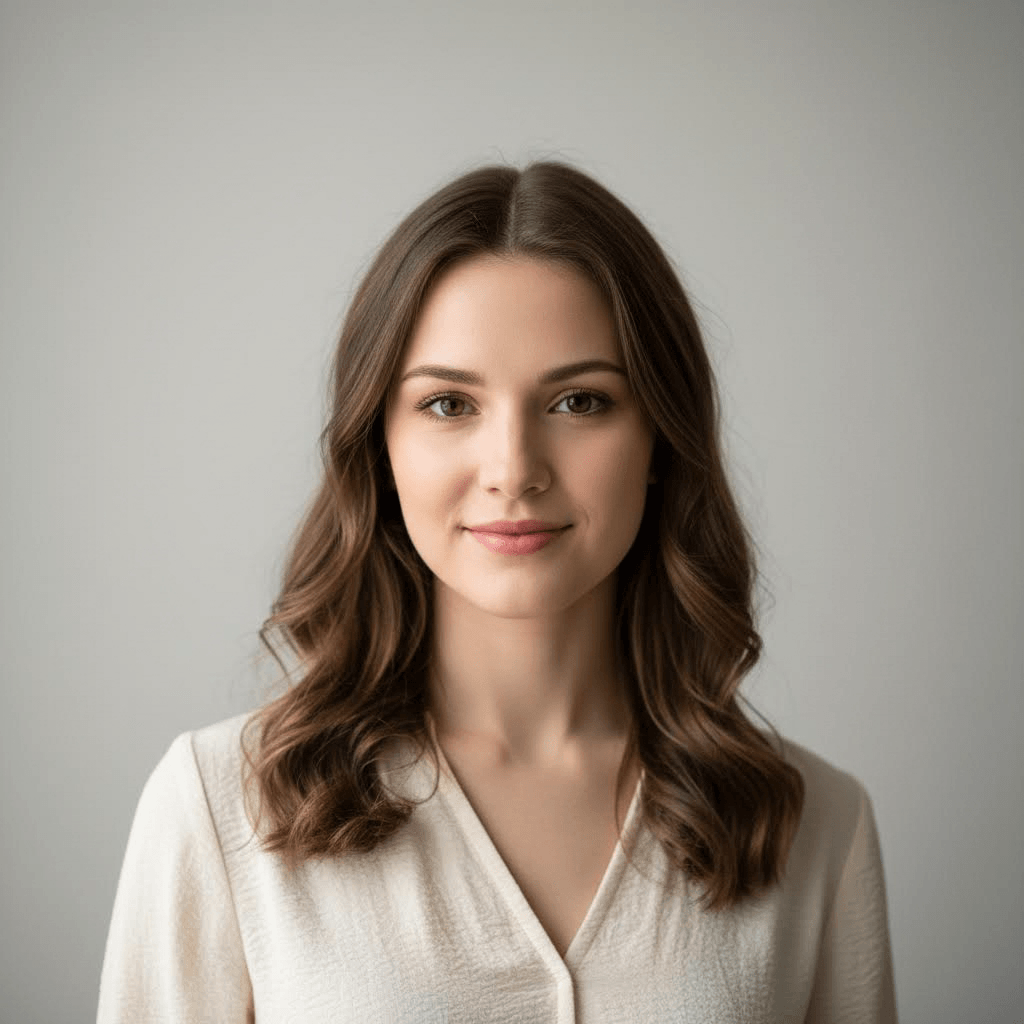
Corporate Headshot
Original input
Source
Global Scene

Corporate Headshot

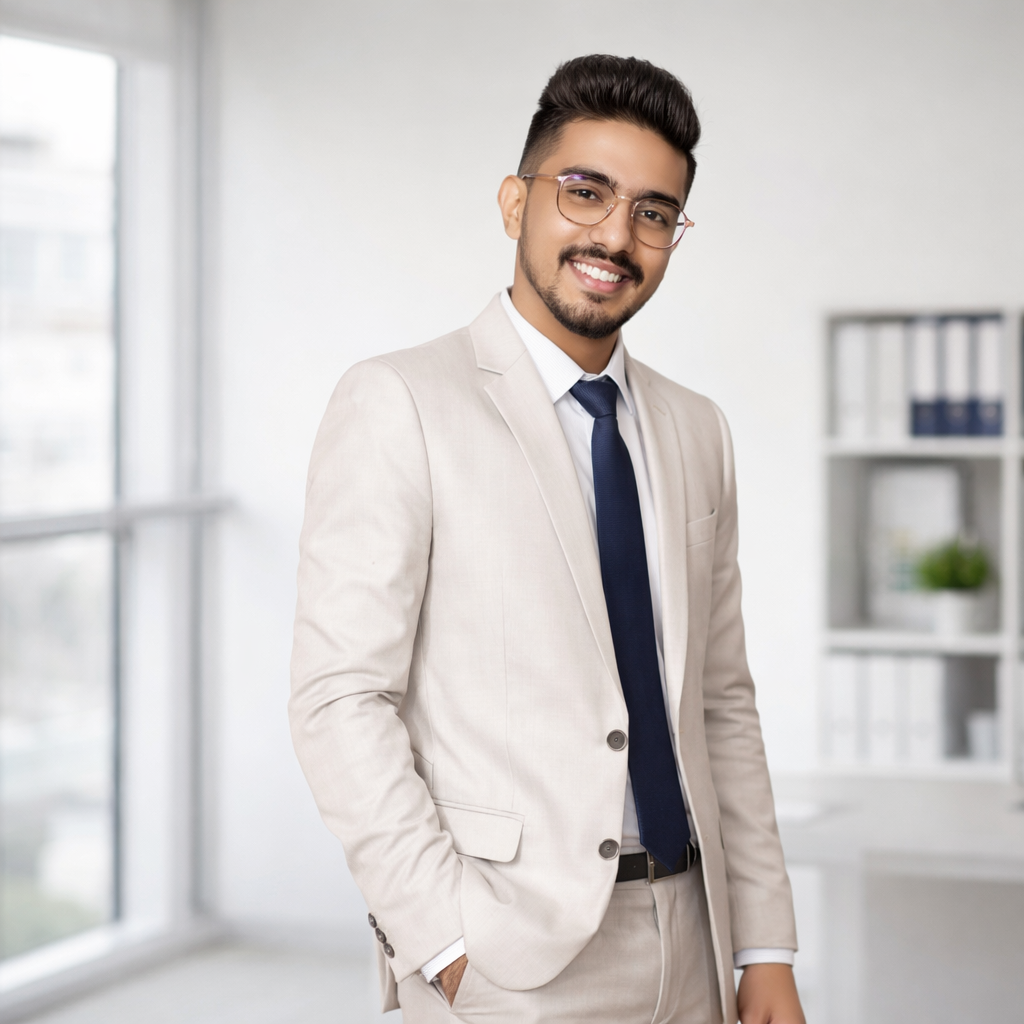
Witness how our AI seamlessly blends your portrait into this corporate headshot environment, preserving your identity while mastering the complex lighting and atmosphere.

How It Works

1

Upload Your Photo

Upload a portrait, selfie, or any photo you want to transform. Our AI works best with clear photos.

2

AI Generates Portrait

Our AI automatically recognizes the person and creates a professional office portrait with business attire.

3

Download & Share

Download your professional portrait and use it for your business profiles!

Professional AI Office Portrait Features
Environmental Analysis: Active
Perspective Aligned

Professional AI Office Portrait Features

Our spatial engine doesn't just swap backgrounds. It reconstructs 3D geometry and atmospheric conditions to ensure you're perfectly integrated.

Business Attire

Professional business clothing and formal wear automatically applied.

Clean Backgrounds

Polished office backgrounds or minimalist settings.

Professional Lighting

Studio-quality lighting that enhances your appearance.

High-Resolution Export

Download in HD quality perfect for professional use.

Global Coverage

Popular Use Cases

01

LinkedIn Photos

Create professional LinkedIn profile pictures.

Global Ready
02

Corporate Headshots

Generate professional headshots for company websites.

Global Ready
03

Business Cards

Create polished images for business cards.

Global Ready
04

Team Pages

Generate consistent professional photos for team pages.

Global Ready
05

Speaker Bios

Create professional photos for conference speakers.

Global Ready
06

Personal Branding

Build your personal brand with professional images.

Global Ready
Why It's Popular

Why Professional Office Portraits Are Popular

Professional appearance builds credibility and trust
Clean business photos are essential for LinkedIn
Corporate headshots create consistent brand image
Professional portraits save time and money on photography
High-quality photos make strong first impressions
Scene Planning Guide

How to Create a More Useful Office Professional Image

A scene generator changes more than color or texture. It can update the environment, lighting, clothing, props, and mood, so the best results come from matching the source photo to the specific outcome you want.

Check 01

Use a source image with a clear subject

A strong Office Professional scene starts with a visible face or subject, clean lighting, and enough room around the body for the AI to build a believable environment. Cropped heads, hidden faces, and crowded group photos make it harder to preserve identity while changing the scene.

Check 02

Think about the final placement before generating

Scene pages are usually used for profile images, seasonal posts, cards, business pages, or campaign visuals. Choose the aspect ratio before generating so the subject, background, and key details fit the final channel without awkward cropping.

Check 03

Keep the scene believable for the use case

AI Professional Office Portrait Generator should support the reason someone needs the image. A professional portrait should look credible enough for a profile or team page, while a seasonal portrait should feel warm, decorative, and easy to share.

Check 04

Review details before using the image publicly

Check faces, hands, clothing, background text, and important objects before publishing. If the output will be used for work, ads, client assets, or printed materials, also confirm that you have the right to use the source photo and generated result.

Common Ways to Use This Scene

LinkedIn Photos

Create professional LinkedIn profile pictures. Start with an image that already resembles this use case, then let the AI improve the setting, polish the mood, and make the scene feel more intentional.

Corporate Headshots

Generate professional headshots for company websites. Start with an image that already resembles this use case, then let the AI improve the setting, polish the mood, and make the scene feel more intentional.

Business Cards

Create polished images for business cards. Start with an image that already resembles this use case, then let the AI improve the setting, polish the mood, and make the scene feel more intentional.

Frequently Asked Questions

Can I turn any photo into a professional office portrait?

Yes! Our AI can transform most photos into professional office portraits. For best results, use clear photos with good lighting and a visible face.

What photos work best?

Clear portraits, selfies, and photos with good lighting work best. Avoid blurry photos or those with multiple faces.

How long does the AI take?

Most images are processed within a few seconds thanks to our optimized AI engine.

Is the office portrait generator free?

Yes, you can try the office portrait generator for free. Some advanced features may require a subscription for high-resolution downloads.

Can I use the results for commercial purposes?

Usage rights depend on your subscription plan. Please check our licensing terms for detailed information.

Will the AI keep my face recognizable in the office portrait?

Yes. The generator is designed to preserve facial structure, pose, and expression while improving attire, background, and lighting. A clear front-facing portrait gives the best professional result and helps avoid over-stylized changes.

Can I use the output for LinkedIn, resumes, or company websites?

Yes. Professional office portraits are suitable for LinkedIn profiles, resumes, speaker bios, company team pages, business cards, portfolios, and personal branding. For corporate or client usage, check your plan and confirm you have rights to the source photo.

What should I wear or upload for a better business headshot?

A simple portrait with a visible face, neutral expression, and clean lighting works best. You do not need formal clothing in the source image, but avoiding hats, sunglasses, heavy filters, and crowded backgrounds helps the AI create a more credible professional look.

Can the AI change the background and clothing style?

Yes. The office portrait generator can create a cleaner business background, improve lighting, and suggest professional attire while keeping the main subject recognizable. Results are strongest when the original photo has enough detail around the face and upper body.

CREATE YOUR PROFESSIONAL PORTRAIT NOW

Upload a photo and let AI generate your professional office headshot.