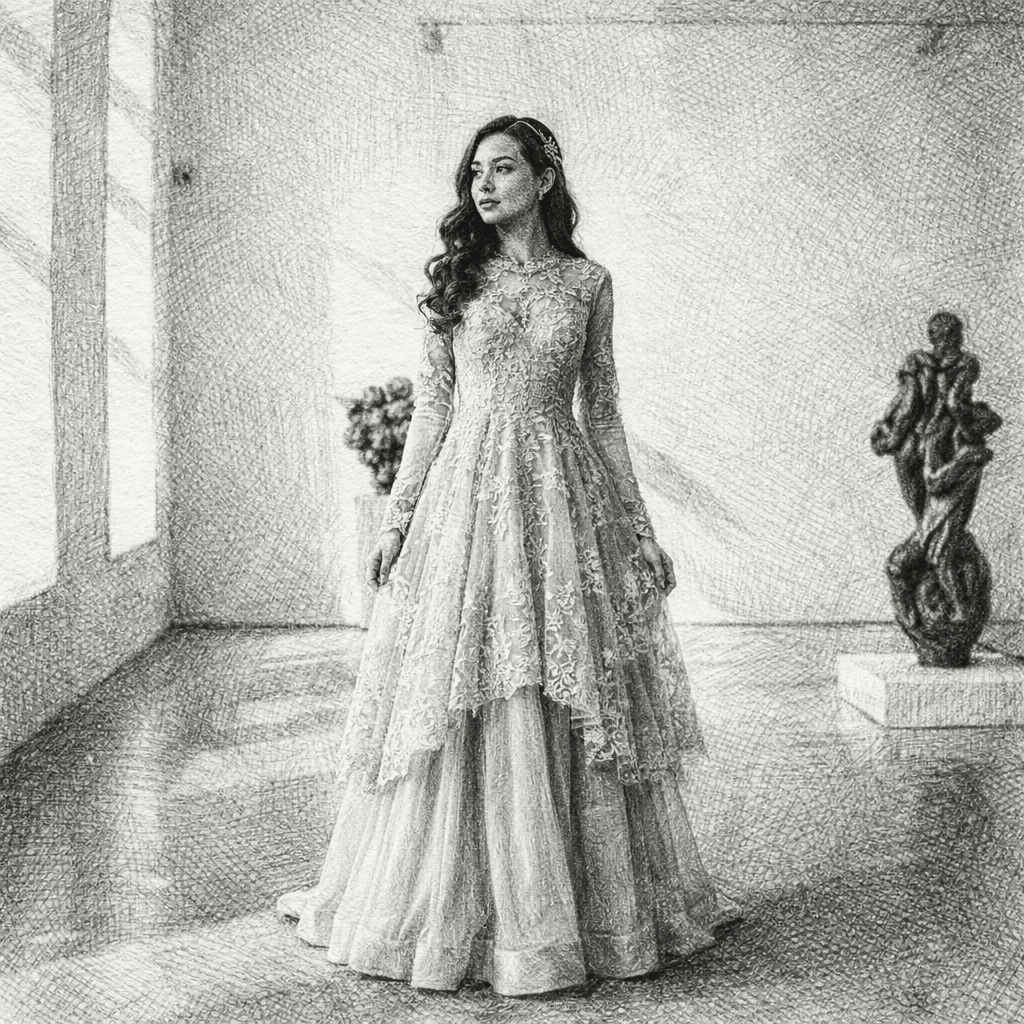
Guide 01
Match line weight to the output
Use finer lines for portraits and illustration references, and stronger outlines for tattoo drafts or small icons.
Transform any photo into a beautiful sketch drawing with AI. Our AI Sketch Generator lets you convert portraits, selfies, and photos into stunning hand-drawn style illustrations in seconds.
Configure your style and upload a photo to start the AI transformation.
Ready for transformation
Sketch drawings are a timeless art form that captures the essence of any subject with elegant lines and shading. From realistic pencil sketches to artistic illustrations, our AI transforms your photos into stunning hand-drawn masterpieces.
Upload a portrait, selfie, or any image you want to transform. Our AI works best with clear photos.
Select from different looks such as Pencil, Charcoal, Ink, or Artistic Sketch.
Click Generate and the AI will transform your image into a stunning sketch within seconds.
Download your artwork in high resolution and share it on social media or use it as a profile picture.
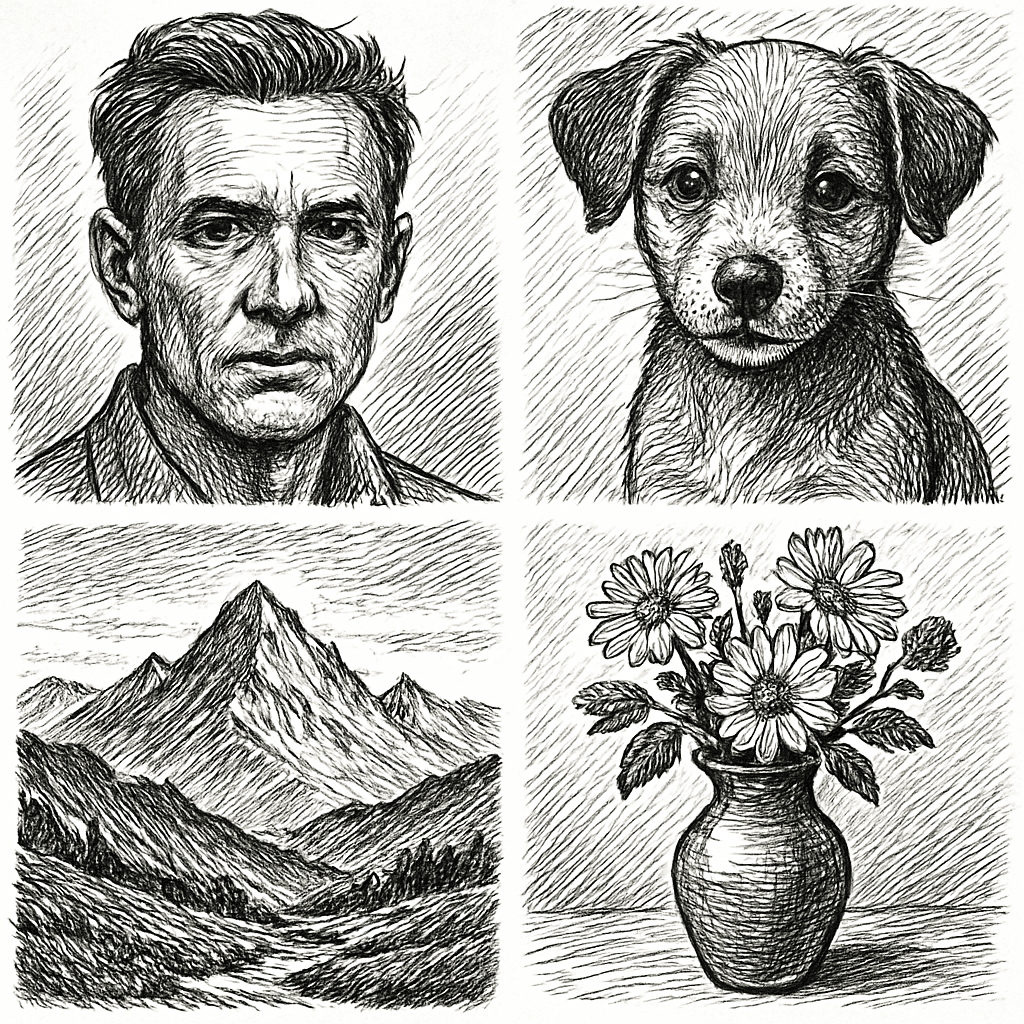
Our AI simulates real pencil and pen strokes, making your image look like it was drawn by an artist.
The AI recreates natural shading and texture effects characteristic of traditional sketch art.
Whether it's portraits, pets, or landscapes, our engine handles diverse scenes with ease.
Download your masterpieces in ultra-high resolution ready for digital use or high-quality printing.
Turn your selfie into a stunning pencil sketch masterpiece.
Create beautiful sketch portraits of your pets.
Convert couple photos into romantic sketch style.
Turn travel photos into artistic sketch style.
Generate a unique profile picture for social media that stands out.
Create high-resolution art that makes for the perfect personalized gift.
A useful sketch depends on how much structure the source photo gives the AI and how the final drawing will be reused.
Use finer lines for portraits and illustration references, and stronger outlines for tattoo drafts or small icons.
Balanced lighting creates cleaner graphite values; hard shadows can become heavy charcoal blocks.
Subtle texture supports realistic pencil work, while clean white space is better for line art and design references.
Sketch adds visible drawing marks and paper texture. Black and white keeps photographic detail and changes only the color treatment.
Turn your selfie into a stunning pencil sketch masterpiece. For better results, choose an input photo that already matches this use case instead of trying to force a mismatched image into the style.
Create beautiful sketch portraits of your pets. For better results, choose an input photo that already matches this use case instead of trying to force a mismatched image into the style.
Convert couple photos into romantic sketch style. For better results, choose an input photo that already matches this use case instead of trying to force a mismatched image into the style.
Yes, you can try the sketch generator for free. Some advanced features may require a subscription for high-resolution downloads.
Clear portraits, selfies, and high-quality photos work best for the most realistic transformation results.
Most images are processed within a few seconds thanks to our optimized AI engine.
Usage rights depend on your subscription plan. Please check our licensing terms for detailed information.
No. Our AI automatically handles the entire conversion process, applying sketch effects to your photo instantly.
Yes. The sketch generator keeps the main facial structure, pose, and expression while translating the image into pencil-like lines and shading. Clear portraits with visible eyes, nose, mouth, and hair shape produce the most natural hand-drawn look.
Portraits, pets, couples, objects, and simple landscapes can all work well when the subject has clear edges and enough contrast. Avoid overly dark images or backgrounds that blend into the subject, because sketch styles rely on visible outlines and tonal separation.
Yes. Sketch results are useful for personalized gifts, framed drawings, profile images, illustration references, tattoo concept drafts, book layouts, and creative mood boards. Use high-resolution export when you need a printable result.
Choose sketch when you want a hand-drawn illustration with lines, shading, and pencil texture. Choose black and white when you want the photo to remain photographic but with a timeless monochrome finish.
Upload your photo and create a stunning sketch drawing in seconds.
Compare the source photo with several common sketch use cases. These examples reuse the page's Hero transformation while explaining different practical outcomes.
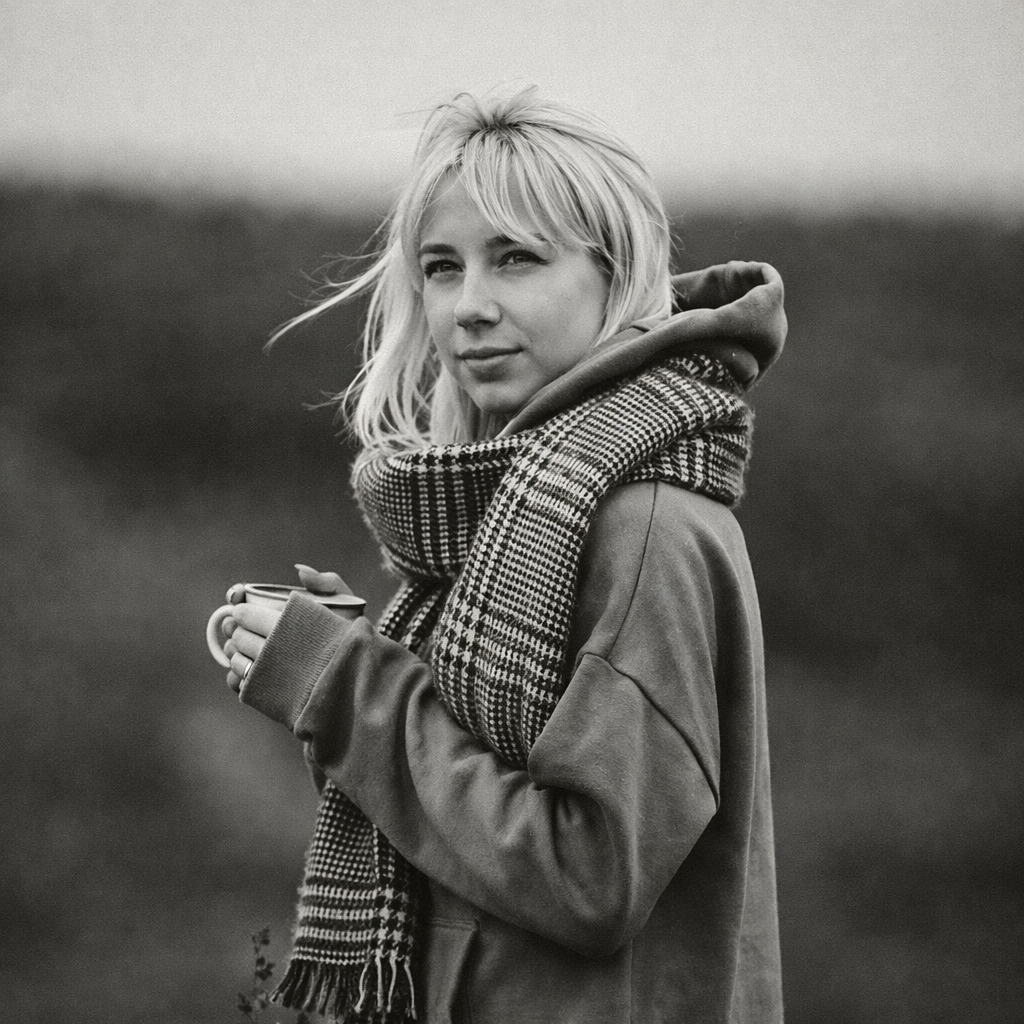
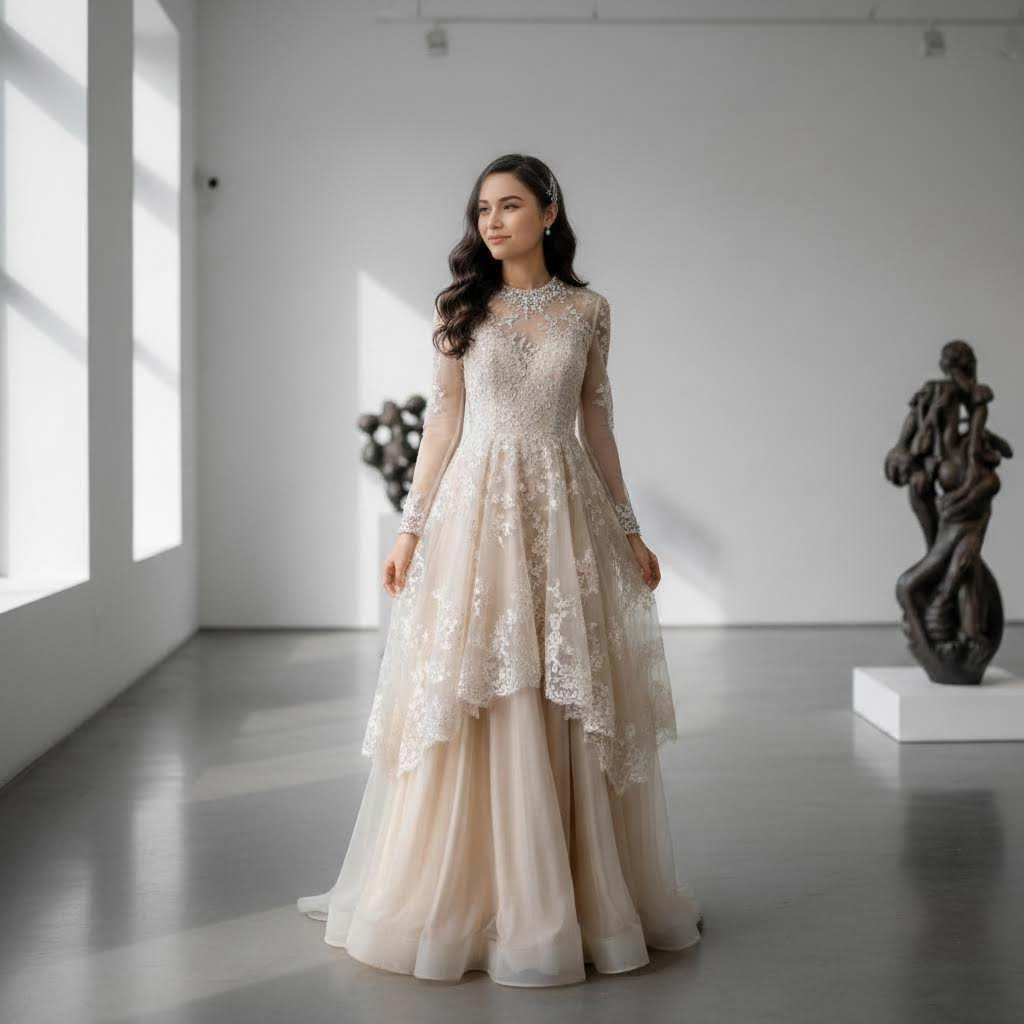 Before
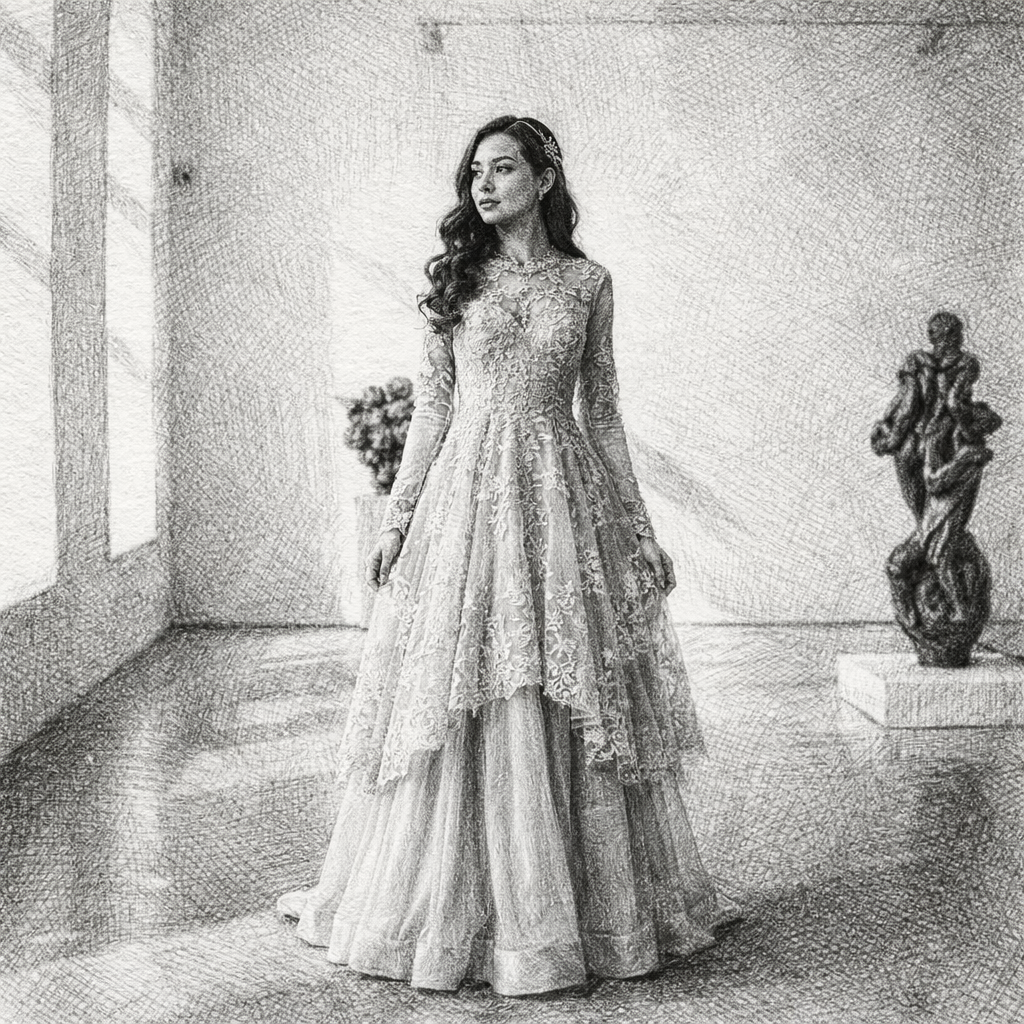 After
AfterA graphite-style portrait concept with controlled line weight and readable facial shading.
BeforeAfterA hand-drawn pet concept that keeps the face, fur direction, and silhouette recognizable.
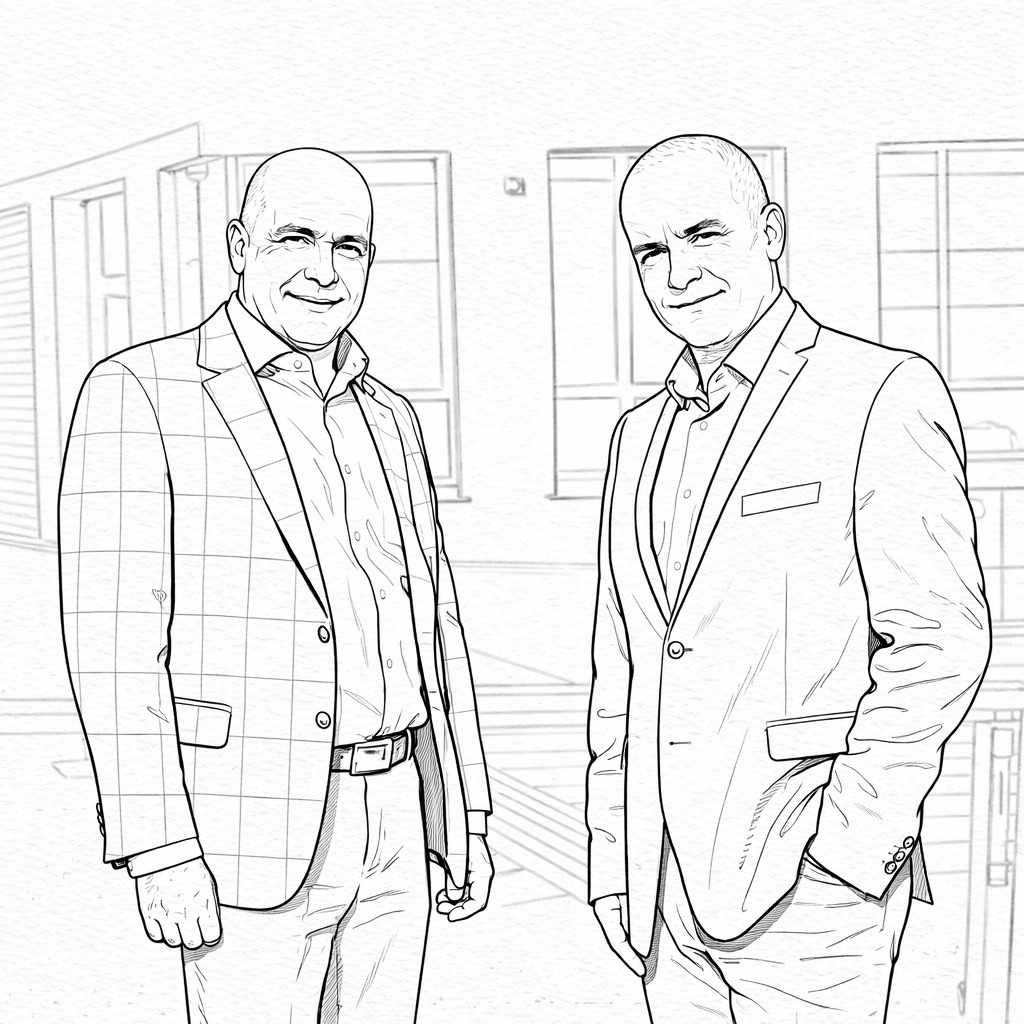
BeforeAfterA stronger-outline direction for tattoo references, graphic studies, and design exploration.
BeforeAfterA line-and-shading treatment for buildings, travel scenes, and illustration references.
Compare nearby portrait generators before choosing a final look. The best option depends on whether you need a finished artwork, a printable outline, or a profile image with a specific mood.
clean editorial portraits and stronger contrast
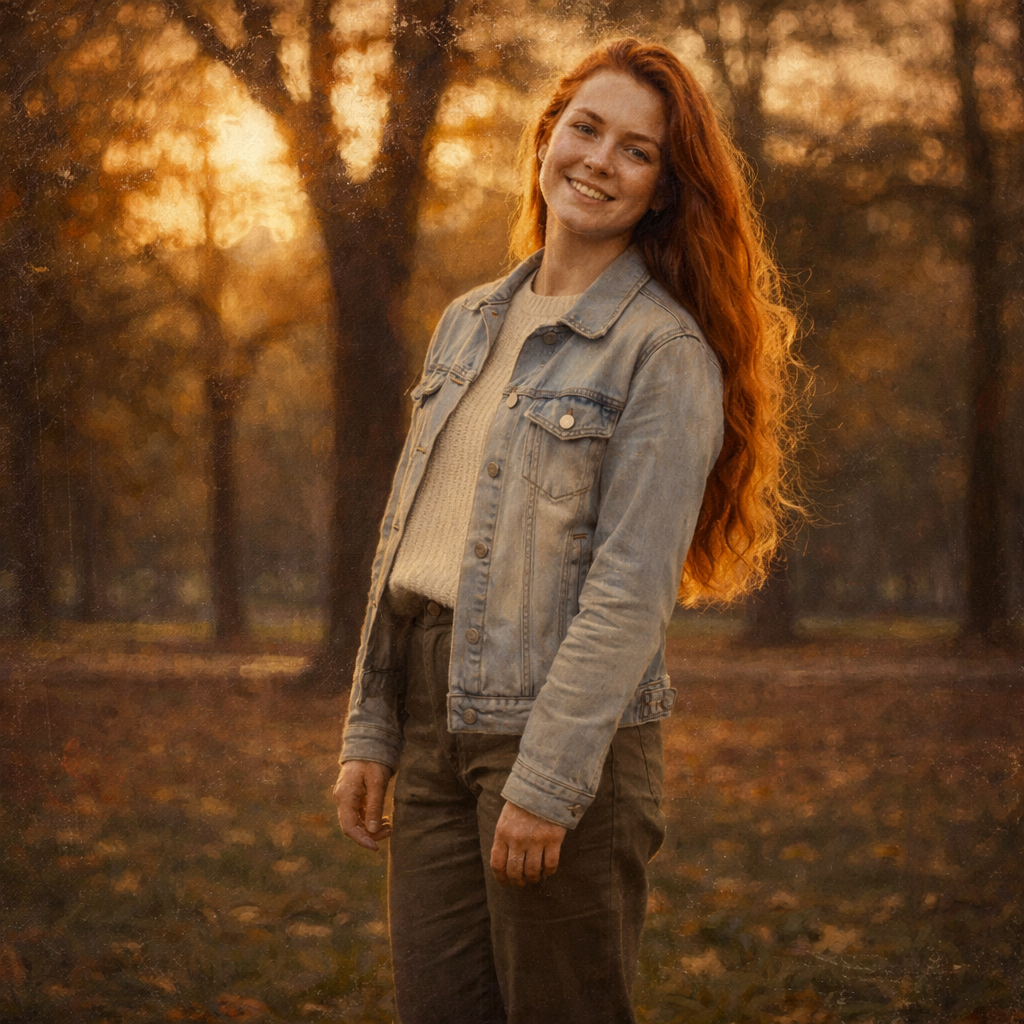
Black and white preserves a photo-like look, while sketch turns the image into drawn line work with pencil texture.
printable pages, kids activities, and clean outlines
Coloring pages remove most shading for simple fillable shapes, while sketch keeps tonal detail and hand-drawn depth.
decorative art prints and richly colored portraits
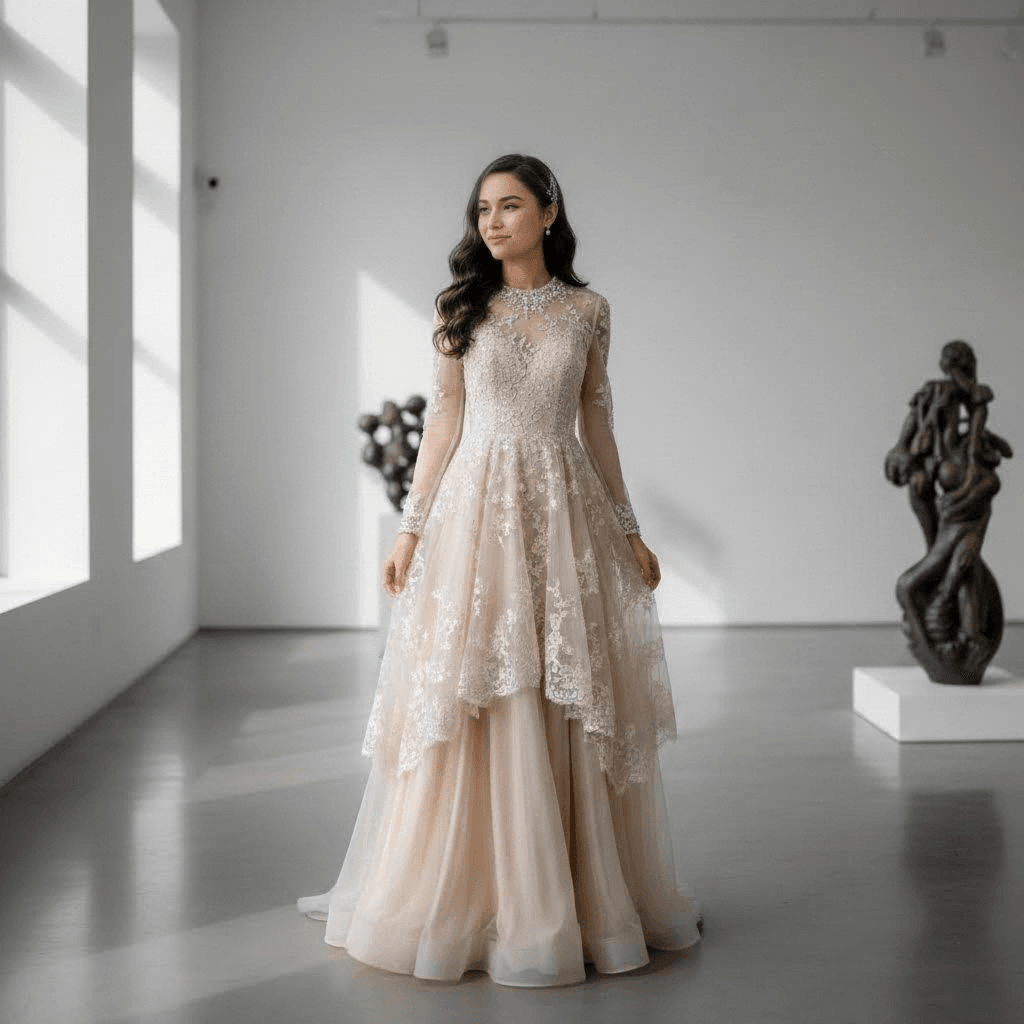
Oil painting emphasizes color and brushwork, while sketch focuses on structure, edges, and expressive graphite marks.
If this look is close but not quite right, these related AI portrait generators cover nearby search intents and creative outcomes.