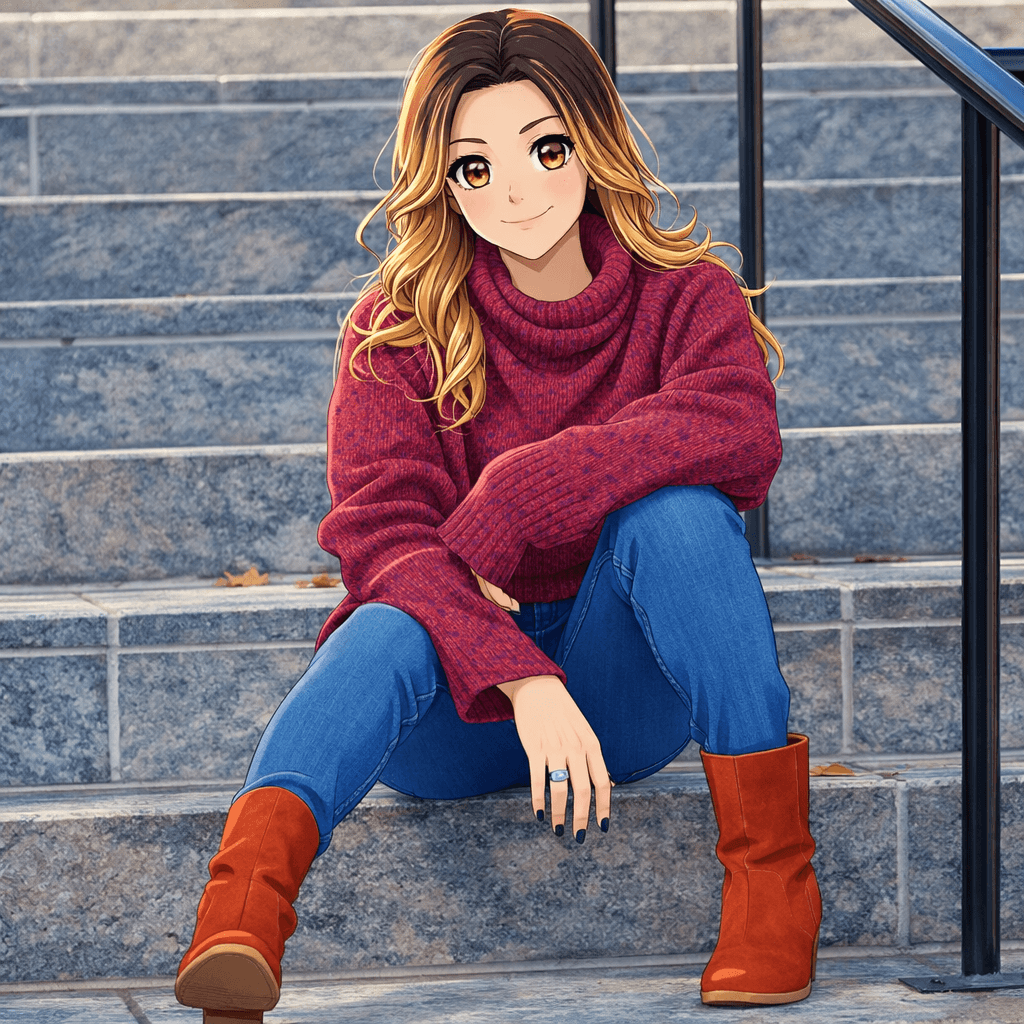
Guide 01
Prioritize the face
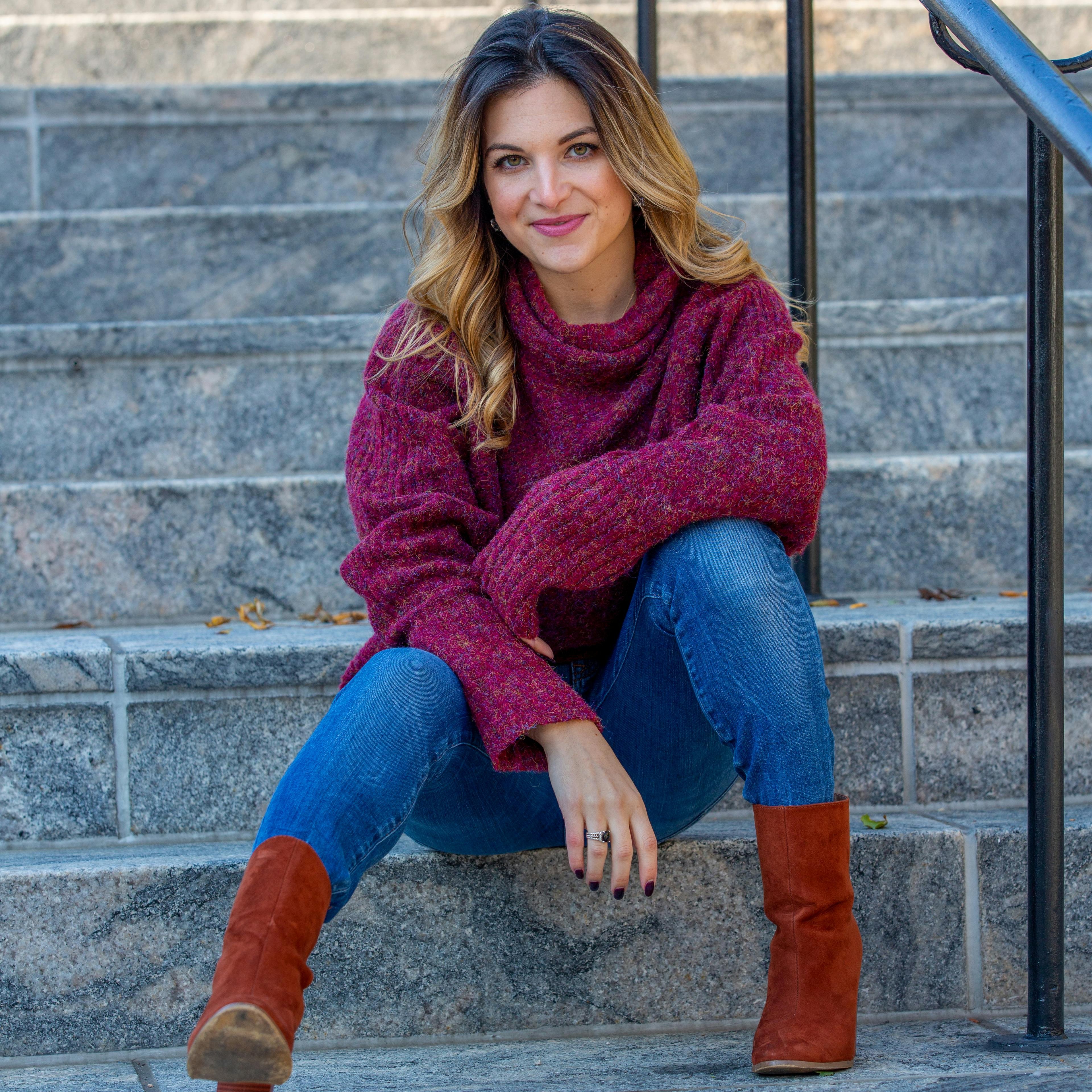
Use a head-and-shoulders crop for profile pictures so eyes, hair, and expression stay readable on small screens.
Transform any photo into stunning anime style with AI. Our AI Anime Generator converts your portraits and photos into beautiful Japanese anime artwork in seconds.
Configure your style and upload a photo to start the AI transformation.
Ready for transformation
Anime is a beloved art form that originated in Japan and has become a global phenomenon. Whether you're an anime fan, want unique profile pictures, or love Japanese aesthetics, our AI Anime Generator transforms your photos into beautiful anime-style artwork that captures the magic of Japanese animation.
Upload a portrait, selfie, or any image you want to transform. Our AI works best with clear photos.
Select your preferred eye style, line thickness, and color options.
Click Generate and the AI will transform your image into stunning anime style within seconds.
Download your anime artwork in high resolution and share it on social media.
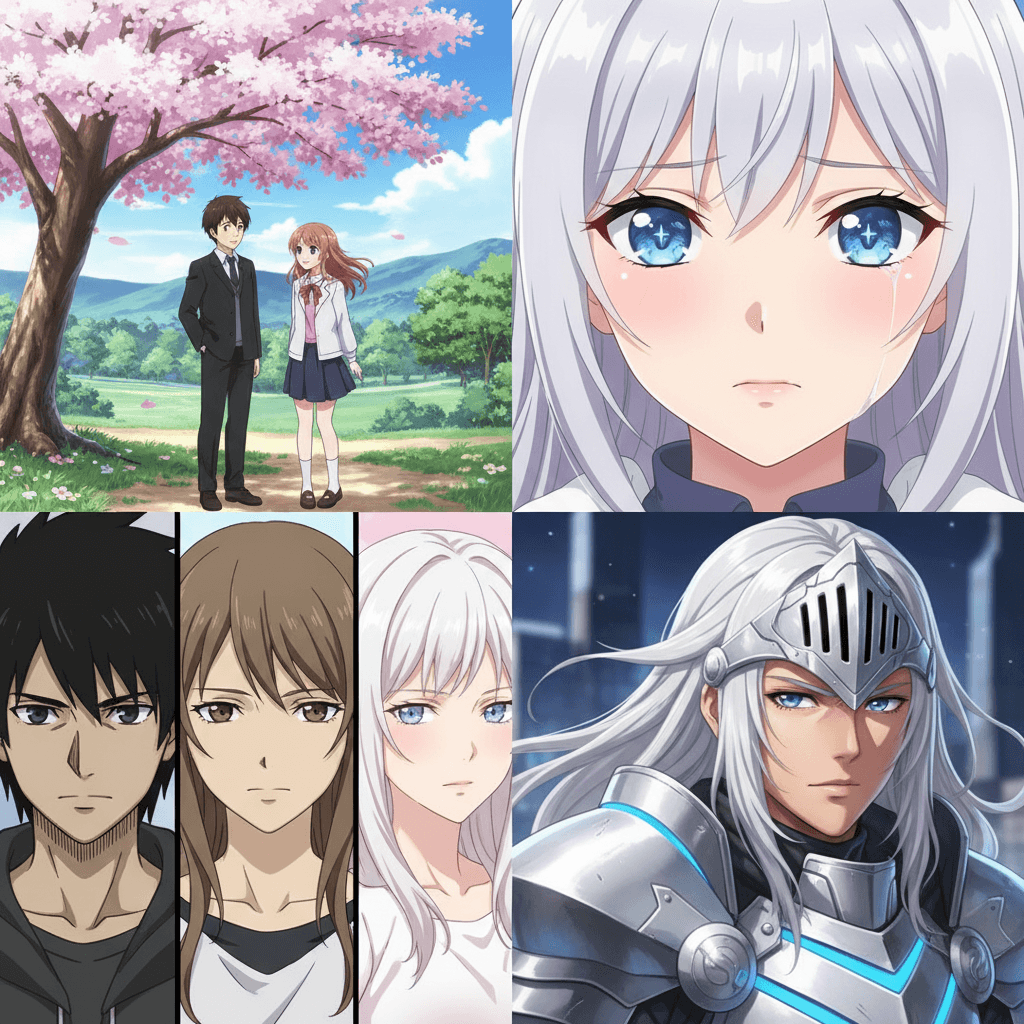
Our AI recreates the distinctive look of Japanese anime with cel-shaded effects.
Generate stunning anime-style eyes with beautiful highlights and expressions.
Adjust line thickness and color saturation for your perfect anime look.
Download your anime artwork in ultra-high resolution ready for printing or sharing.
Create anime-style avatars for social media and gaming platforms.
Transform yourself into an anime character.
Create beautiful anime-style artwork from your photos.
Create anime-style portraits of you and your partner.
Stand out on Instagram and TikTok with unique anime posts.
Create personalized anime artwork as gifts for friends.
Anime conversion works best when the face, hairstyle, pose, and silhouette remain clear before stylization.
Use a head-and-shoulders crop for profile pictures so eyes, hair, and expression stay readable on small screens.
A clean background lets the generator spend more visual detail on character design and facial consistency.
Keep both faces similarly sized and evenly lit to avoid one person receiving much more detail than the other.
Anime keeps smooth illustration detail; pop art uses flatter graphic color, while pixel art intentionally reduces the image to a grid.
Create anime-style avatars for social media and gaming platforms. For better results, choose an input photo that already matches this use case instead of trying to force a mismatched image into the style.
Transform yourself into an anime character. For better results, choose an input photo that already matches this use case instead of trying to force a mismatched image into the style.
Create beautiful anime-style artwork from your photos. For better results, choose an input photo that already matches this use case instead of trying to force a mismatched image into the style.
Yes, you can try the anime generator for free. Some advanced features may require a subscription for high-resolution downloads.
Clear portraits with good lighting and visible face work best for anime transformation.
Most images are processed within a few seconds thanks to our optimized AI engine.
Yes, you can adjust eye style, line thickness, and color saturation in the advanced settings.
No. Our AI automatically handles the entire conversion process, creating beautiful anime style for you instantly.
The AI keeps the main face shape, pose, and expression while converting the image into an anime aesthetic. A clear front-facing portrait gives the best balance between recognizable identity and stylized manga-inspired detail.
Yes. Anime results work well for profile pictures, gaming avatars, Discord icons, short-form video covers, fan-style posters, and personal social media posts. Use a square crop for avatars and a vertical crop when you want a story or poster-style output.
Avoid blurry selfies, faces hidden by sunglasses or hair, very dark lighting, and crowded group photos. These inputs make it harder for the AI to preserve facial structure and can produce less consistent anime eyes, outlines, or hair shapes.
Commercial usage depends on your plan and the rights to the photo you upload. For merchandise, ads, paid creator assets, or client work, make sure you have permission to use the original image and review the licensing terms before publishing.
Upload your photo and transform into anime style in seconds.
Compare the source photo with several common anime use cases. These examples reuse the page's Hero transformation while explaining different practical outcomes.
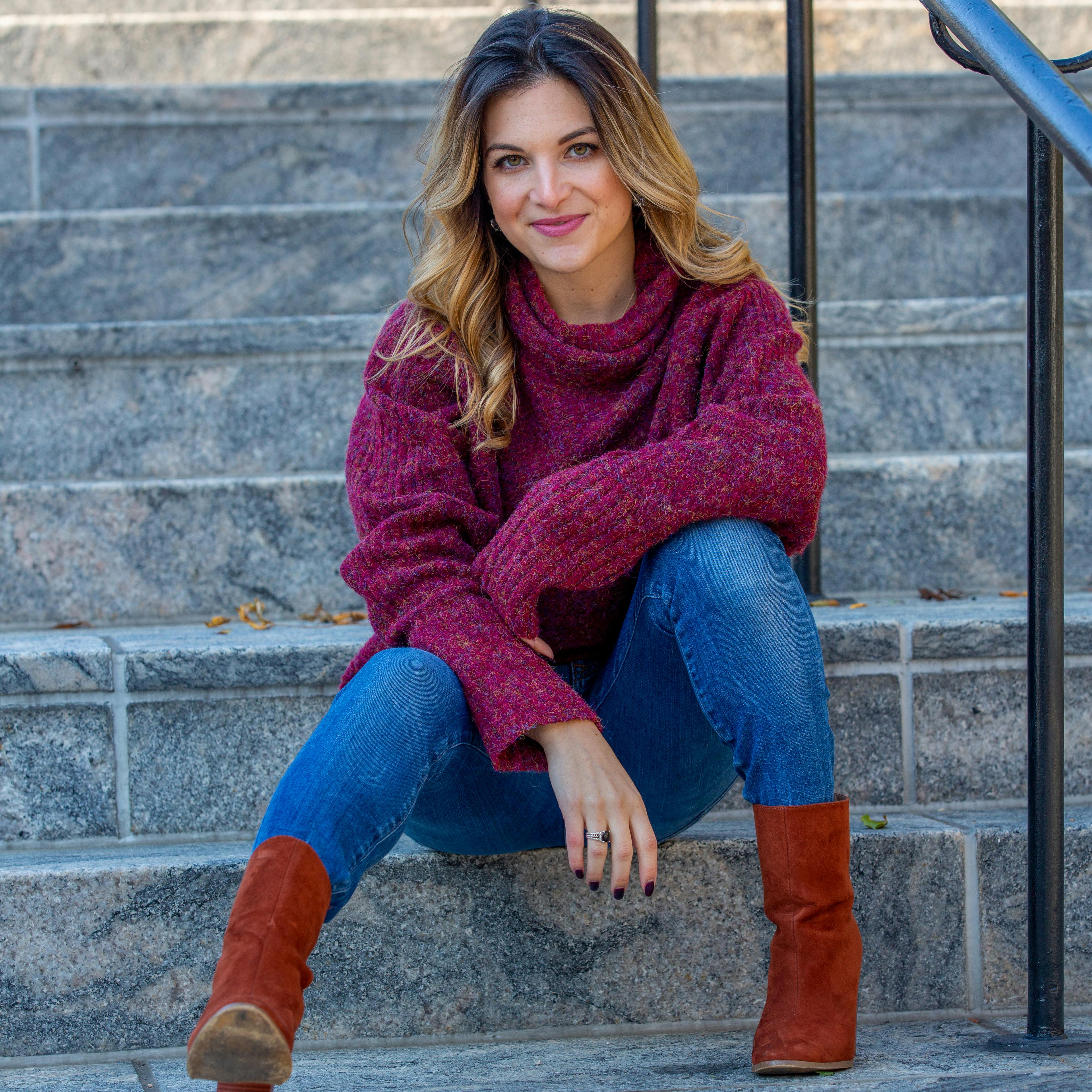 Before
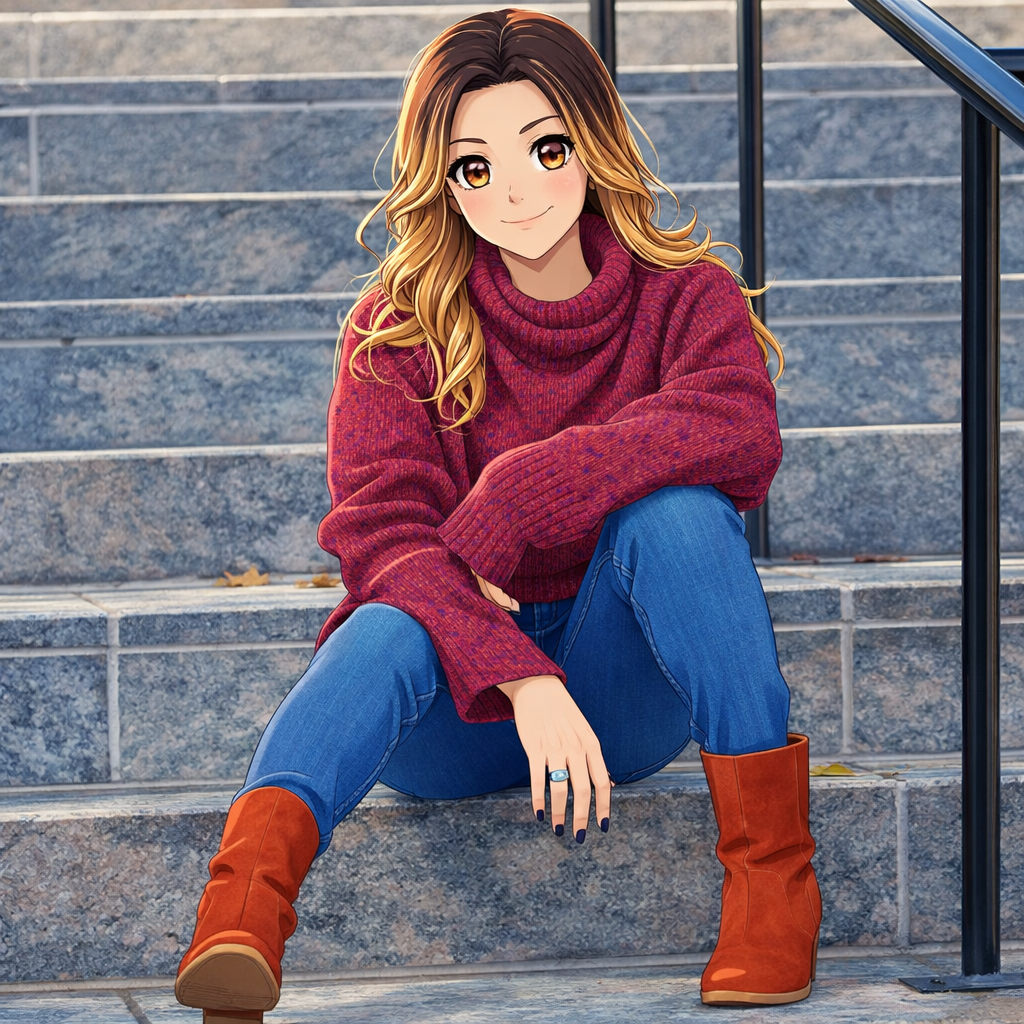 After
AfterA clear head-and-shoulders anime portrait designed to remain readable at avatar size.
BeforeAfterA playful character-style interpretation for pet profiles and illustrated keepsakes.
BeforeAfterA coordinated two-person anime composition for couples, gifts, and shared profiles.
BeforeAfterA higher-contrast anime direction for gaming identities, communities, and social profiles.
Compare nearby portrait generators before choosing a final look. The best option depends on whether you need a finished artwork, a printable outline, or a profile image with a specific mood.
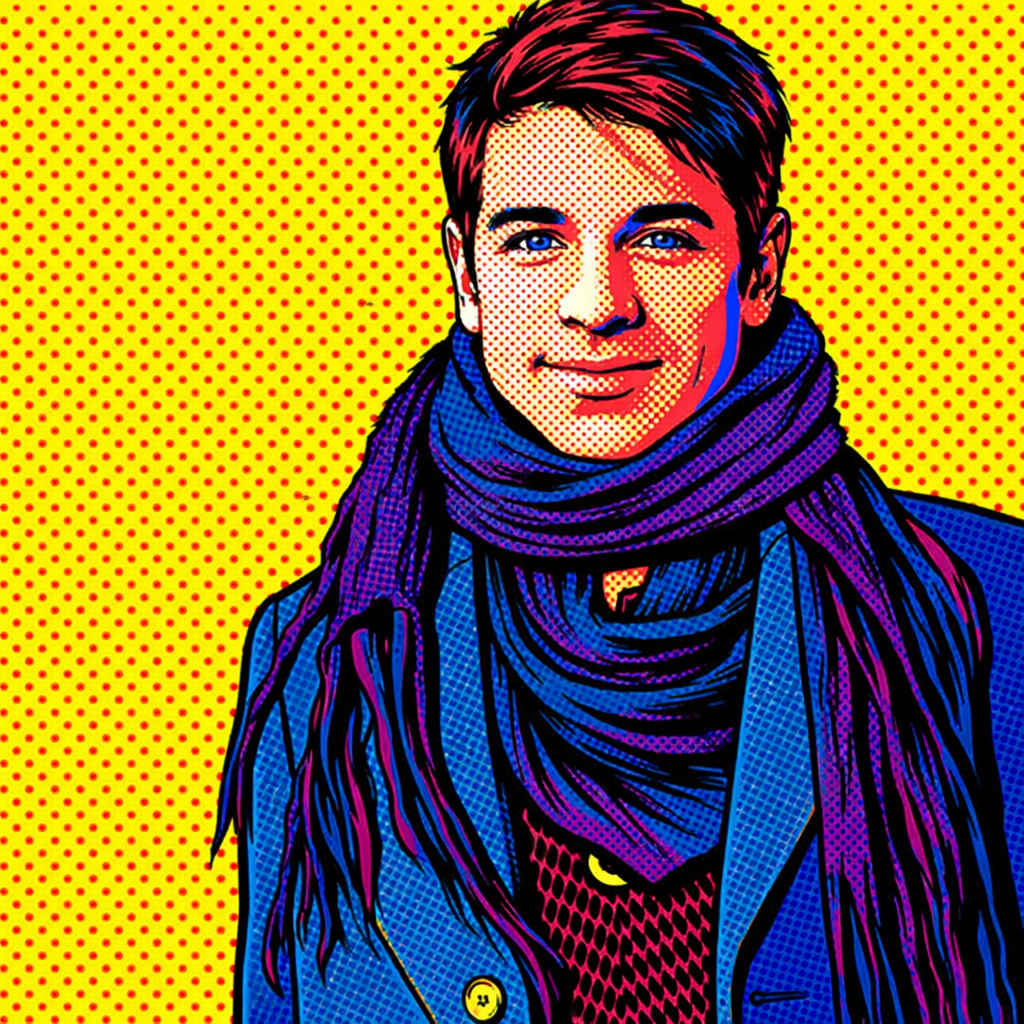
bold social graphics and high-contrast posters
Pop art is graphic and poster-like, while anime focuses more on character expression, eyes, hair, and illustration style.
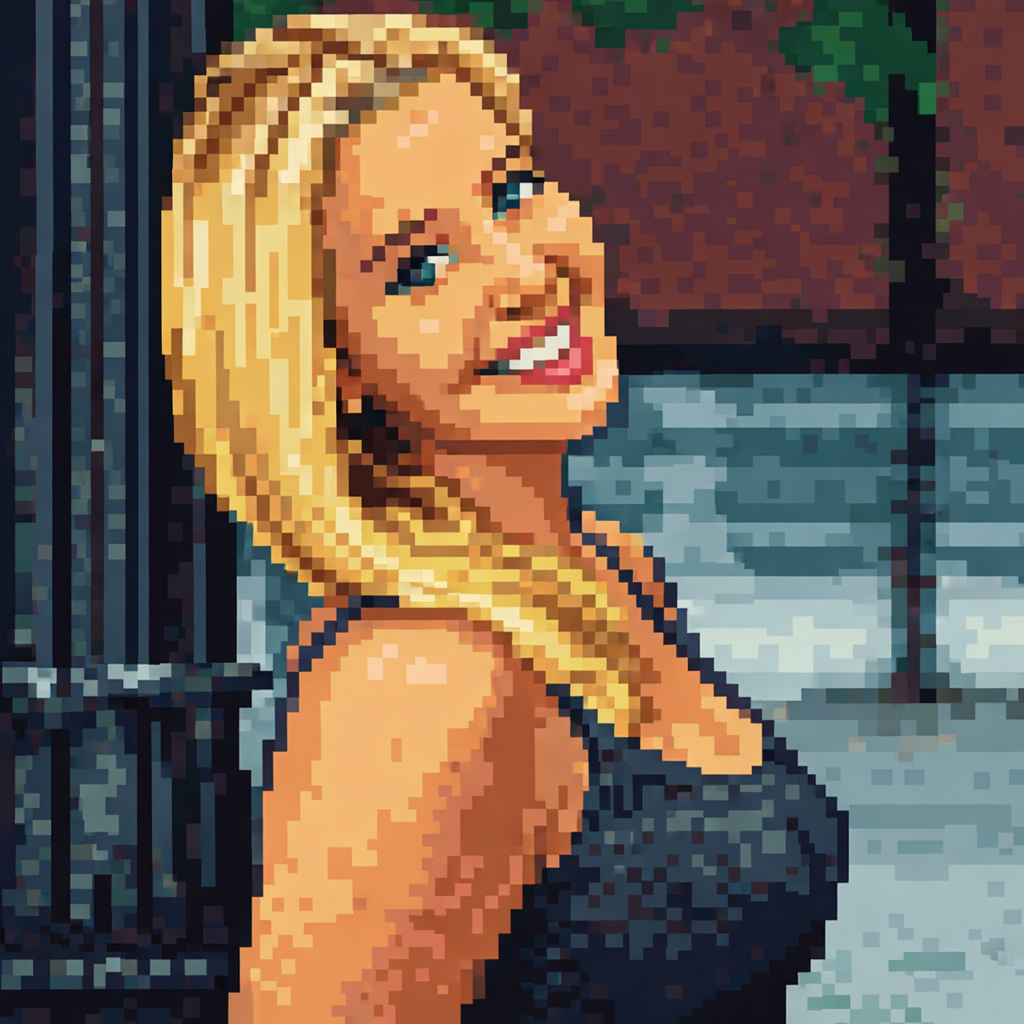
retro game avatars and small profile icons
Pixel art reduces the image into blocky forms, while anime keeps smooth illustration detail and character polish.
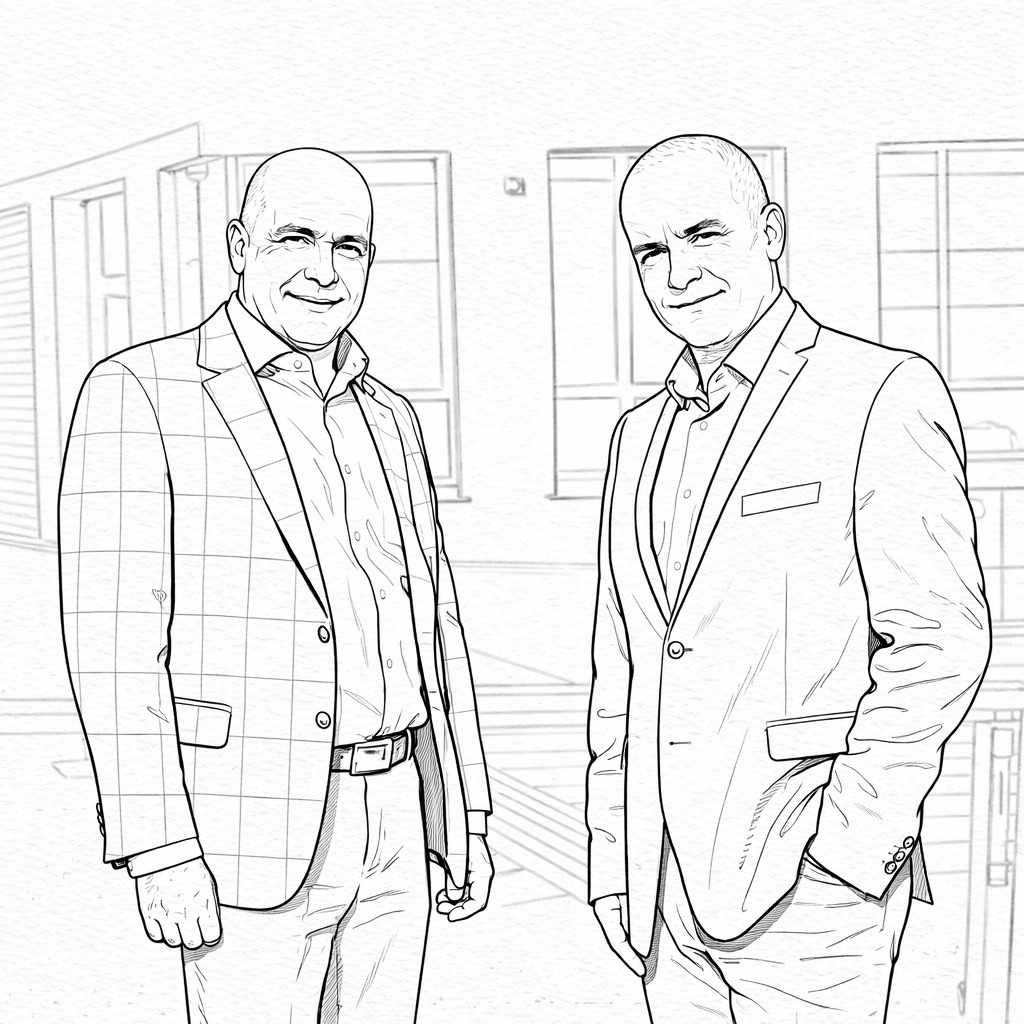
printable outlines and simple creative activities
Coloring pages remove color and shading, while anime delivers a finished stylized portrait.
If this look is close but not quite right, these related AI portrait generators cover nearby search intents and creative outcomes.