Guide 01
Protect translucent washes
Use evenly lit photos and avoid crushed shadows so pale color washes remain visible instead of turning muddy.
Transform any photo into a beautiful watercolor painting with AI. Our AI Watercolor Generator lets you convert portraits, selfies, and landscape photos into stunning flowing paintings in seconds.
Configure your style and upload a photo to start the AI transformation.
Ready for transformation
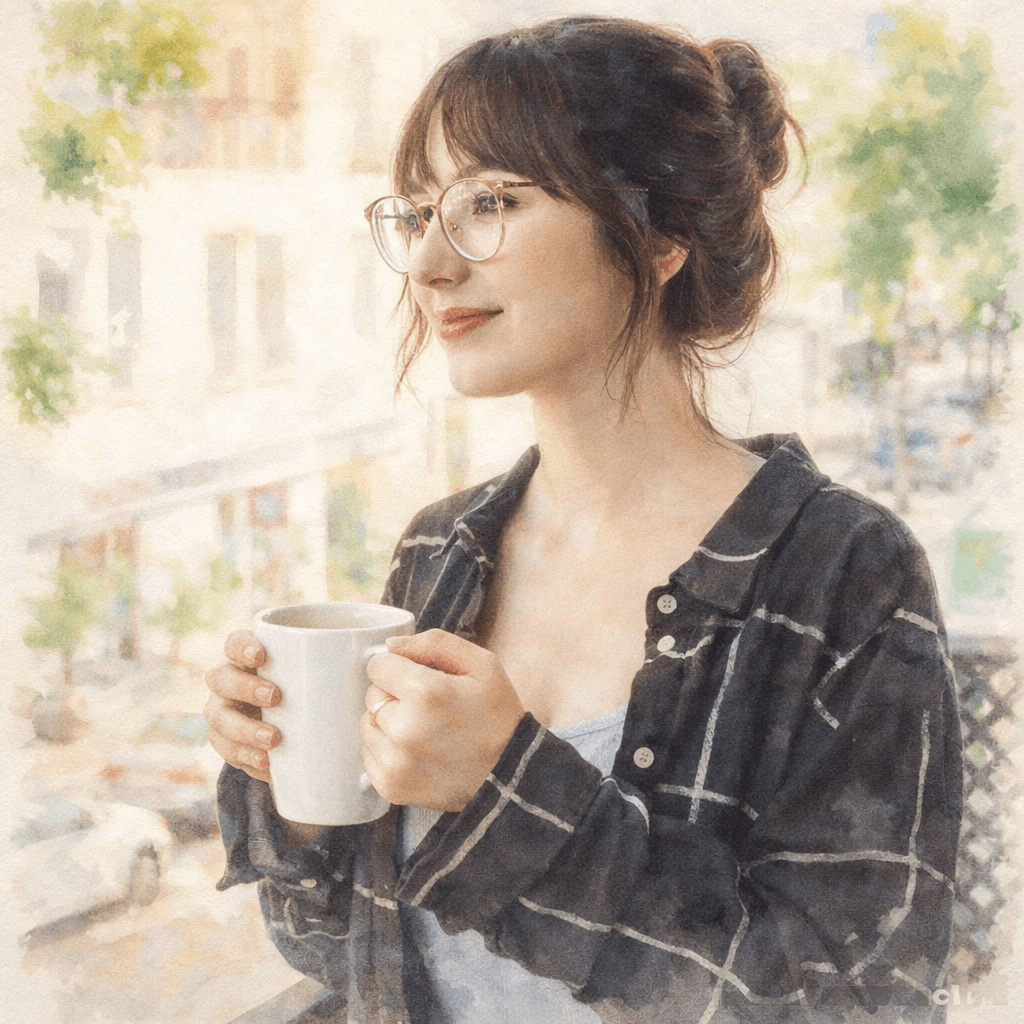
Watercolor painting is known for its delicate, translucent quality and fluid beauty. From soft washes to vibrant color gradients, watercolor art captures light and emotion in a unique, dreamy way.
Upload a portrait, selfie, or any image you want to transform. Our AI works best with clear photos.
Select from different looks such as Soft, Vibrant, or Impressionist Watercolor.
Click Generate and the AI will transform your image into a stunning watercolor painting within seconds.
Download your artwork in high resolution and share it on social media or use it as a profile picture.
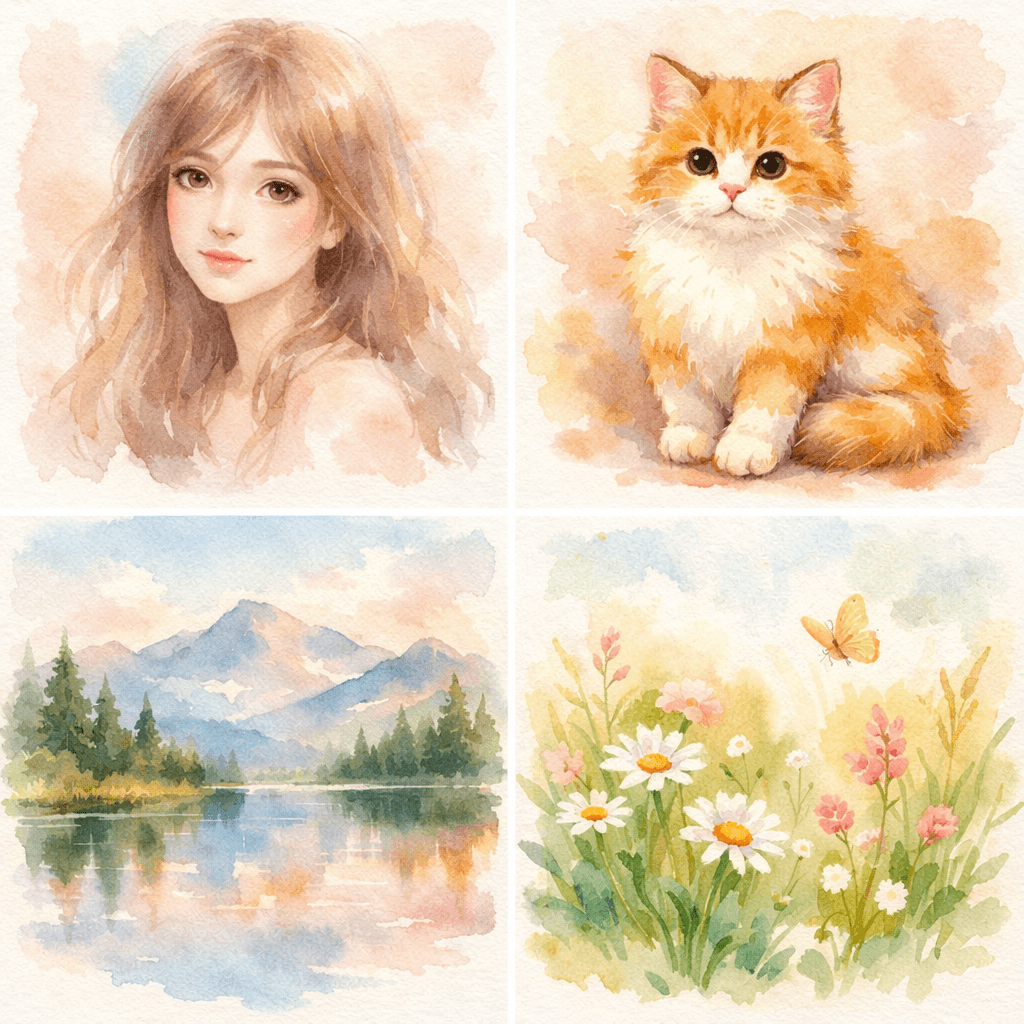
Our AI simulates real watercolor bleeding and flowing effects for authentic artistic results.
The AI creates smooth, translucent color transitions characteristic of beautiful watercolor art.
Whether it's portraits, pets, or landscapes, our engine handles diverse scenes with ease.
Download your masterpieces in ultra-high resolution ready for digital use or high-quality printing.
Turn your selfie into a soft watercolor masterpiece.
Create beautiful watercolor portraits of your pets with gentle colors.
Convert couple photos into romantic watercolor style.
Turn travel photos into flowing watercolor art.
Generate a dreamy profile picture for social media that stands out.
Create high-resolution art that makes for the perfect personalized gift.
Watercolor works best when the source already has gentle light, readable shapes, and enough open space for pigment-like edges.
Use evenly lit photos and avoid crushed shadows so pale color washes remain visible instead of turning muddy.
Simple backgrounds help the AI create natural paint blooms around portraits, pets, flowers, and landscapes.
Leave quiet space around the subject for greetings, names, dates, or a clean frame when the image will be printed.
Choose watercolor for airy color and delicate edges; choose oil painting for deeper contrast, thicker texture, and a gallery-style finish.
Turn your selfie into a soft watercolor masterpiece. For better results, choose an input photo that already matches this use case instead of trying to force a mismatched image into the style.
Create beautiful watercolor portraits of your pets with gentle colors. For better results, choose an input photo that already matches this use case instead of trying to force a mismatched image into the style.
Convert couple photos into romantic watercolor style. For better results, choose an input photo that already matches this use case instead of trying to force a mismatched image into the style.
Yes, you can try the watercolor generator for free. Some advanced features may require a subscription for high-resolution downloads.
Clear portraits, selfies, and high-quality landscape photos work best for the most realistic transformation results.
Most images are processed within a few seconds thanks to our optimized AI engine.
Usage rights depend on your subscription plan. Please check our licensing terms for detailed information.
No. Our AI automatically handles the entire conversion process, applying watercolor techniques to your photo instantly.
The AI keeps the main subject, pose, and composition while softening edges and adding translucent watercolor texture. Faces, pets, flowers, and landscapes remain recognizable when the source image has enough detail and balanced lighting.
Portraits with soft light, pet photos, wedding images, flowers, travel scenes, and simple landscapes work especially well. Watercolor style benefits from gentle color transitions, so avoid harsh shadows or extremely busy backgrounds when possible.
Yes. Watercolor results are suitable for greeting cards, wedding stationery, nursery prints, framed gifts, invitations, and social media visuals. Download a high-resolution result if you want sharper print quality.
Choose watercolor for a lighter, softer, more delicate look with airy colors and gentle edges. Choose oil painting when you want thicker texture, deeper colors, and a more classic gallery-style portrait.
Upload your photo and create a stunning watercolor painting in seconds.
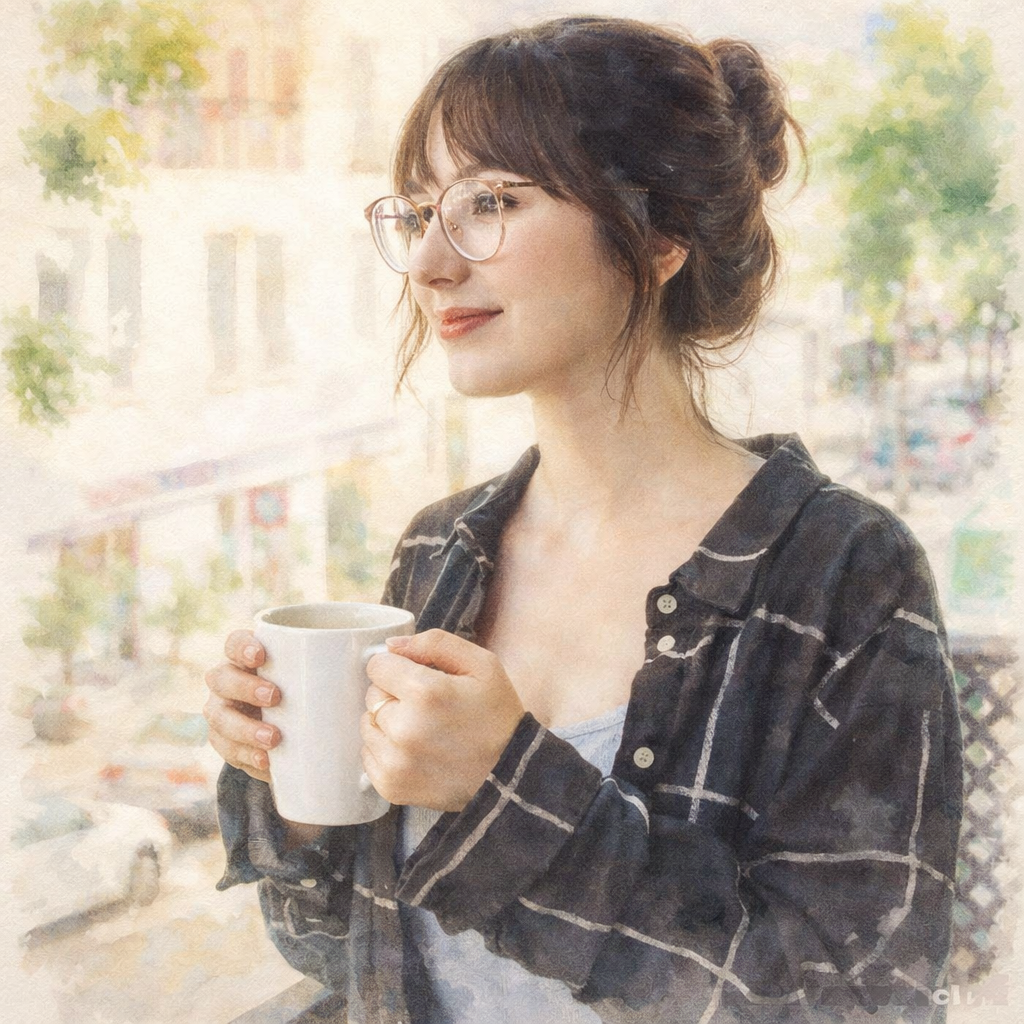
Compare the source photo with several common watercolor use cases. These examples reuse the page's Hero transformation while explaining different practical outcomes.
 Before
 After
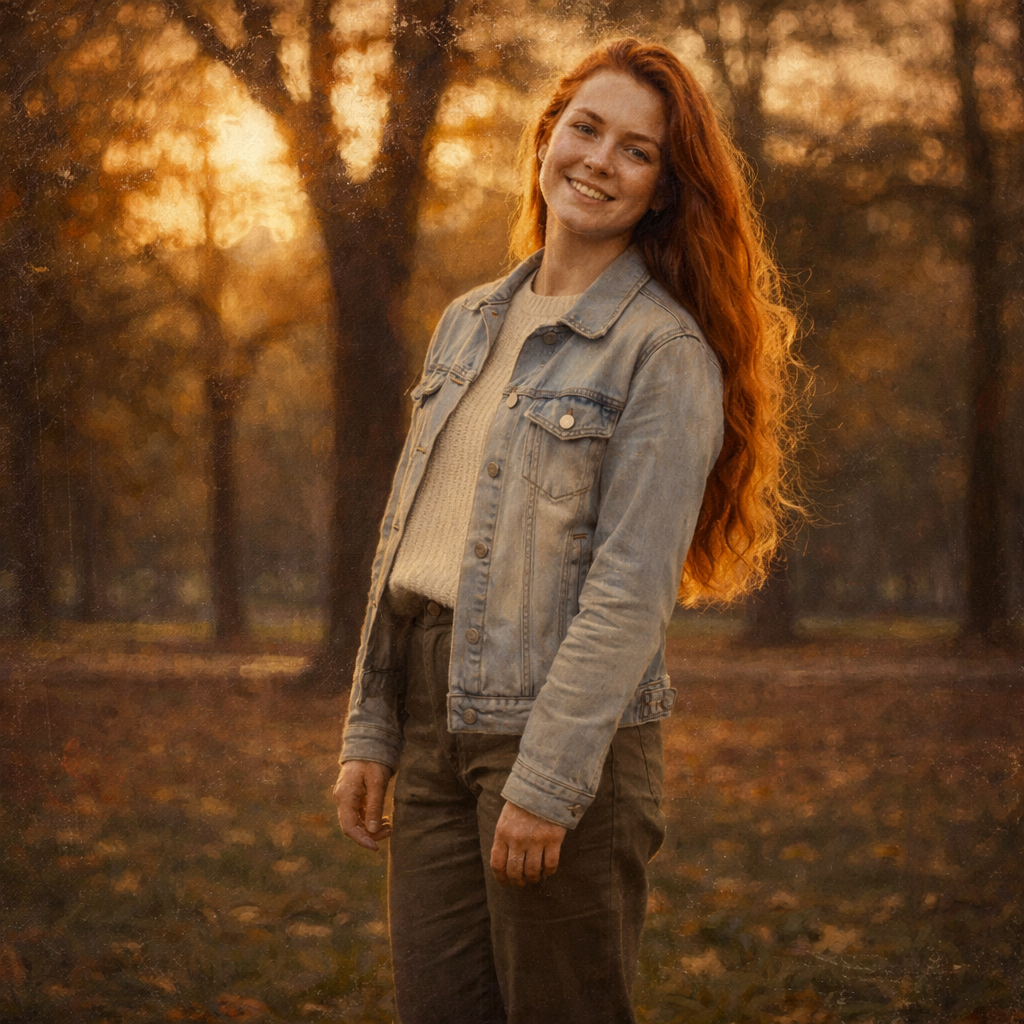
AfterA light portrait treatment with translucent color, gentle edges, and open paper-like space.
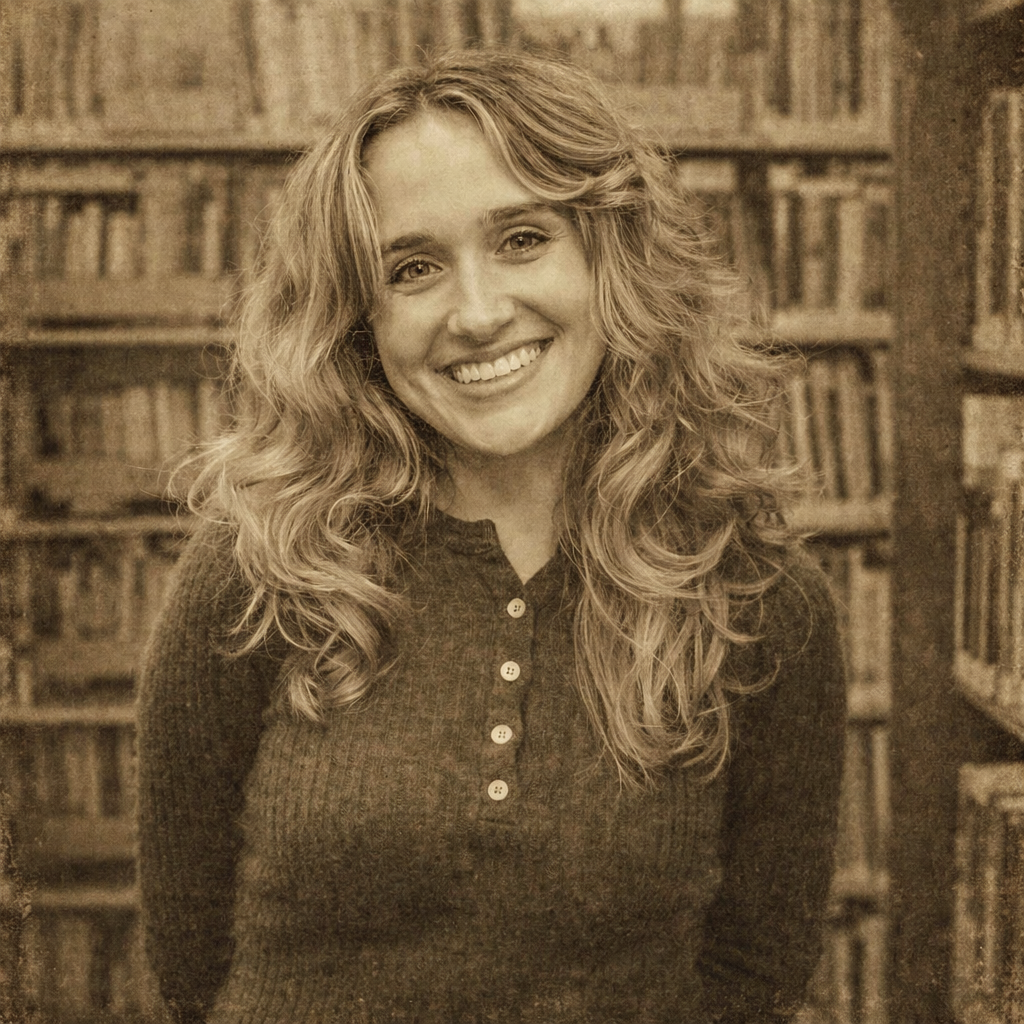
BeforeAfterA soft pet illustration for nursery prints, greeting cards, and personalized gifts.
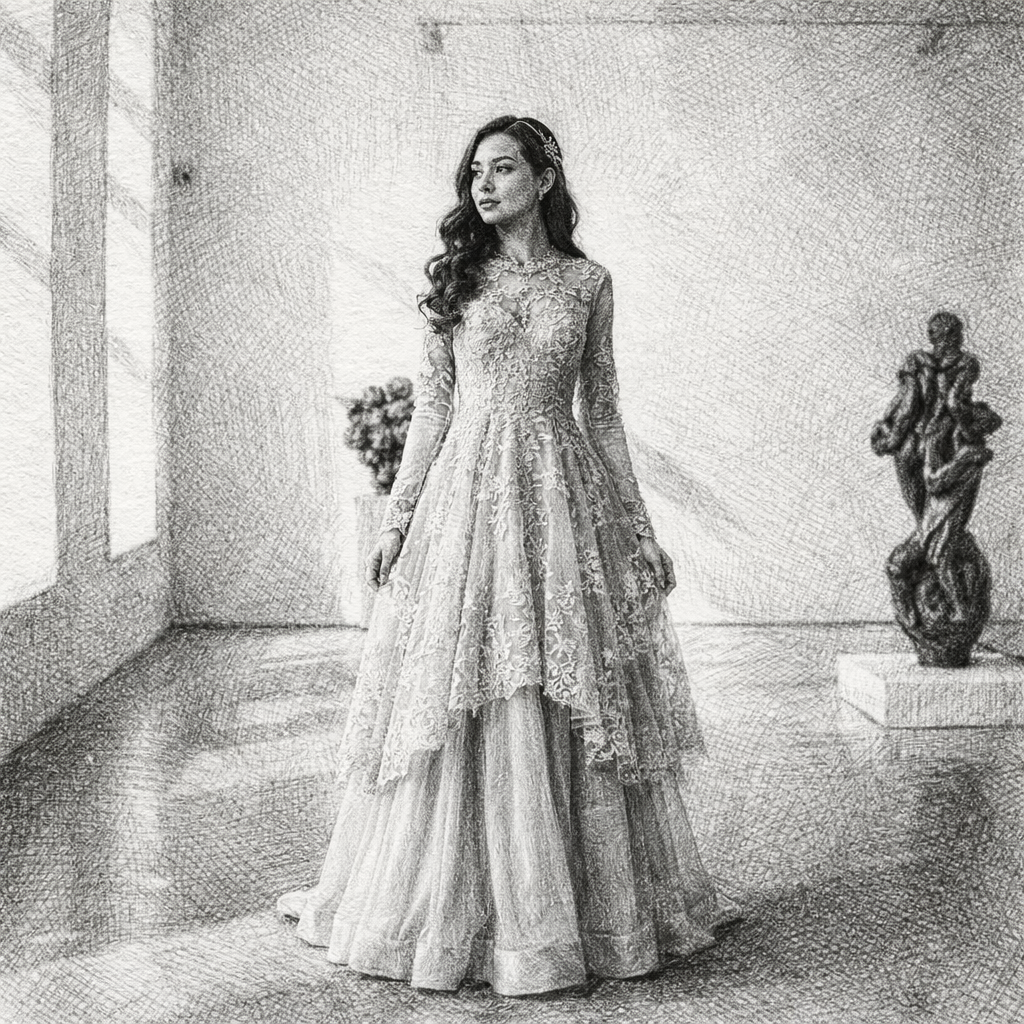
BeforeAfterA romantic watercolor direction for couple portraits, invitations, and anniversary stationery.
BeforeAfterAn airy landscape treatment for travel memories, cards, and decorative wall prints.
Compare nearby portrait generators before choosing a final look. The best option depends on whether you need a finished artwork, a printable outline, or a profile image with a specific mood.
classic portraits, gallery-style art, and heavier texture
Oil painting feels denser and more dramatic, while watercolor creates a softer, airy image with visible color flow.
nostalgic tones, retro avatars, and old-photo moods
Vintage changes the era and palette, while watercolor changes the material quality into soft pigment washes.
monochrome drawing studies and pencil-style portraits
Sketch removes the color story and highlights lines, while watercolor keeps gentle color and painted softness.
If this look is close but not quite right, these related AI portrait generators cover nearby search intents and creative outcomes.