How to Create Stunning Christmas Portraits with AI: Complete Guide (2026)
bananaportrait Team
3/20/2026
Introduction
The holiday season is the perfect time to create memorable Christmas portraits that capture the festive spirit. Whether you want a unique profile picture for social media, personalized Christmas cards for family and friends, or simply want to add some holiday magic to your photos, AI Christmas portrait generators have revolutionized how we create festive images.
In this comprehensive guide, we'll walk you through everything you need to know about creating stunning Christmas portraits using AI technology—no professional photography skills required.
What Are AI Christmas Portraits?
AI Christmas portraits are digital images that use artificial intelligence to transform your photos into festive holiday scenes. The AI automatically places your portrait into beautifully designed Christmas settings featuring:
- Christmas trees with ornaments and lights
- Snowy winter atmospheres with magical snow effects
- Warm holiday lighting including candles and string lights
- Festive decorations like wreaths, stockings, and garlands
- Cozy winter backgrounds that evoke comfort and joy
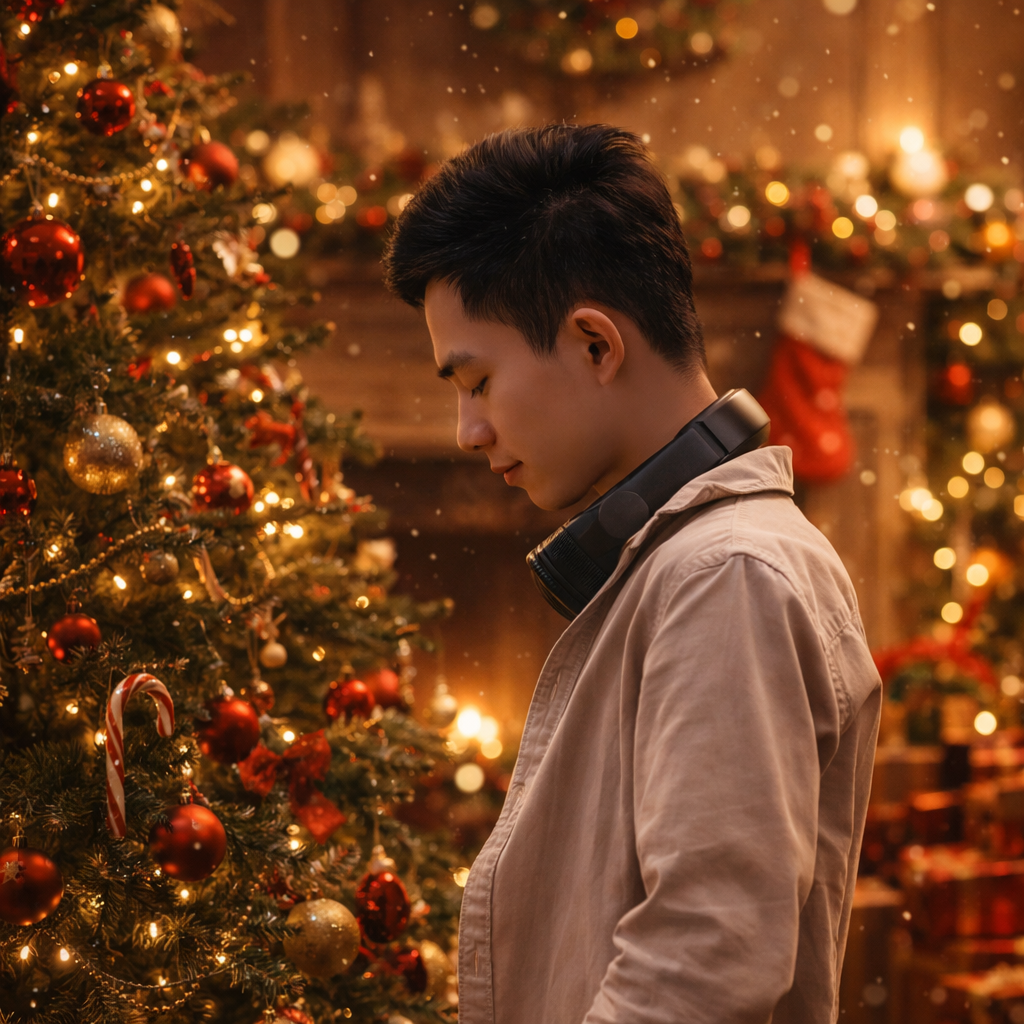
Transform ordinary photos into magical Christmas portraits
Why Create Christmas Portraits with AI?
Social Media Applications
- Festive profile pictures – Stand out on Instagram, Facebook, and TikTok
- Holiday profile updates – Update your avatars for the season
- Christmas posts – Create unique content for your followers
- Event promotions – Perfect for holiday parties and gatherings
Personal & Professional Uses
- Christmas greeting cards – Send personalized cards to friends and family
- Holiday cards – Create professional cards for business connections
- Family memories – Transform family photos into lasting holiday memories
- Gift ideas – Create unique personalized Christmas gifts
Advantages Over Traditional Photography
- Instant results – Generate Christmas portraits in seconds
- No expensive photography – Much cheaper than professional holiday shoots
- Unlimited creativity – Try different styles and themes
- Perfect for last-minute – Great for last-minute holiday preparations
How to Create AI Christmas Portraits: Step-by-Step
Step 1: Choose Your AI Christmas Portrait Generator
Selecting the right tool is essential for creating beautiful results. Look for generators that offer:
Essential Features:
- ✅ Multiple Christmas themes and styles
- ✅ High-resolution output quality
- ✅ Fast generation times
- ✅ Easy-to-use interface
- ✅ Flexible download options
What to Look For:
- Realistic Christmas decorations
- Customizable lighting and atmosphere
- Support for various photo types (portraits, pets, couples)
- Print-ready quality for cards
Step 2: Prepare Your Source Photo
The quality of your Christmas portrait depends significantly on your source image.
Photo Requirements:
- Clear visibility – Face should be clearly visible
- Good lighting – Natural or well-lit photos work best
- High resolution – Higher quality input = better output
- Neutral background – Simple backgrounds yield better results
Best Types of Photos:
- Professional headshots
- Casual portraits
- Selfies with good lighting
- Family photos
- Even pet photos can be transformed!
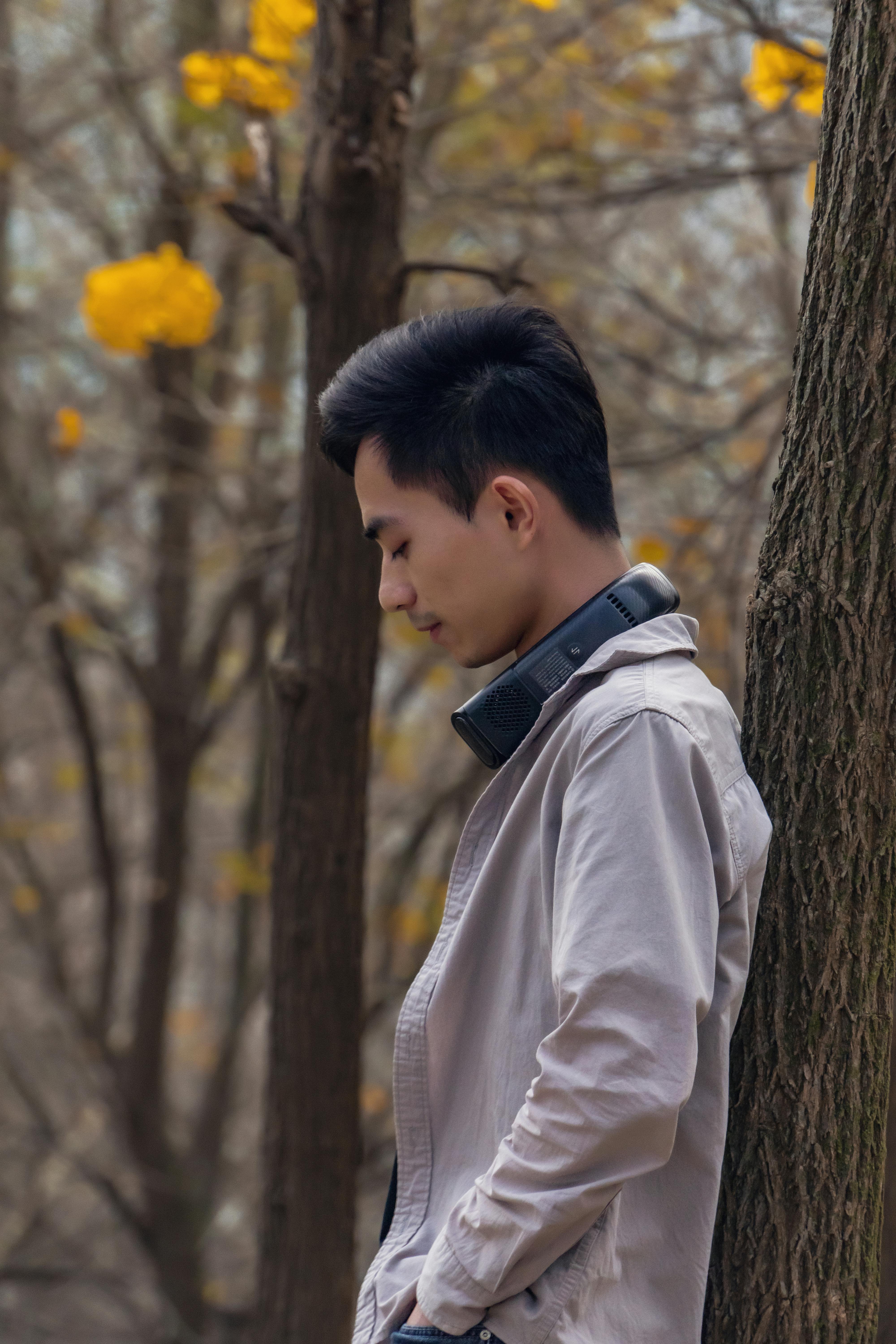
Before & After: Transform any photo into a Christmas masterpiece
Step 3: Upload Your Photo
- Navigate to the generator – Visit your chosen AI Christmas portrait platform
- Select upload option – Choose your prepared photo file
- Preview positioning – Ensure your face is properly centered
- Select Christmas style – Choose from various holiday themes
Supported Formats:
- JPG, PNG, and WEBP are commonly supported
- Most platforms accept photos up to 10MB
- Both portrait and landscape orientations work
Step 4: Customize Your Christmas Portrait
Most AI generators offer customization options:
Lighting Options:
- Soft natural lighting – Gentle, cozy atmosphere
- Cinematic lighting – Professional holiday look
- Dramatic lighting – Bold, artistic effect
Atmosphere Settings:
- Clean atmosphere – Minimal snow, simple decorations
- Soft effects – Light snow, gentle lighting
- Rich atmosphere – Full snowy scene with decorations
Environment Richness:
- Simple – Minimal background elements
- Moderate – Balanced Christmas elements
- Rich – Full festive environment
Step 5: Generate and Download
- Click generate – Wait a few seconds for AI processing
- Preview result – Review your Christmas portrait
- Adjust if needed – Try different settings for variations
- Download – Save in your preferred resolution
Export Options:
- Standard resolution for social media
- High resolution for printing
- Various aspect ratios (1:1, 3:2, 2:3)
Creative Ideas for Christmas Portraits
For Social Media
- Instagram profile – Update with a festive look
- Facebook cover – Create a holiday-themed banner
- TikTok content – Stand out with unique Christmas visuals
- LinkedIn – Add holiday warmth to your professional profile
For Personal Use
- Christmas cards – Send personalized greetings
- Family portraits – Create lasting holiday memories
- Pet Christmas photos – Include furry family members
- Couple photos – Romantic holiday themed portraits
For Business
- Holiday newsletters – Add festive imagery
- Marketing materials – Seasonal promotions
- Client gifts – Personalized Christmas artwork
- Website updates – Festive banner images
Advanced Tips for Best Results
Photo Selection Tips
- Choose photos with neutral expressions
- Ensure good contrast in the original image
- Avoid overly busy backgrounds
- Single subjects work best, but groups can work too
Style Customization
- Match the Christmas theme to your brand or personality
- Consider the intended use (social media vs. printing)
- Experiment with different lighting options
- Try multiple variations before deciding
Timing Your Content
- Post early in December for maximum engagement
- Create a series of Christmas content
- Plan ahead for card sending deadlines
- Batch create multiple portraits at once
Understanding the Technology
AI Christmas portrait generators use advanced deep learning models to:
Key Technologies:
- Subject detection – Identifies people in the photo
- Background replacement – Places subject in Christmas scenes
- Lighting adjustment – Adds warm holiday lighting
- Decoration synthesis – Adds Christmas elements naturally
How It Works:
- AI analyzes your photo for faces and subjects
- Separates the subject from the background
- Generates a Christmas-themed background
- Combines elements with proper lighting and shadows
- Optimizes for the selected output quality
Common Questions Answered
What types of photos work best?
Clear portraits with good lighting and visible faces produce the best results. Avoid blurry photos or those with multiple faces unless the generator supports group photos.
How long does it take?
Most AI Christmas portraits are generated within a few seconds thanks to optimized AI engines.
Is it free to use?
Many platforms offer free trials or basic functionality. Premium features like high-resolution downloads may require a subscription.
Can I use the results commercially?
Usage rights depend on your subscription plan. Check the platform's licensing terms for commercial use details.
Can I transform group photos?
Some AI generators support group photos, though results may vary. Single-subject photos typically yield the best results.
Best Practices for Holiday Photos
Ethical Considerations
- Only use photos of people who have given permission
- Respect others' privacy when sharing
- Consider cultural sensitivity in decorations
- Label AI-generated content appropriately
Quality Assurance
- Preview at full size before downloading
- Check that lighting looks natural
- Ensure decorations don't look artificial
- Verify the final image meets your needs
The Future of AI Christmas Portraits
Emerging Trends:
- Real-time preview during generation
- More realistic snow and lighting effects
- AR integration for virtual try-ons
- Enhanced customization options
- Video Christmas portraits
What to Expect in 2026:
- Even faster processing times
- More diverse Christmas themes
- Better handling of complex scenes
- Improved print quality
- Social media platform integration
Conclusion
Creating stunning Christmas portraits with AI has never been easier. Whether you need festive profile pictures, personalized Christmas cards, or unique holiday content for social media, AI portrait generators provide a quick, affordable, and creative solution.
Key Takeaways:
- Start with high-quality source photos
- Choose a generator with multiple Christmas themes
- Experiment with lighting and atmosphere settings
- Plan ahead for holiday card deadlines
- Share early and often during the season
Ready to create your Christmas portrait? Try our AI Christmas Portrait Generator and transform your photos into magical holiday memories in seconds.
Popular Use Cases for Christmas Portraits:
- Christmas profile pictures for social media
- Personalized Christmas greeting cards
- Family holiday portrait updates
- Festive business cards and marketing materials
- Unique gift ideas for loved ones
- Holiday website and social media content
Happy holidays! Create your magical Christmas portraits today and spread the festive cheer.
Try the AI portrait generators mentioned in this guide
AI Christmas Portrait Generator
Turn your photo into a festive Christmas portrait with AI. Create magical holiday avatars in seconds.
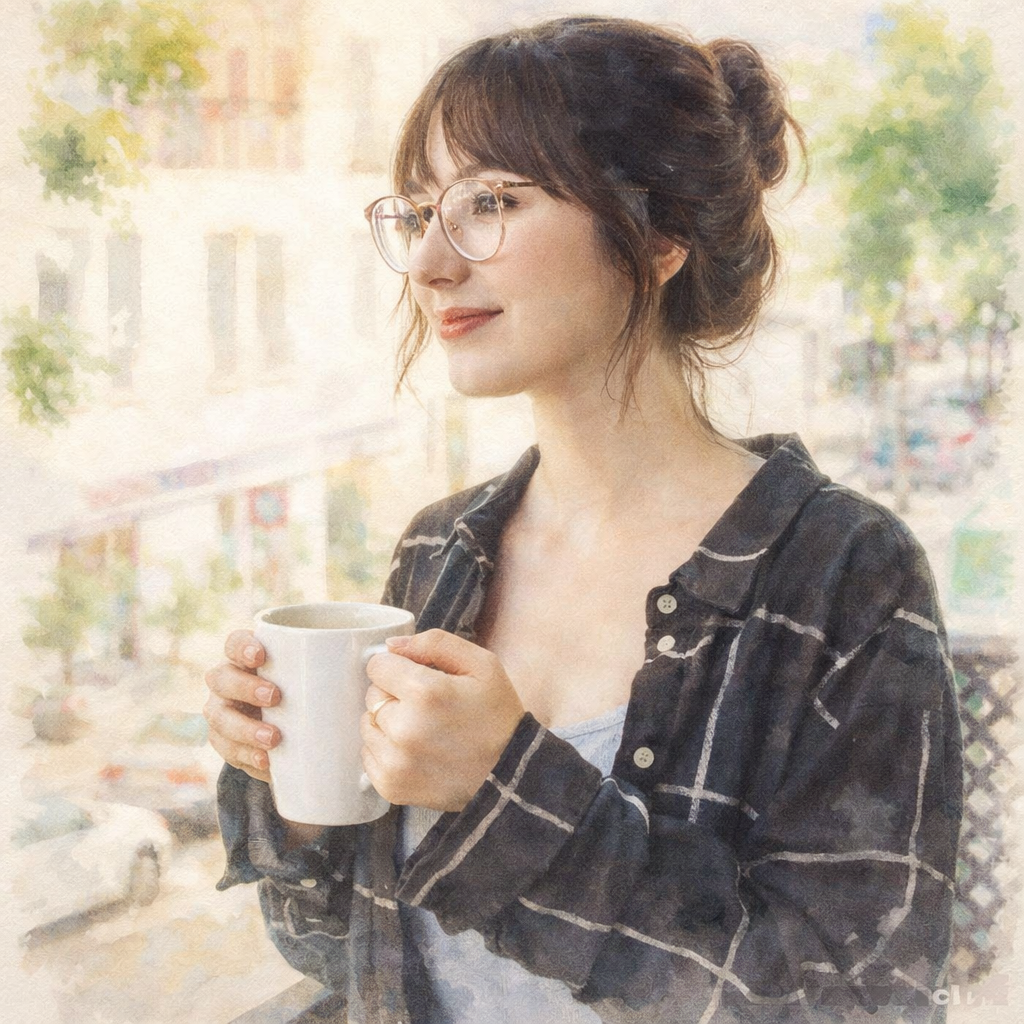
Turn Your Photo into a Watercolor Painting Online
Transform any photo into a beautiful watercolor painting with AI. Our AI Watercolor Generator lets you convert portraits, selfies, and landscape photos into stunning flowing paintings in seconds.
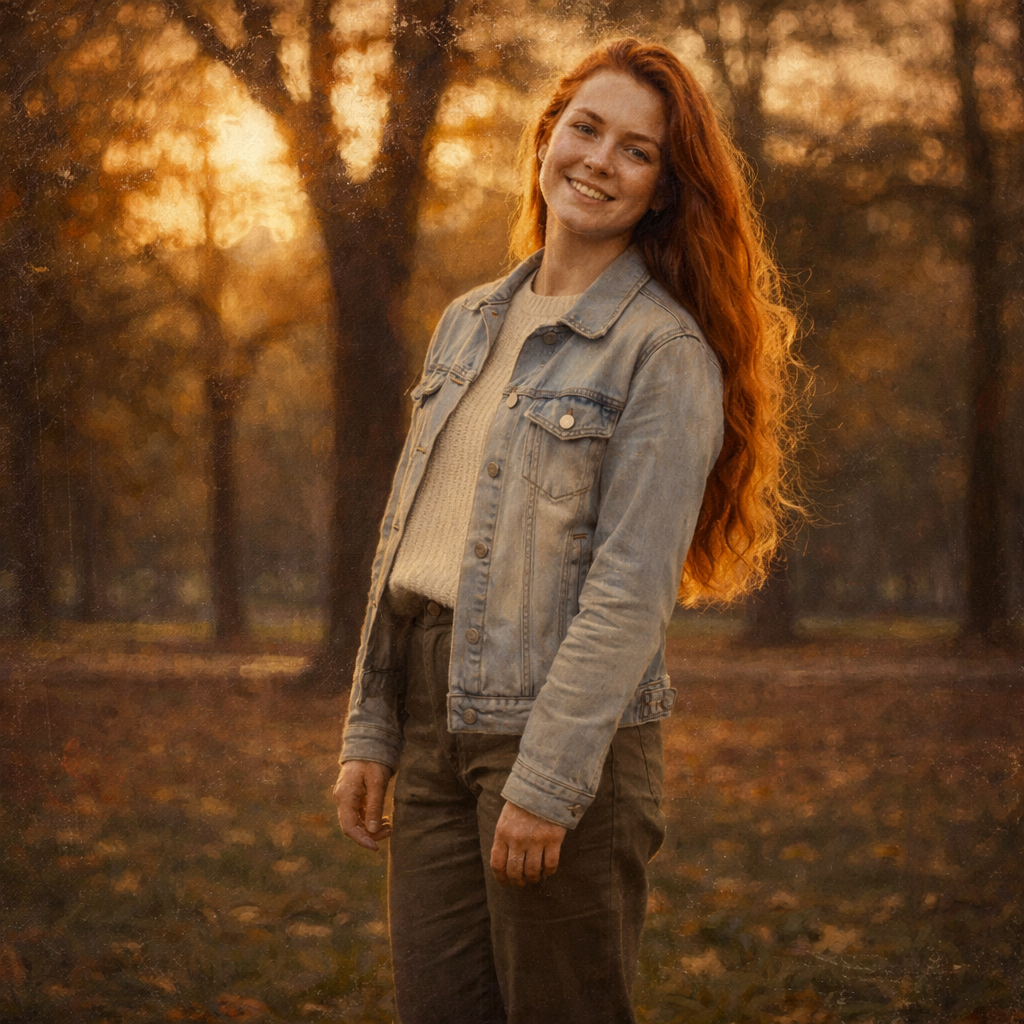
Turn Your Photo into an Oil Painting Online
Transform any photo into a beautiful oil painting with AI. Our AI Oil Painting Generator lets you convert portraits, selfies, and landscape photos into stunning classical paintings in seconds.
Keep comparing AI portrait workflows
How to Create Professional Office Portraits with AI: Complete Guide (2026)
Learn how to create polished professional office portraits using AI. Transform casual photos into stunning business headshots for LinkedIn, corporate websites, and personal branding.
How to Create Watercolor Paintings from Photos with AI: Complete Guide (2026)
Learn how to transform any photo into beautiful watercolor paintings using AI. Create soft, flowing artwork from portraits, landscapes, and photos with delicate color gradients.