How to Create Professional Office Portraits with AI: Complete Guide (2026)
bananaportrait Team
3/20/2026
Introduction
In today's digital world, your professional headshot is often the first impression you make. Whether it's on LinkedIn, your company website, or business cards, a polished professional office portrait can significantly impact how others perceive your competence and credibility.
Traditionally, getting a professional headshot meant scheduling a photography session, renting studio space, and investing in professional attire. But now, AI-powered office portrait generators have democratized professional imagery, allowing anyone to create stunning business portraits in minutes—no photography skills required.
In this comprehensive guide, we'll walk you through everything you need to know about creating professional office portraits using AI technology.
What Are AI Professional Office Portraits?
AI professional office portraits are digitally enhanced images that use artificial intelligence to transform casual photos into polished, business-appropriate headshots. The AI automatically:
- Adds professional attire – Business suits and formal wear
- Creates clean backgrounds – Office settings or minimalist backdrops
- Enhances lighting – Studio-quality illumination
- Improves overall appearance – Professional polish and refinement
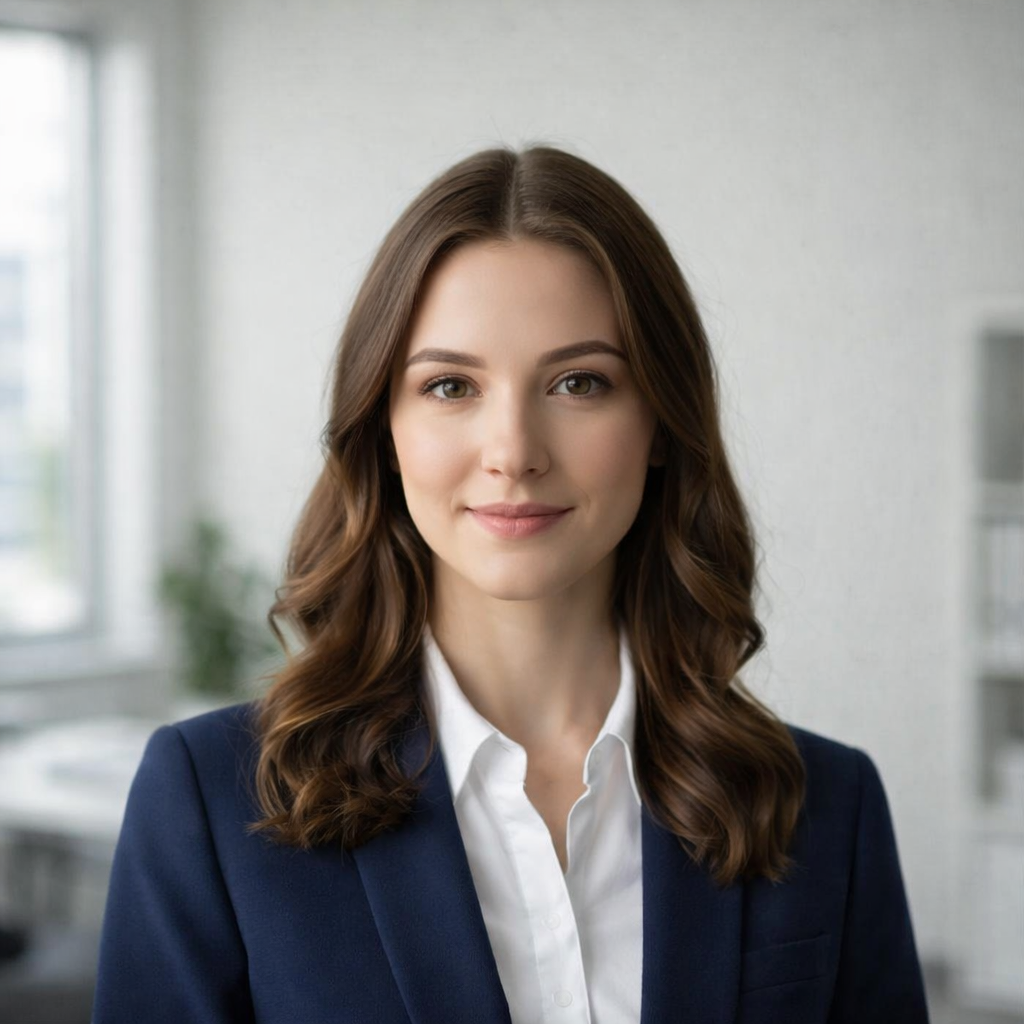
Transform casual photos into professional business portraits
Why Create Professional Office Portraits with AI?
Essential for Modern Professionals
- LinkedIn profiles – First impressions matter on professional networks
- Company websites – Build trust with potential clients
- Business cards – Leave lasting impressions at networking events
- Email signatures – Professional communication across all channels
- Speaker bios – Conference and event presentations
Advantages Over Traditional Photography
- Cost-effective – Much cheaper than professional photographers
- Time-saving – Get results in minutes, not weeks
- Unlimited revisions – Try different styles until satisfied
- Convenient – No scheduling or travel required
- Consistent quality – Professional results every time
Business Applications
- Team pages – Create consistent professional photos for entire teams
- Recruitment materials – Attract top talent with professional imagery
- Marketing collateral – Use across all business materials
- Social media – Professional presence on LinkedIn, Twitter, and more
How to Create AI Professional Portraits: Step-by-Step
Step 1: Choose Your AI Portrait Generator
Not all AI portrait generators are created equal. Here's what to look for:
Essential Features:
- ✅ Professional business attire options
- ✅ Clean, corporate backgrounds
- ✅ Studio-quality lighting
- ✅ High-resolution output
- ✅ Multiple style options
Red Flags to Avoid:
- ❌ Unnatural looking results
- ❌ Limited customization options
- ❌ Poor image quality
- ❌ Slow processing times
- ❌ Complicated user interface
Step 2: Prepare Your Source Photo
The quality of your professional portrait starts with your source image.
Photo Requirements:
- Clear face visibility – Eyes and facial features should be clearly visible
- Good lighting – Natural or well-lit photos work best
- High resolution – Aim for 1080p or higher
- Neutral expression – A slight smile works best
- Recent photo – Use a current photo that represents your current appearance
What Works Best:
- Standard portrait photos
- Selfies with good lighting
- Professional casual photos
- Even slightly informal photos can be transformed!
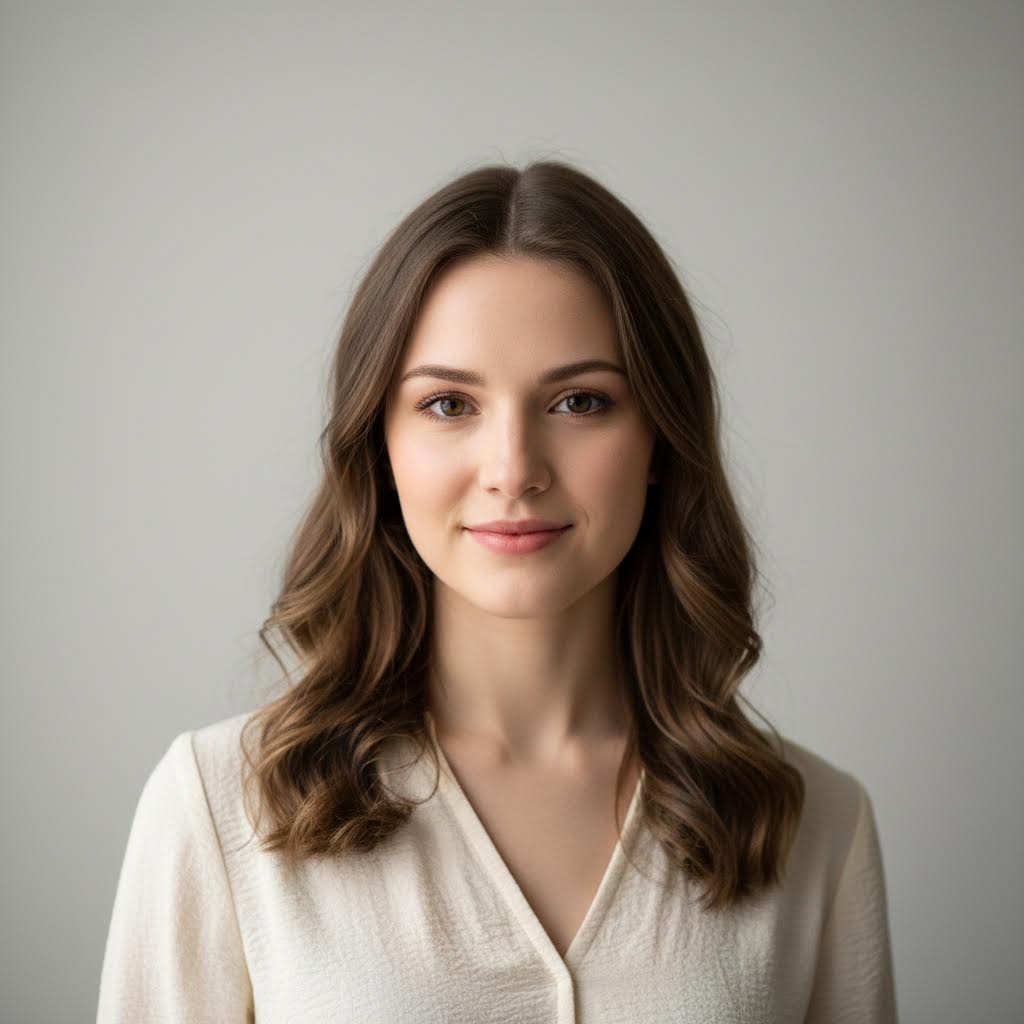
From casual to professional: Instant business transformation
Step 3: Upload and Configure
- Select your photo – Upload your prepared source image
- Choose professional style – Select from business attire options
- Configure settings – Adjust lighting, background, and clarity
- Preview – Review before final generation
Configuration Options:
Visual Clarity:
- Soft focus – Subtle, approachable look
- Clear and sharp – Professional standard
- Ultra-clear – High-definition professional quality
Lighting:
- Soft natural lighting – Warm, approachable
- Balanced indoor lighting – Professional standard
- Dramatic lighting – Bold, impactful look
Background:
- Busy office – Natural business environment
- Clean office – Professional corporate setting
- Minimalist – Clean, distraction-free
Detail Level:
- Simple – Clean, minimal detail
- Moderate – Full professional look
- Highly detailed – Complete professional refinement
Step 4: Generate and Download
- Initiate generation – Wait a few seconds for AI processing
- Review results – Check for professional quality
- Make adjustments – Try different configurations if needed
- Download – Save in your preferred resolution
Export Options:
- Standard resolution for web and social media
- High resolution for printing
- Multiple aspect ratios (1:1, 3:2, 2:3)
Popular Use Cases for Professional Portraits
LinkedIn Optimization
- Profile pictures that stand out
- Banner images for company pages
- Article featured images
- Recommendation endorsements
Corporate Usage
- Team directory photos
- Annual report imagery
- Press releases and media kits
- Presentation materials
Personal Branding
- Author bio photos
- Podcast and YouTube visuals
- Conference speaker profiles
- Consulting and freelancer profiles
Business Development
- Pitch deck team sections
- Client proposal materials
- Trade show materials
- Business card photos
Tips for the Best Professional Results
Photo Selection
- Choose photos with a straight-on angle when possible
- Ensure eyes are clearly visible and in focus
- Avoid photos with harsh shadows on the face
- Select photos with natural skin tones
Expression Guidelines
- A slight, natural smile works best
- Avoid overly formal or stiff expressions
- Keep your face relaxed and approachable
- Eyes should be open and engaging
Wardrobe Considerations
- The AI will add professional attire
- Choose source photos where your face is clearly visible
- Avoid photos with busy collars or scarves
- Natural necklines work best
Industry-Specific Tips
- Corporate: Clean, traditional business attire
- Tech: Smart casual can work well
- Creative: More relaxed professional looks
- Finance: Classic business formal
Understanding Professional Portrait Etiquette
When to Update
- Change every 2-3 years
- Update after significant appearance changes
- Refresh before major career moves
- Update for new roles or companies
Platform-Specific Requirements
- LinkedIn: Square format, professional but approachable
- Twitter: Can be more casual but still professional
- Company website: Check brand guidelines
- Business cards: High resolution essential
Common Mistakes to Avoid
- Using outdated photos
- Overly casual or party photos
- Poor quality or blurry images
- Inappropriate backgrounds
- Too much filtering or editing
The Technology Behind AI Portraits
AI professional portrait generators use sophisticated deep learning models:
Key Technologies:
- Face detection – Identifies facial features and positioning
- Attire synthesis – Adds professional clothing naturally
- Background generation – Creates clean corporate settings
- Lighting optimization – Enhances with studio-quality illumination
- Expression enhancement – Refines for professional appearance
How It Works:
- AI analyzes the source photo for faces and features
- Extracts the subject from the original background
- Generates appropriate professional attire
- Creates a suitable professional background
- Applies professional lighting and polish
- Combines all elements naturally
Common Questions Answered
What if I don't have a good photo?
Most AI generators can work with various photo qualities, but clearer photos with good lighting yield better results. Consider taking a new photo specifically for this purpose.
How long does it take?
Processing typically takes just a few seconds, though high-resolution outputs may take slightly longer.
Is it free to use?
Many platforms offer free trials with basic functionality. Premium features and high-resolution downloads typically require a subscription.
Can I use for commercial purposes?
Check the specific platform's licensing terms, as commercial usage rights vary by provider.
Will it look natural?
Modern AI generators produce very natural-looking results, but it's always wise to preview before downloading.
Best Practices for Professional Imagery
Technical Requirements
- Minimum 720p resolution (1080p recommended)
- JPG or PNG format
- Clear facial features
- Proper exposure and lighting
Composition Guidelines
- Face centered in frame
- Adequate headroom
- Shoulders visible in business attire shots
- Clean, uncluttered composition
Quality Checks
- Verify eyes are in focus
- Check lighting is even on face
- Ensure professional appearance
- Preview at full size before final use
Future of AI Professional Photography
Emerging Trends:
- Real-time generation and preview
- More diverse professional styles
- Better handling of various lighting conditions
- Enhanced customization options
- Integration with professional platforms
What to Expect:
- Even more realistic results
- Faster processing times
- More industry-specific options
- Better mobile optimization
- Enhanced team photo support
Conclusion
AI professional office portraits have revolutionized how we create and maintain professional imagery. Whether you need a LinkedIn profile picture, a team directory photo, or corporate headshots for your entire organization, AI portrait generators provide a fast, affordable, and professional solution.
Key Takeaways:
- Start with high-quality source photos
- Choose a generator with professional options
- Configure lighting and background appropriately
- Maintain consistency across platforms
- Update regularly to stay current
Ready to create your professional portrait? Try our AI Professional Office Portrait Generator and transform your photos into polished business headshots in seconds.
Popular Professional Portrait Applications:
- LinkedIn profile pictures
- Company team pages
- Business cards and email signatures
- Speaker and conference bios
- Press releases and media kits
- Personal branding and consulting profiles
Invest in your professional image today. A great headshot opens doors and creates lasting impressions.
Try the AI portrait generators mentioned in this guide
AI Professional Office Portrait Generator
Transform your photo into a professional office portrait with AI. Create polished business headshots in seconds.
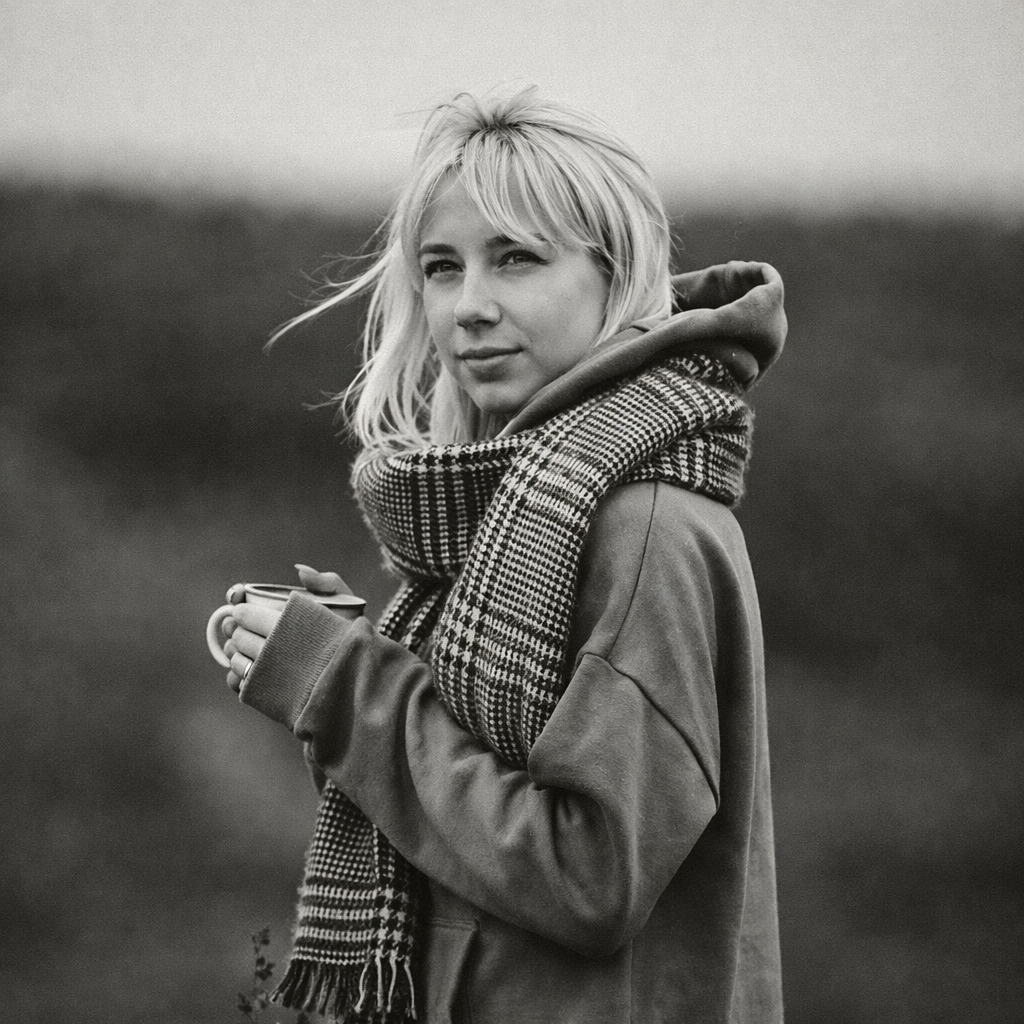
Turn Your Photo into Black & White Online
Transform any photo into stunning black and white with AI. Our AI Black & White Generator creates timeless monochrome photography from your colorful photos.
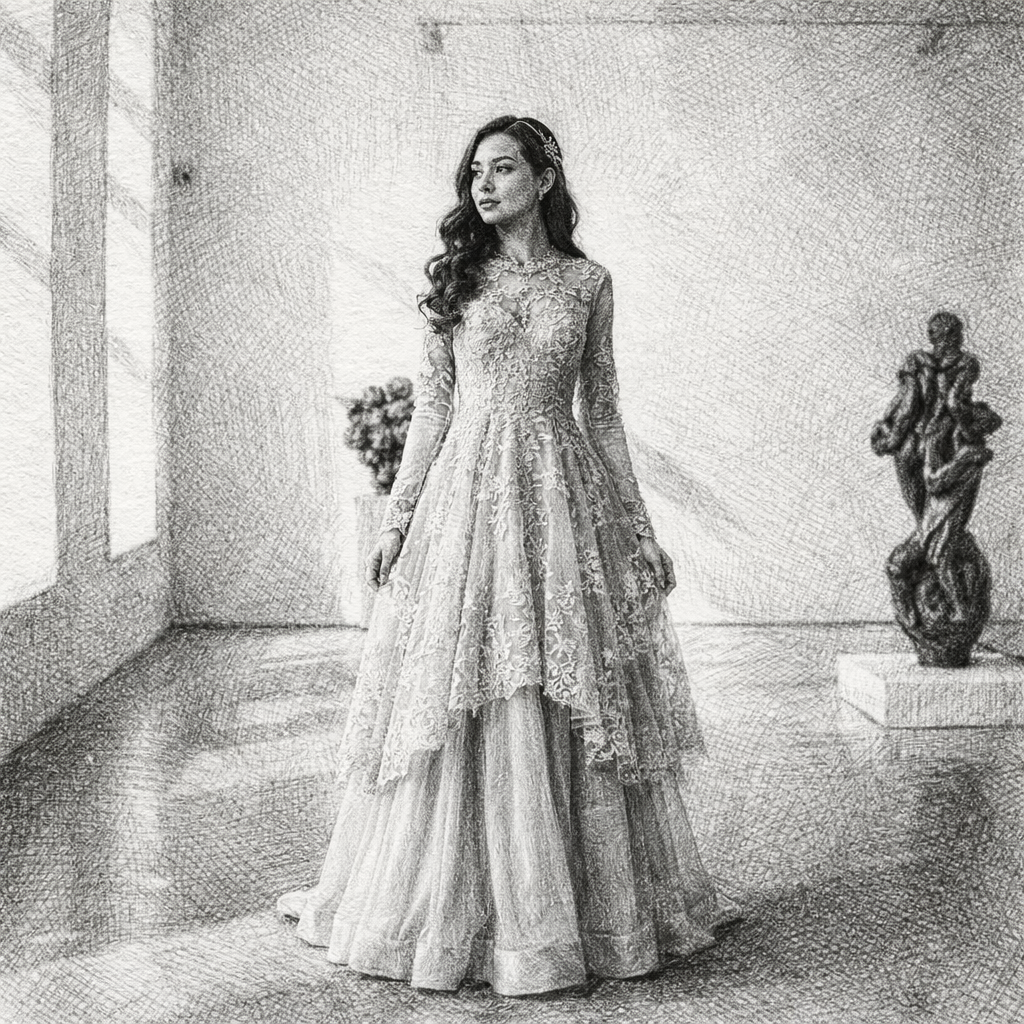
Turn Your Photo into a Sketch Drawing Online
Transform any photo into a beautiful sketch drawing with AI. Our AI Sketch Generator lets you convert portraits, selfies, and photos into stunning hand-drawn style illustrations in seconds.
Keep comparing AI portrait workflows
AI Headshots for Employees: A Practical Team-Page Workflow
Create consistent AI portraits for employees, remote teams, company directories, and corporate team pages from mixed source photos.
LinkedIn Headshot Guide: Crop, Background, Attire, and Expression
Prepare a LinkedIn headshot that remains readable at small size and adapts cleanly to resumes, speaker bios, and company profiles.