How to Create Sketch Drawings from Photos with AI: Complete Guide (2026)
bananaportrait Team
3/20/2026
Introduction
Sketch drawings have a timeless appeal that captures the essence of any subject with elegant lines and expressive shading. From realistic pencil portraits to artistic charcoal illustrations, hand-drawn sketches convey a unique artistic quality that digital filters simply cannot replicate.
Thanks to AI sketch generators, anyone can now transform their photos into stunning sketch-style artwork—no drawing skills required. Whether you want to create artistic portraits, turn memories into timeless sketches, or generate unique profile pictures, AI technology makes it possible in seconds.
In this comprehensive guide, we'll explore everything you need to know about creating beautiful sketch drawings from your photos using AI.
What Are AI Sketch Drawings?
AI sketch drawings are black and white artistic interpretations generated from photographs using artificial intelligence. The AI analyzes your photo and applies sketch drawing techniques to create realistic, hand-drawn style artwork featuring:
- Realistic pencil strokes – Authentic drawing textures
- Detailed shading – Natural gradations and depth
- Line work – Expressive contours and details
- Paper textures – Traditional drawing surfaces
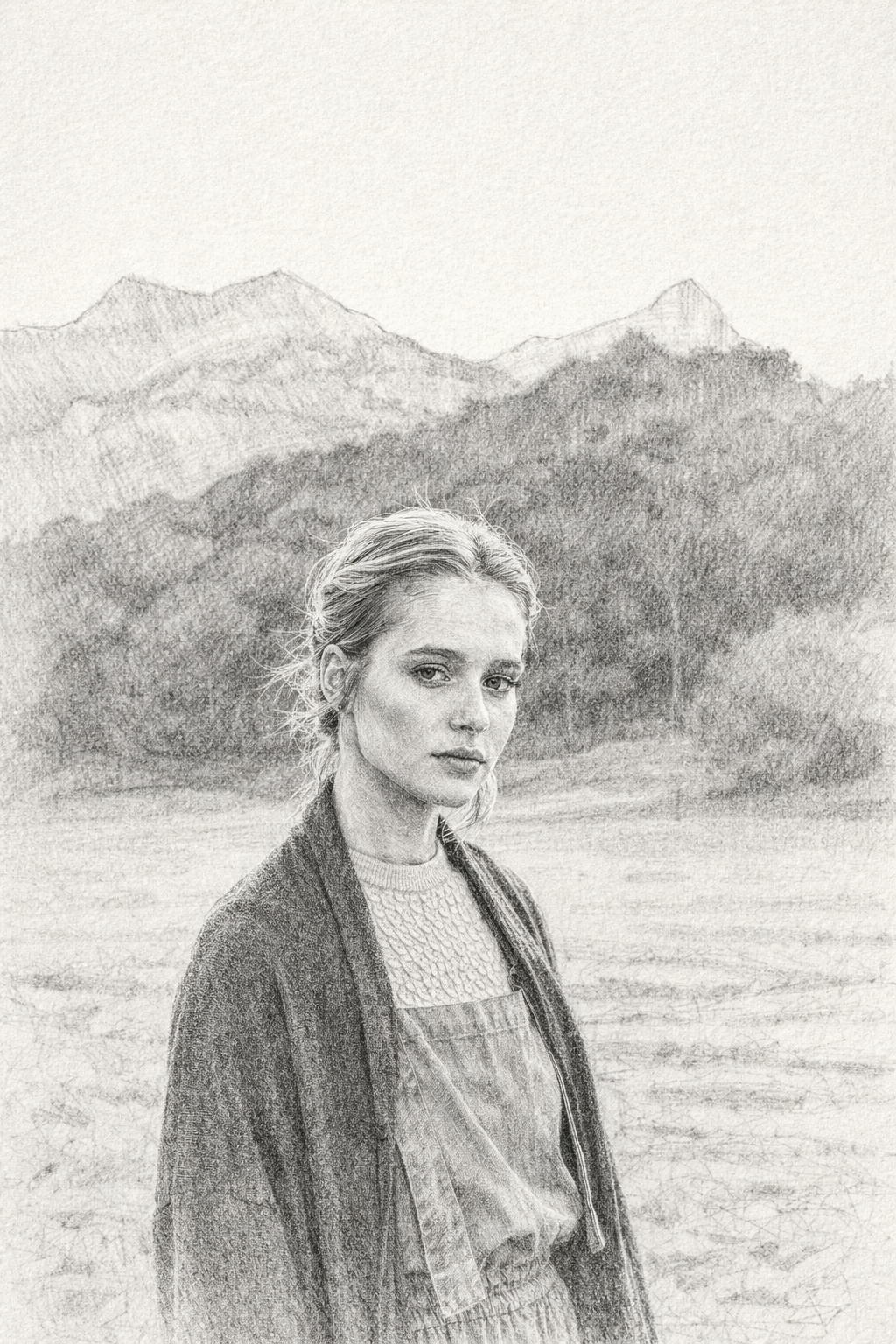
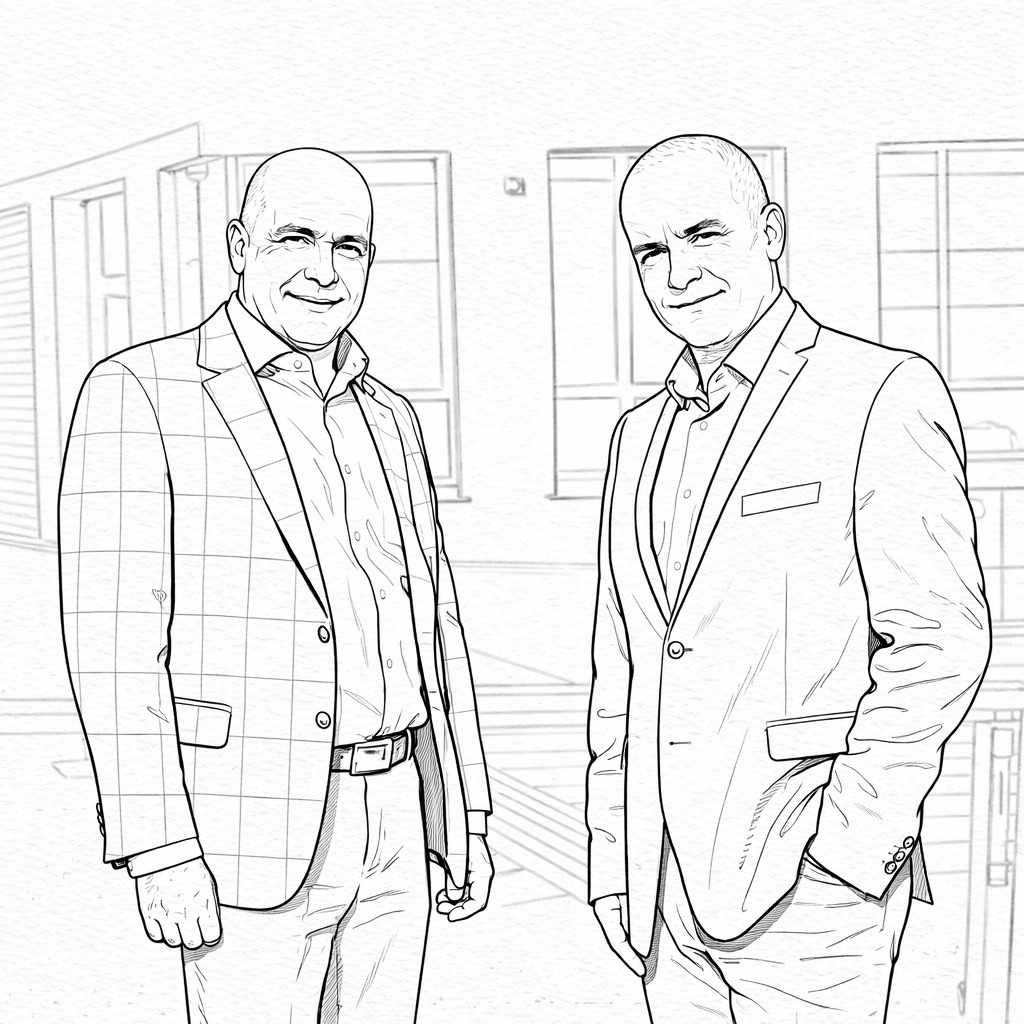
Transform photos into stunning sketch masterpieces
Why Turn Photos into Sketch Drawings?
Personal Art
- Artistic portraits – Turn selfies into pencil portraits
- Family sketches – Preserve memories as artwork
- Pet illustrations – Sketch portraits of beloved pets
- Memory preservation – Transform photos into sketches
Unique Gifts
- Personalized presents – Handmade artistic gifts
- Couple sketches – Romantic artistic keepsakes
- Anniversary art – Memorable milestone gifts
- Family portraits – Heirloom-quality artwork
Professional Use
- Profile pictures – Stand out with artistic avatars
- Brand imagery – Unique visual identity
- Marketing content – Eye-catching artistic posts
- Website assets – Distinctive illustrations
How to Create AI Sketch Drawings: Step-by-Step
Step 1: Choose Your AI Sketch Generator
Look for generators offering these features:
Essential Features:
- ✅ Realistic pencil stroke simulation
- ✅ Detailed shading options
- ✅ Multiple sketch styles
- ✅ High-resolution output
- ✅ Fast processing
Quality Indicators:
- Natural-looking line work
- Realistic shading transitions
- Proper depth and dimension
- Authentic sketch appearance
Step 2: Select Your Source Photo
The quality of your sketch depends on your source image.
Best Photo Types:
- Clear portraits with good lighting
- High-resolution photos
- Pet photos with distinct features
- Family portraits
- Travel and nature photos
Photo Requirements:
- High resolution – 1080p or higher recommended
- Good lighting – Well-lit photos produce better results
- Clear subjects – Distinct features create better sketches
- Simple backgrounds – Less clutter yields cleaner results
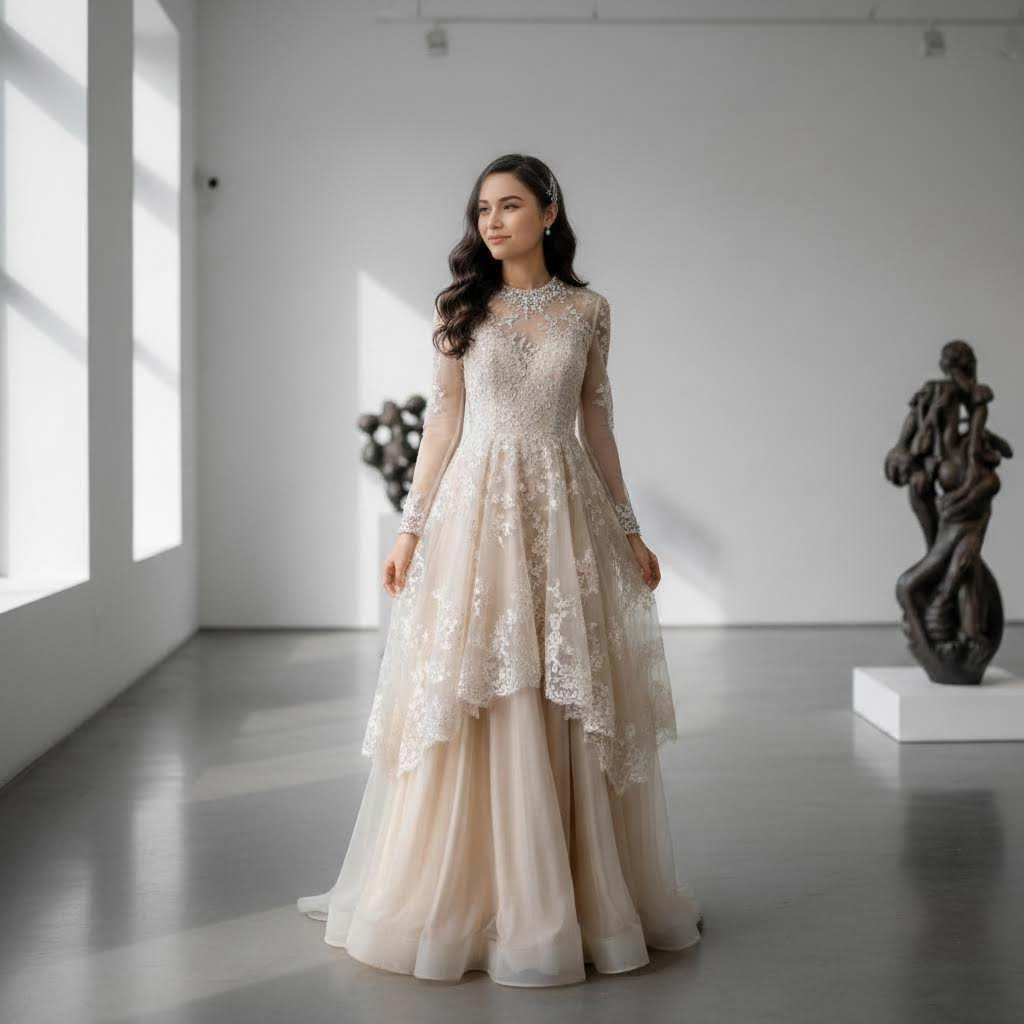
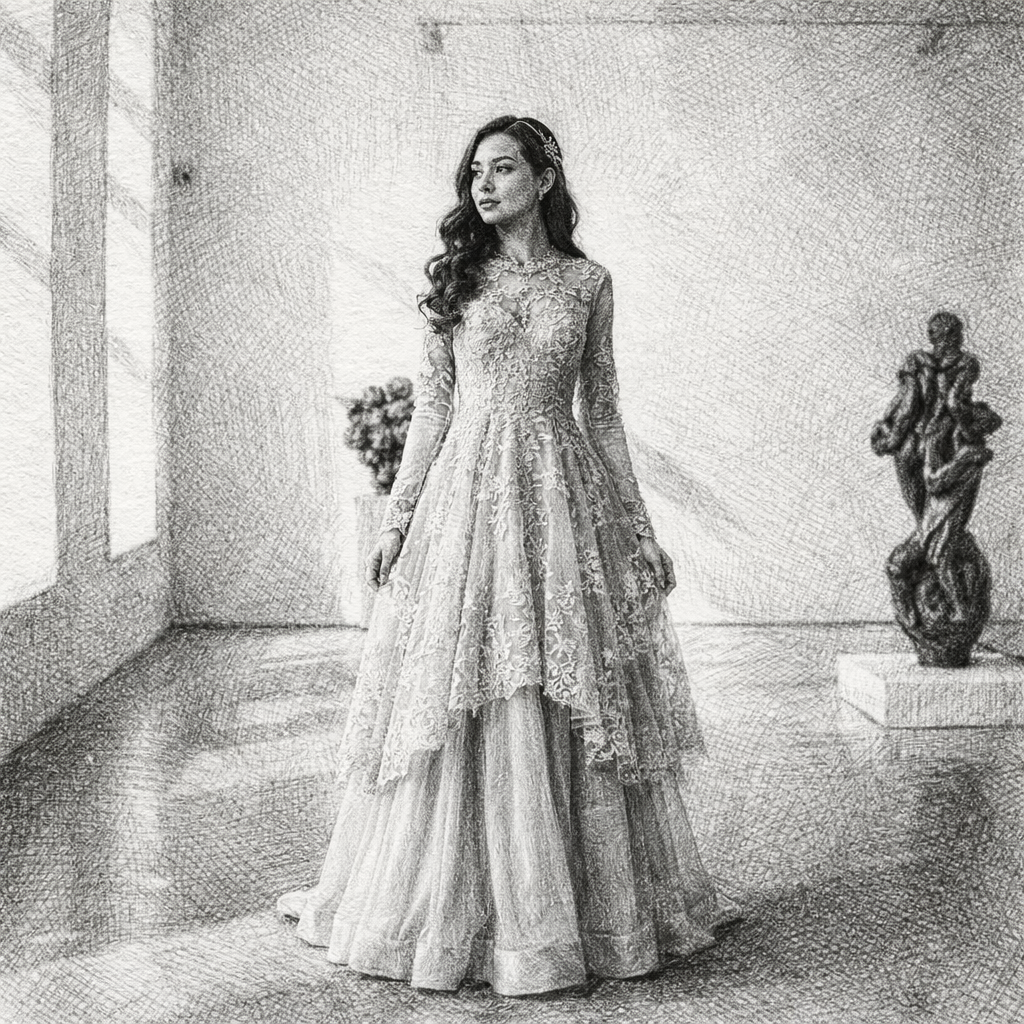
From photo to sketch drawing
Step 3: Customize Your Sketch
Most generators offer style customization:
Line Quality:
- Light and soft – Delicate, subtle lines
- Clear and defined – Standard pencil look
- Bold and expressive – Strong, dramatic strokes
Shading Style:
- Minimal shading – Clean, sketchbook look
- Soft shading – Light hatching effects
- Detailed shading – Cross-hatching and texture
Paper Texture:
- Plain white – Clean drawing paper
- Subtle texture – Sketchbook paper feel
- Textured – Visible drawing paper grain
Detail Level:
- Simple – Minimal details
- Detailed – Captures key features
- Highly detailed – Intricate realistic drawing
Step 4: Generate and Download
- Upload your photo – Select your source image
- Choose sketch style – Pencil, charcoal, ink, or artistic
- Configure settings – Adjust line quality and shading
- Generate – Wait for AI processing
- Download – Save in high resolution
Output Options:
- Standard resolution for web use
- High resolution for printing
- Multiple aspect ratios
Popular Sketch Styles
Pencil Sketch
- Traditional graphite appearance
- Soft gray tones
- Classic drawing aesthetic
- Versatile and timeless
Charcoal Sketch
- Rich, dark tones
- Dramatic contrast
- Expressive strokes
- Artistic intensity
Ink Sketch
- Bold black lines
- Clean, graphic appearance
- Pen and ink aesthetic
- Modern artistic look
Artistic Sketch
- Expressive interpretation
- Mixed media feel
- Creative freedom
- Unique results
Creative Applications
Portrait Sketches
- Self-portraits – Pencil self-portraits
- Family portraits – Generational artwork
- Pet sketches – Cherished pet illustrations
- Couple art – Romantic keepsakes
Landscape & Travel
- Vacation memories – Travel sketch art
- Nature scenes – Landscape sketches
- Architecture – Building illustrations
- Landmarks – Memorble places
Digital & Social
- Profile pictures – Artistic avatars
- Post content – Engaging images
- Cover photos – Artistic social media
- Blog art – Unique illustrations
Tips for Great Sketch Results
Photo Selection
- Choose photos with good contrast
- Ensure clear facial features for portraits
- Select well-lit images
- Consider the final use when choosing photos
Style Matching
- Match sketch style to subject
- Consider display location
- Think about personal preferences
- Experiment with multiple options
Customization
- Adjust line quality for different looks
- Try various shading options
- Experiment with paper textures
- Save multiple versions
Understanding Sketch Technology
AI sketch generators use advanced computer vision and style transfer:
Key Technologies:
- Line detection – Identifies edges and contours
- Stroke simulation – Creates realistic pencil marks
- Shading algorithms – Generates natural gradations
- Texture mapping – Adds paper effects
- Style transfer – Applies artistic techniques
How It Works:
- AI analyzes the source image
- Identifies edges and boundaries
- Generates line work
- Adds shading and texture
- Applies paper effects
- Creates final sketch output
Sketch vs. Other Art Styles
Sketch Characteristics
- Black and white or grayscale
- Visible line work
- Expressive shading
- Hand-drawn appearance
- Traditional aesthetic
Comparison Points
- More detailed than coloring pages
- More traditional than oil painting
- More expressive than digital filters
- More personal than photography
Common Questions Answered
What photos work best?
High-resolution photos with good lighting and clear subjects produce the best sketch results.
How long does generation take?
Most sketches are generated within a few seconds thanks to optimized AI processing.
Is it free to use?
Many platforms offer free trials with basic functionality. Premium features may require a subscription.
Can I print the results?
Yes! High-resolution outputs are suitable for printing in various sizes.
What sketch styles are available?
Common styles include pencil, charcoal, ink, and artistic sketches.
Can I use for commercial purposes?
Check the specific platform's licensing terms for commercial usage rights.
Displaying Sketch Artwork
Home Decor
- Framed art – Gallery wall displays
- Office – Professional aesthetic
- Bedroom – Personal touch
- Hallway – Artistic corridor
Gift Ideas
- Birthdays – Personalized presents
- Anniversaries – Romantic gifts
- Holidays – Unique presents
- Special occasions – Memorable keepsakes
Digital Use
- Social media – Artistic profiles
- Websites – Unique visuals
- Marketing – Creative content
- Presentations – Engaging slides
Future of AI Sketch Art
Emerging Trends:
- More realistic stroke textures
- Better shading algorithms
- Enhanced style options
- Real-time previews
- New artistic interpretations
What to Expect:
- Even more authentic results
- Faster generation
- More customization
- Better print quality
- New sketch styles
Conclusion
Creating sketch drawings from photos with AI technology has opened up endless creative possibilities. Whether you're looking to create unique artwork for your home, personalized gifts for loved ones, or artistic profile pictures, AI sketch generators make it possible in seconds.
Key Takeaways:
- Start with high-quality source photos
- Choose the right sketch style for your subject
- Experiment with customization options
- Consider the final use when selecting settings
- Enjoy the artistic transformation!
Ready to create your sketch? Try our AI Sketch Generator and transform your photos into stunning sketch artwork in seconds.
Popular Sketch Applications:
- Pencil portrait gifts
- Pet illustrations
- Family artwork
- Social media profiles
- Home decor
- Personalized presents
Turn your photos into timeless sketch art. Every picture can become a masterpiece.
Try the AI portrait generators mentioned in this guide
Turn Your Photo into a Sketch Drawing Online
Transform any photo into a beautiful sketch drawing with AI. Our AI Sketch Generator lets you convert portraits, selfies, and photos into stunning hand-drawn style illustrations in seconds.
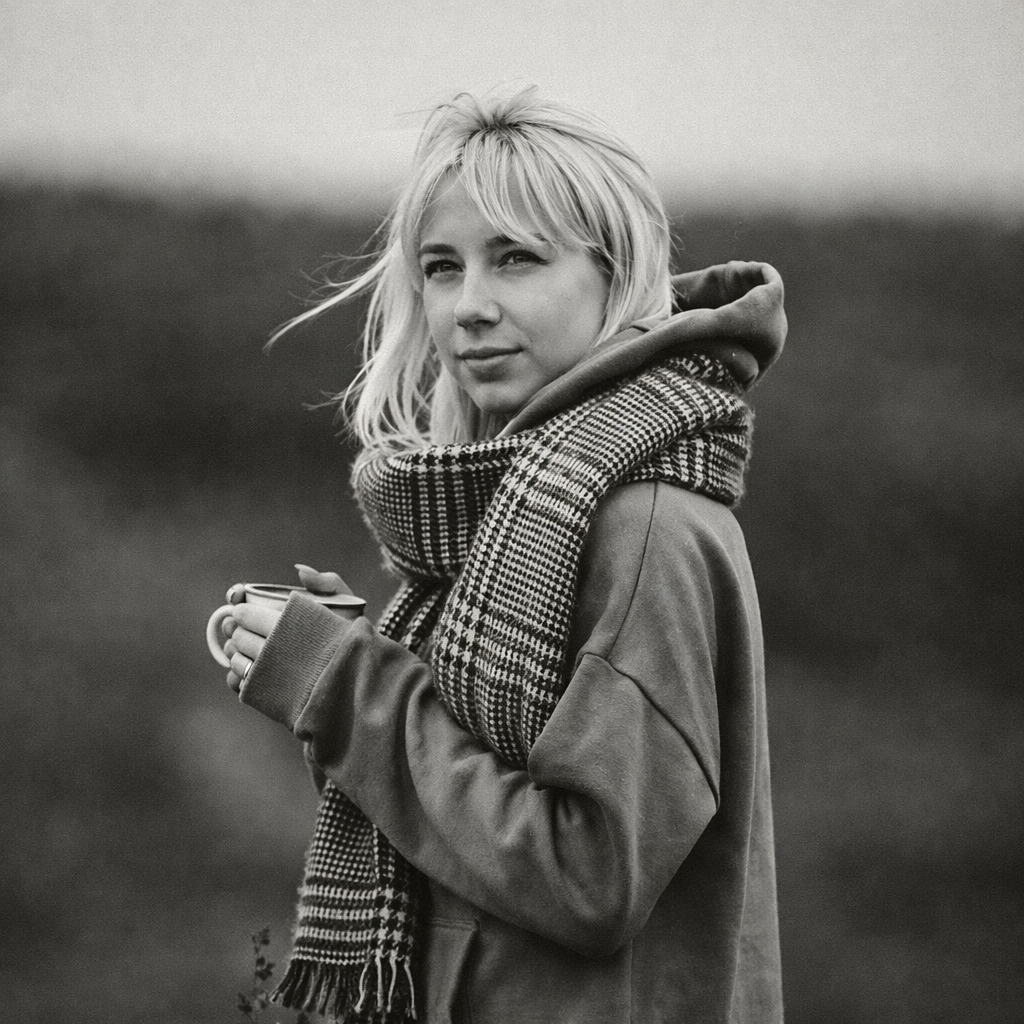
Turn Your Photo into Black & White Online
Transform any photo into stunning black and white with AI. Our AI Black & White Generator creates timeless monochrome photography from your colorful photos.
Turn Your Photo into a Coloring Page Online
Transform any photo into a beautiful coloring page with AI. Our AI Coloring Page Generator lets you convert portraits, photos, and illustrations into stunning black and white line art ready for coloring.
Keep comparing AI portrait workflows
How to Create Coloring Pages from Photos with AI: Complete Guide (2026)
Learn how to transform any photo into beautiful coloring pages using AI. Create printable line art from portraits, pets, and landscapes for kids and adults.
How to Transform Photos into Oil Paintings with AI: Complete Guide (2026)
Learn how to turn any photo into stunning oil painting style artwork using AI. Create classical masterpieces from portraits, landscapes, and photos with realistic brush textures.