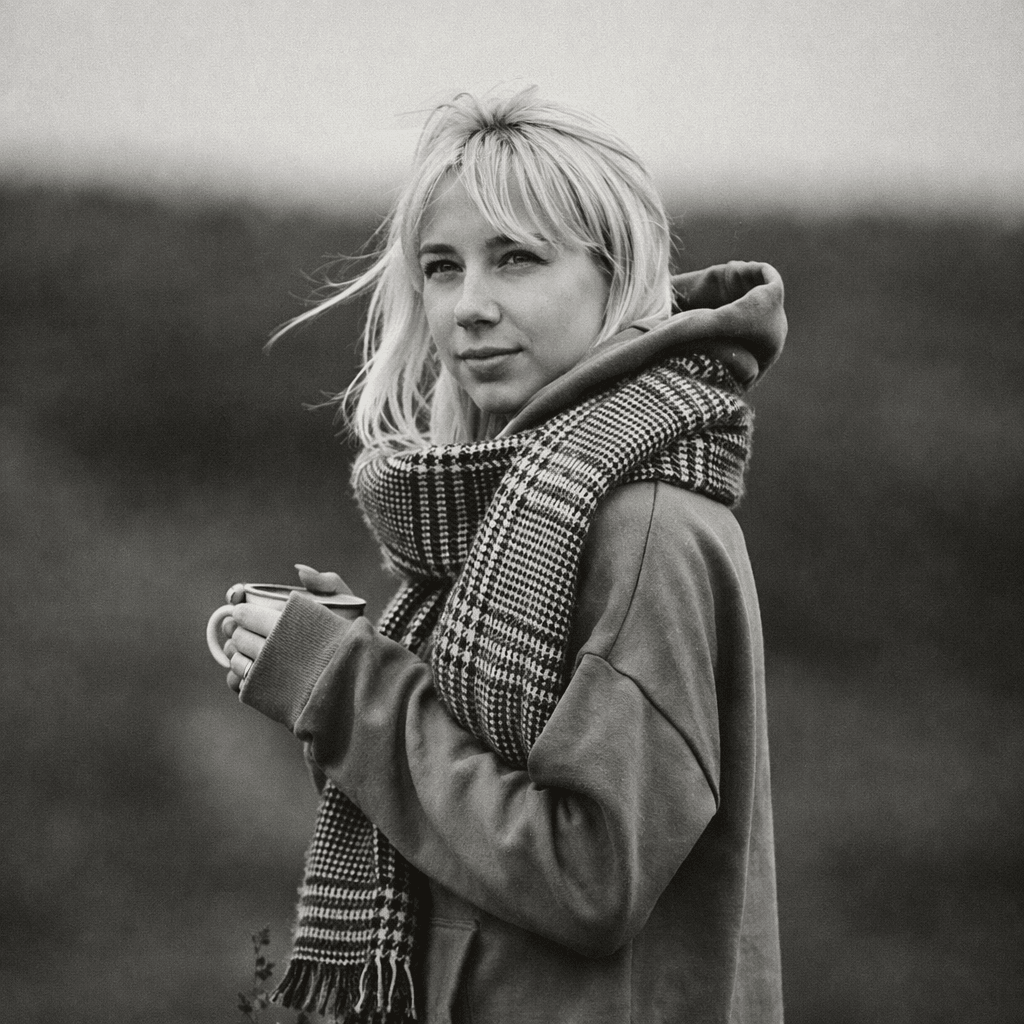
Guide 01
Watch highlight and shadow detail
Balanced source lighting gives the generator more tonal range and avoids blank highlights or blocked shadows.
Transform any photo into stunning black and white with AI. Our AI Black & White Generator creates timeless monochrome photography from your colorful photos.
Configure your style and upload a photo to start the AI transformation.
Ready for transformation
Black and white photography has a timeless elegance that emphasizes composition, texture, and emotion. Whether you want classic monochrome portraits, dramatic high-contrast images, or vintage film looks, our AI Black & White Generator transforms your photos into beautiful monochrome masterpieces.
Upload a portrait, selfie, or any image you want to transform. Our AI works best with clear photos.
Select your preferred contrast, film type, and grain options.
Click Generate and the AI will transform your image into stunning black and white within seconds.
Download your monochrome art in high resolution and share it on social media.
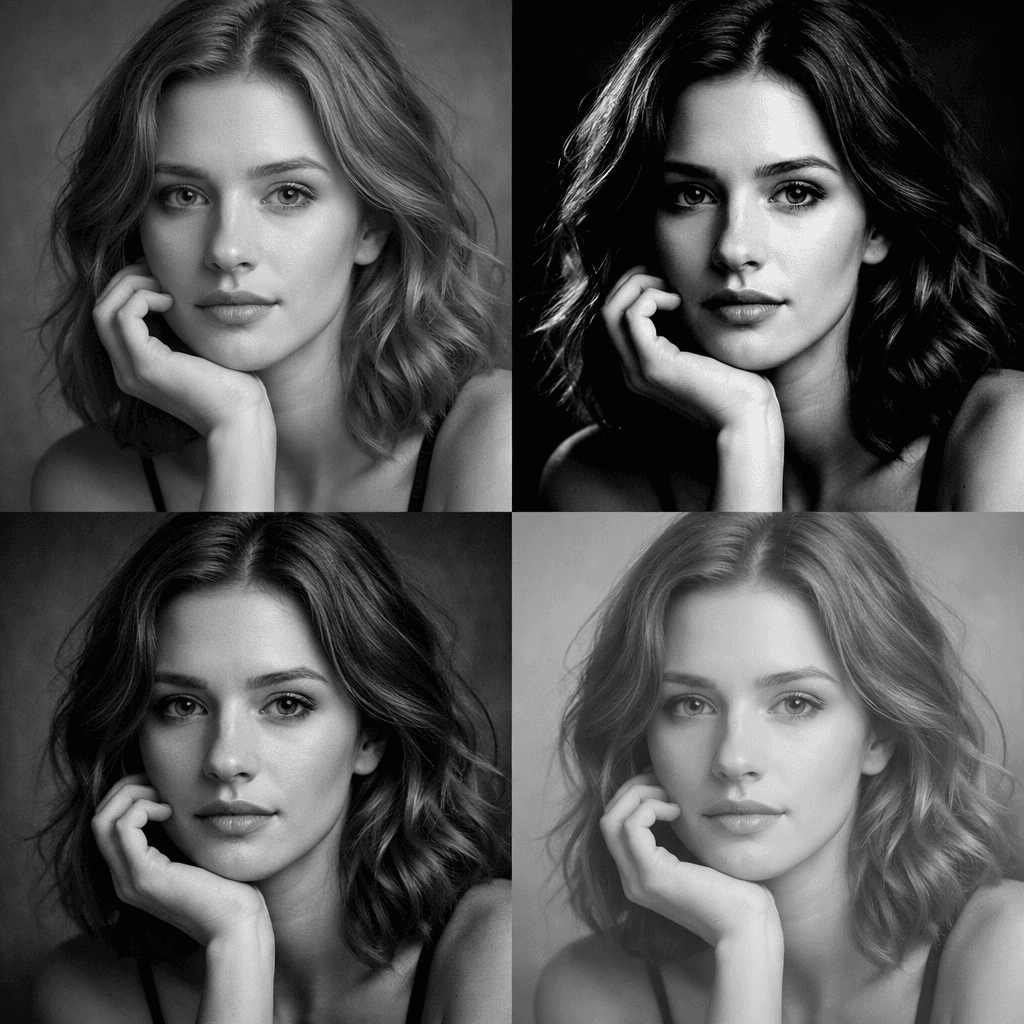
Our AI intelligently converts colors to grayscale while preserving detail and depth.
Choose from soft to high-contrast monochrome effects.
Recreate the look of classic B&W film stocks.
Download your black and white photos in ultra-high resolution.
Create elegant black and white portraits with timeless appeal.
Add high-contrast dramatic effects to your photos.
Recreate classic B&W film photography aesthetics.
Transform photos into artistic monochrome statements.
Stand out with elegant black and white posts.
Create professional black and white images for portfolios.
Black and white should preserve photographic texture while using grayscale to strengthen expression, light, and composition.
Balanced source lighting gives the generator more tonal range and avoids blank highlights or blocked shadows.
Head-and-shoulders framing works well for LinkedIn, speaker bios, editorial profiles, and personal branding.
Dramatic contrast suits posters and editorial portraits, while softer grayscale is safer for resumes and company pages.
Black and white keeps pores, fabric, and photographic gradients. Sketch replaces those details with line work, shading, and paper texture.
Create elegant black and white portraits with timeless appeal. For better results, choose an input photo that already matches this use case instead of trying to force a mismatched image into the style.
Add high-contrast dramatic effects to your photos. For better results, choose an input photo that already matches this use case instead of trying to force a mismatched image into the style.
Recreate classic B&W film photography aesthetics. For better results, choose an input photo that already matches this use case instead of trying to force a mismatched image into the style.
Yes, you can try the B&W generator for free. Some advanced features may require a subscription for high-resolution downloads.
Photos with good contrast and interesting textures work best for black and white transformation.
Most images are processed within a few seconds thanks to our optimized AI engine.
Yes, you can customize contrast, film type, and grain in the advanced settings.
No. Our AI automatically handles the entire conversion process, creating beautiful black and white for you instantly.
Yes. The generator is designed to keep the subject, pose, and facial structure while converting color information into contrast, tone, and texture. Clear portraits with visible eyes and balanced lighting usually produce the strongest monochrome results.
Choose black and white when you want a timeless editorial look, stronger emotion, cleaner personal branding, or a photo that focuses on expression instead of color. It is especially useful for profile portraits, portfolio images, memorial photos, and dramatic social posts.
Avoid very flat lighting, low-resolution images, heavy filters, or photos where the subject blends into the background. Black and white depends on contrast, so images with clear separation between face, clothing, and background work best.
Yes, high-resolution black and white portraits can work well for resumes, speaker bios, portfolios, posters, and framed prints. Commercial usage depends on your plan and your rights to the uploaded photo, so check the licensing terms for paid projects.
Upload your photo and create stunning black and white in seconds.
Compare the source photo with several common black & white use cases. These examples reuse the page's Hero transformation while explaining different practical outcomes.
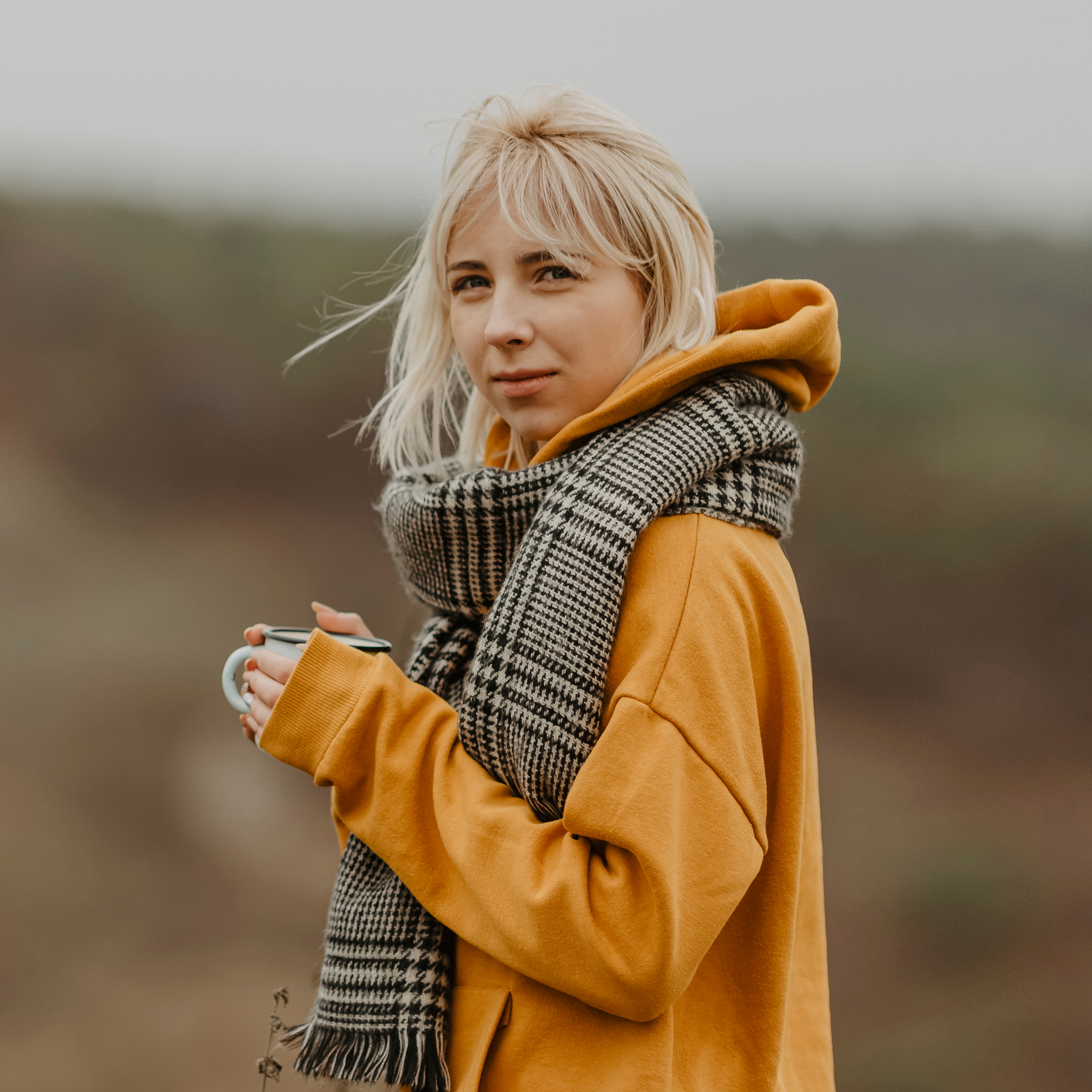 Before
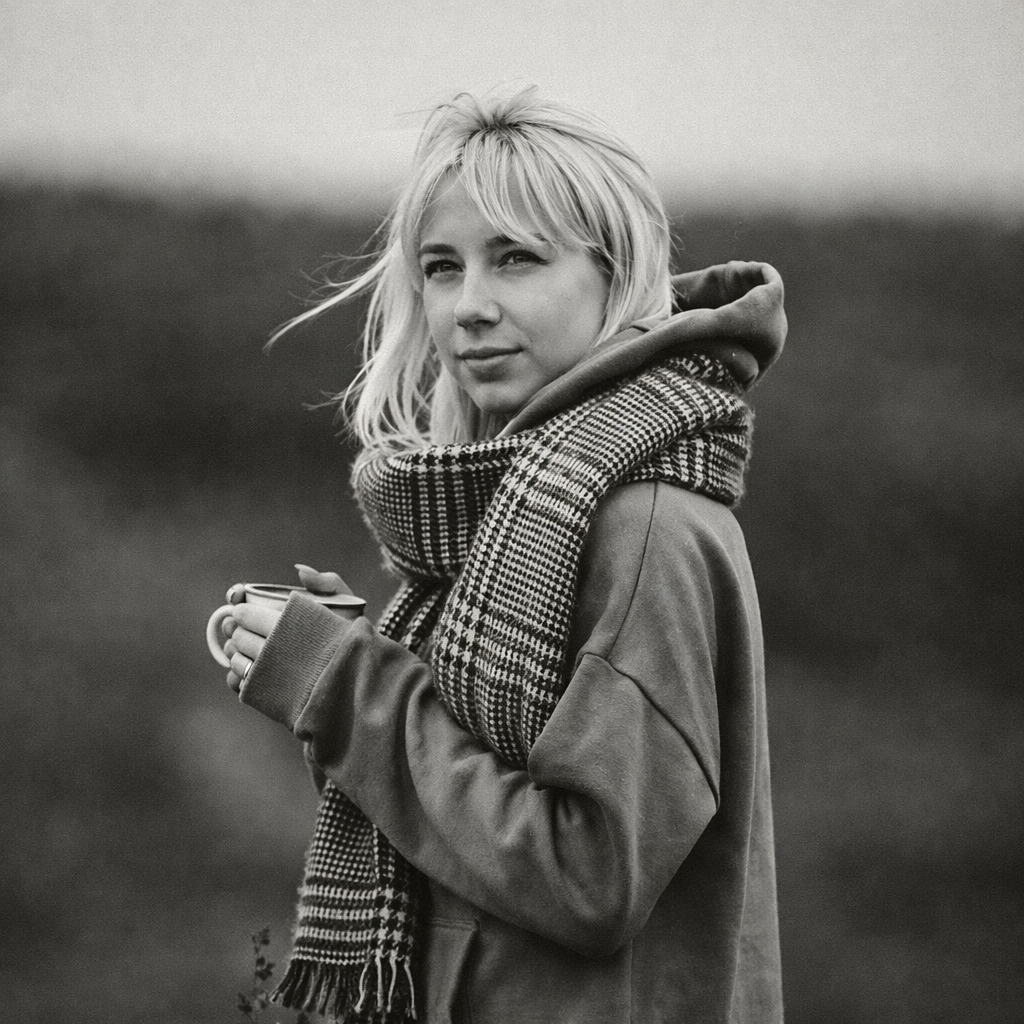 After
AfterA balanced monochrome portrait that keeps photographic detail and natural grayscale.
BeforeAfterA professional headshot treatment for LinkedIn, resumes, and company profiles.
BeforeAfterA directional-light monochrome concept for speakers, creators, and editorial layouts.
BeforeAfterA dramatic black-and-white direction with stronger blacks, highlights, and shape.
Compare nearby portrait generators before choosing a final look. The best option depends on whether you need a finished artwork, a printable outline, or a profile image with a specific mood.
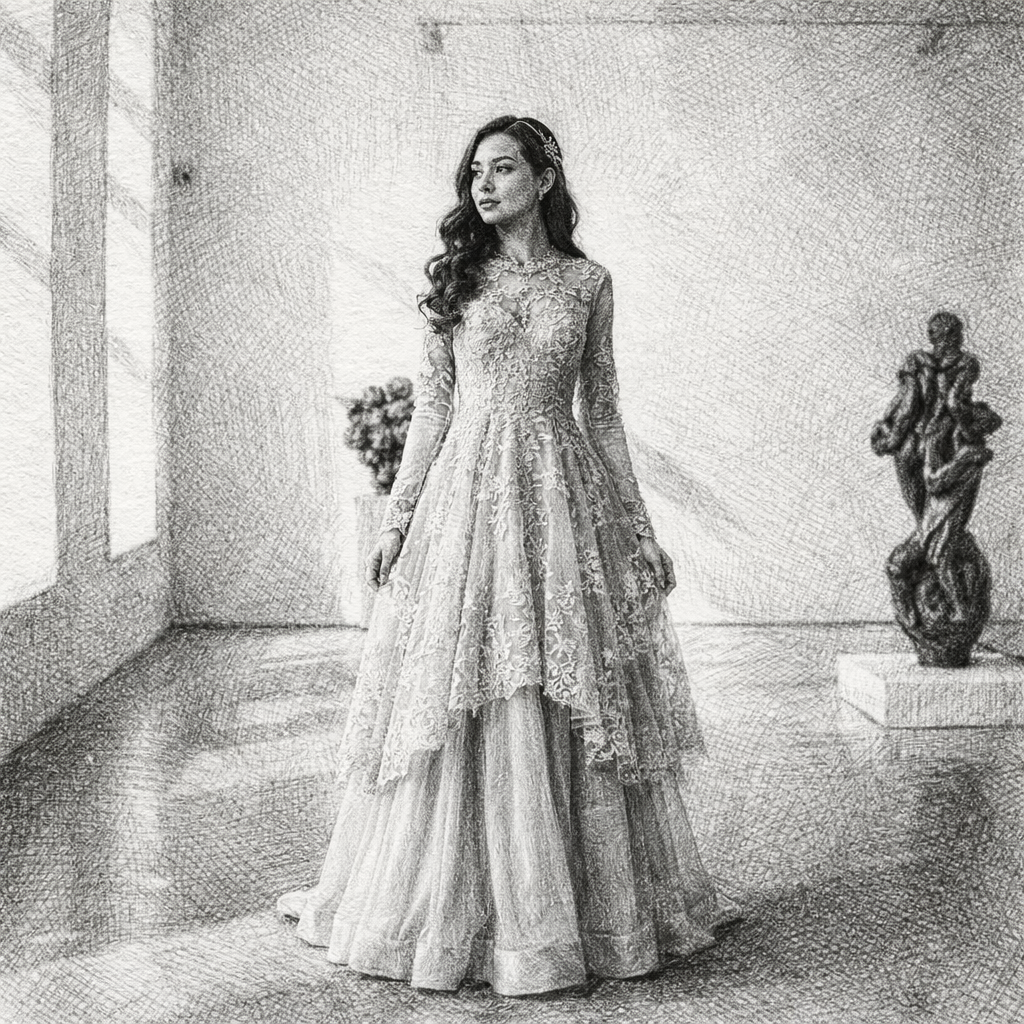
hand-drawn pencil texture and artistic studies
Sketch creates visible drawing marks, while black and white keeps a cleaner photo-inspired monochrome result.
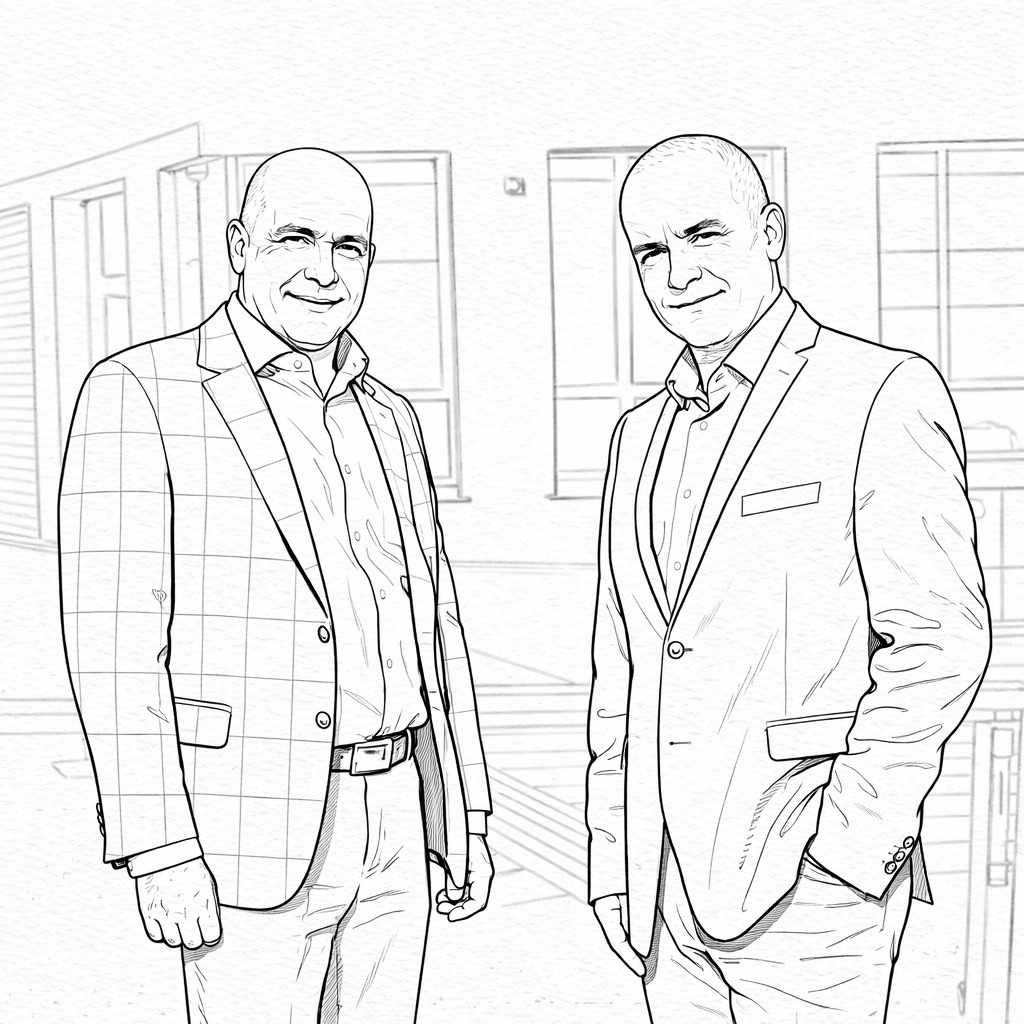
printer-friendly outlines and coloring sheets
Coloring pages simplify the image into clear boundaries, while black and white keeps shadows, gradients, and detail.
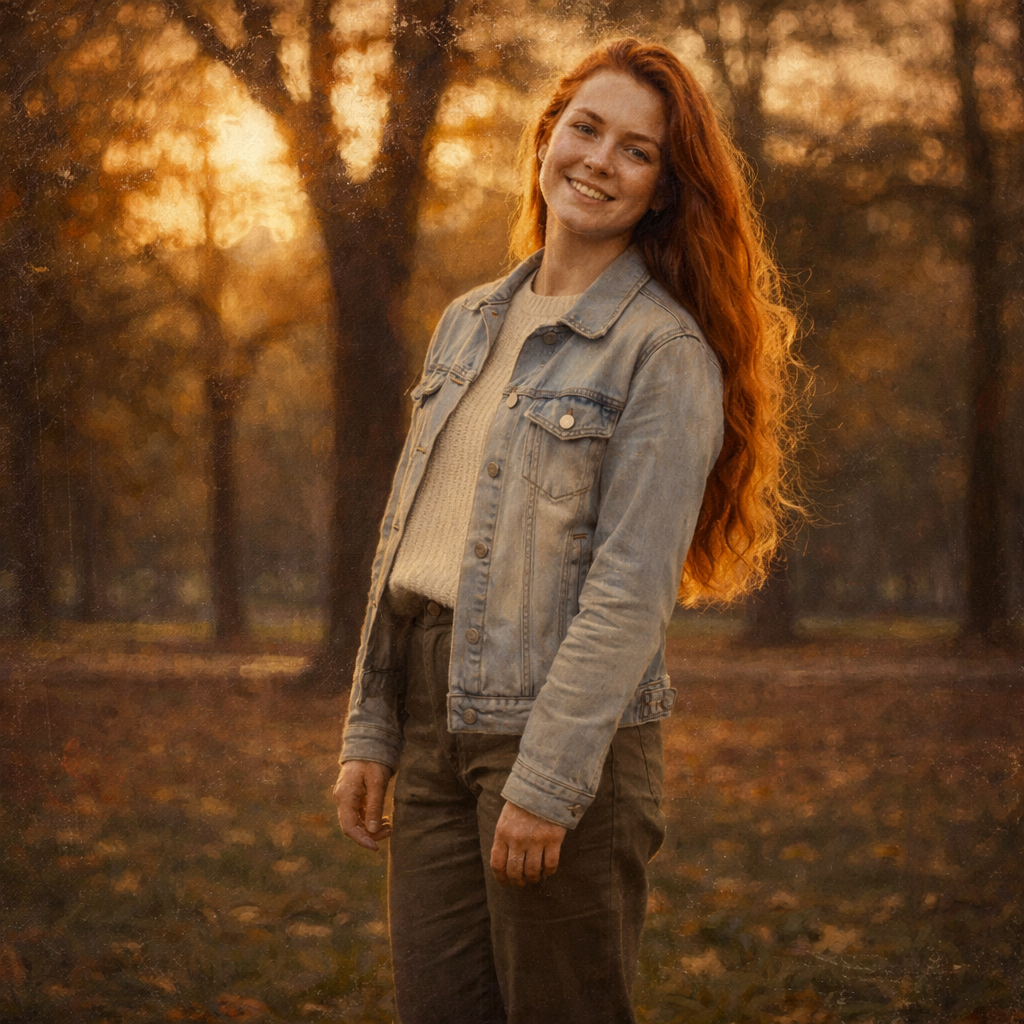
nostalgic portraits and retro editorial treatments
Vintage changes the time-period feel, while black and white focuses on contrast and simplicity.
If this look is close but not quite right, these related AI portrait generators cover nearby search intents and creative outcomes.