Guide 01
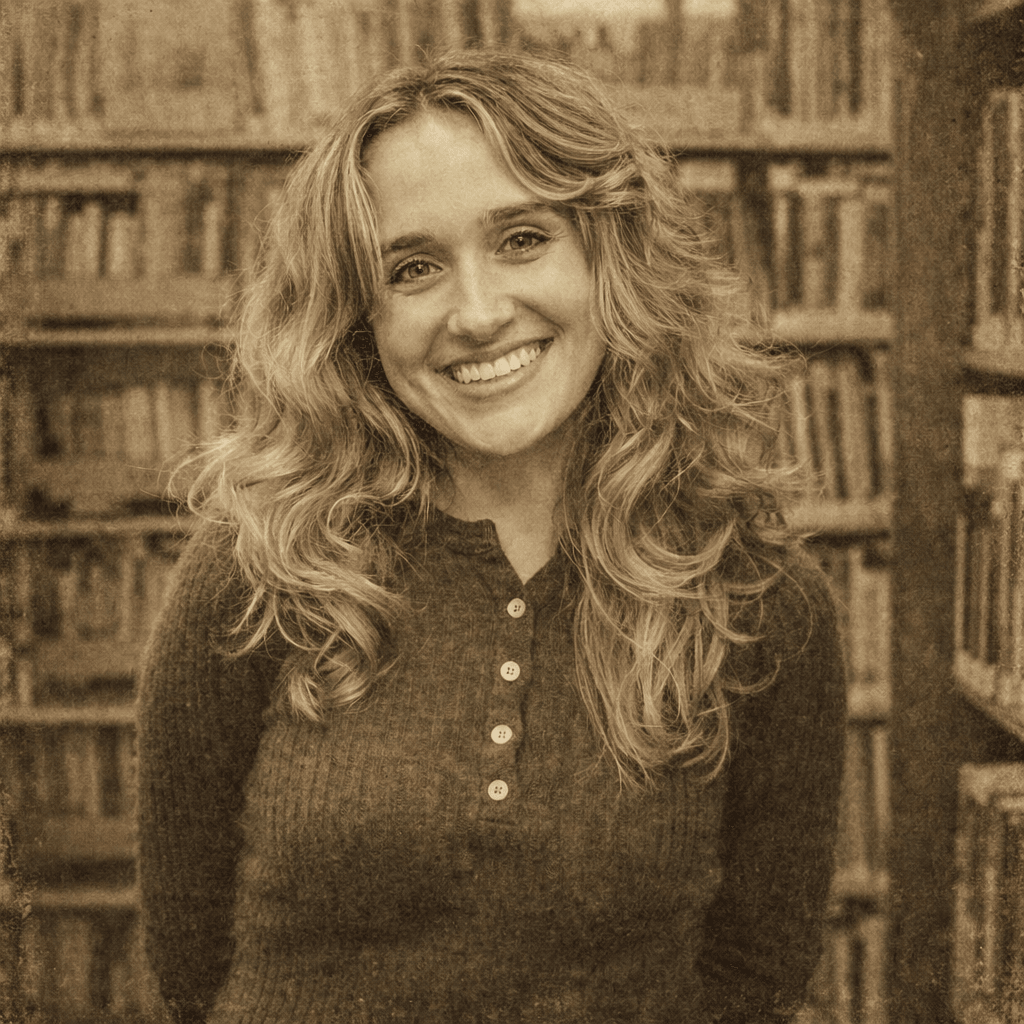
Preserve faces before adding age
Start with a clear image so grain, fade, and color shifts do not erase important facial detail.
Transform any photo into beautiful vintage style with AI. Our AI Vintage Generator adds nostalgic film grain, sepia tones, and classic photo effects to your photos.
Configure your style and upload a photo to start the AI transformation.
Ready for transformation
Vintage photography has a timeless appeal that evokes nostalgia and memories of the past. Whether you want to give your photos a classic film look, create retro-style portraits, or add nostalgic effects to your memories, our AI Vintage Generator creates beautiful vintage-style photographs that transport you back in time.
Upload a portrait, selfie, or any image you want to transform. Our AI works best with clear photos.
Select your preferred fade level, film grain, and color tone options.
Click Generate and the AI will transform your image into stunning vintage style within seconds.
Download your vintage photo in high resolution and share it on social media.

Our AI adds realistic film grain texture that mimics classic analog photography.
From warm sepia to cool vintage tones, create the perfect retro look.
Add subtle or dramatic aging effects to give your photos a vintage feel.
Download your vintage photos in ultra-high resolution ready for printing or sharing.
Create vintage-style profile pictures for social media.
Transform modern photos into timeless vintage memories.
Get the classic film photography aesthetic without the film.
Create elegant vintage-style portraits.
Stand out with unique vintage-style posts on Instagram and TikTok.
Create vintage-style photo gifts for loved ones.
A strong vintage result feels like a believable photographic era, not simply a heavy brown filter.
Start with a clear image so grain, fade, and color shifts do not erase important facial detail.
Warm faded color suits family albums, while cooler muted tones feel more editorial.
Small profile images need lighter grain; larger prints can support more texture without losing readability.
Vintage keeps an aged color story and nostalgic texture. Black and white removes color and focuses on light, contrast, and form.
Create vintage-style profile pictures for social media. For better results, choose an input photo that already matches this use case instead of trying to force a mismatched image into the style.
Transform modern photos into timeless vintage memories. For better results, choose an input photo that already matches this use case instead of trying to force a mismatched image into the style.
Get the classic film photography aesthetic without the film. For better results, choose an input photo that already matches this use case instead of trying to force a mismatched image into the style.
Yes, you can try the vintage generator for free. Some advanced features may require a subscription for high-resolution downloads.
Clear photos with good lighting work best for vintage transformation.
Most images are processed within a few seconds thanks to our optimized AI engine.
Yes, you can customize the fade level, film grain, and color tone in the advanced settings.
No. Our AI automatically handles the entire conversion process, creating beautiful vintage style for you instantly.
Yes. Vintage style keeps the original subject and composition realistic while changing tone, grain, color fade, and atmosphere. It is a good choice when you want an old-film feeling without turning the image into a painting or cartoon.
Portraits, travel photos, family memories, street shots, wedding images, and lifestyle photos usually work well. Warm lighting, natural poses, textured clothing, and simple backgrounds help the AI create a stronger retro mood.
Yes. Vintage results are useful for Instagram posts, album covers, creator banners, editorial portraits, nostalgia campaigns, and personal branding when you want a softer film-inspired look. For commercial campaigns, review your plan and source image rights.
Avoid photos that already have heavy filters, extreme blur, low resolution, or unnatural color casts. Starting from a clean image gives the AI more room to add believable film grain, faded tones, and nostalgic contrast.
Upload your photo and create stunning vintage style in seconds.
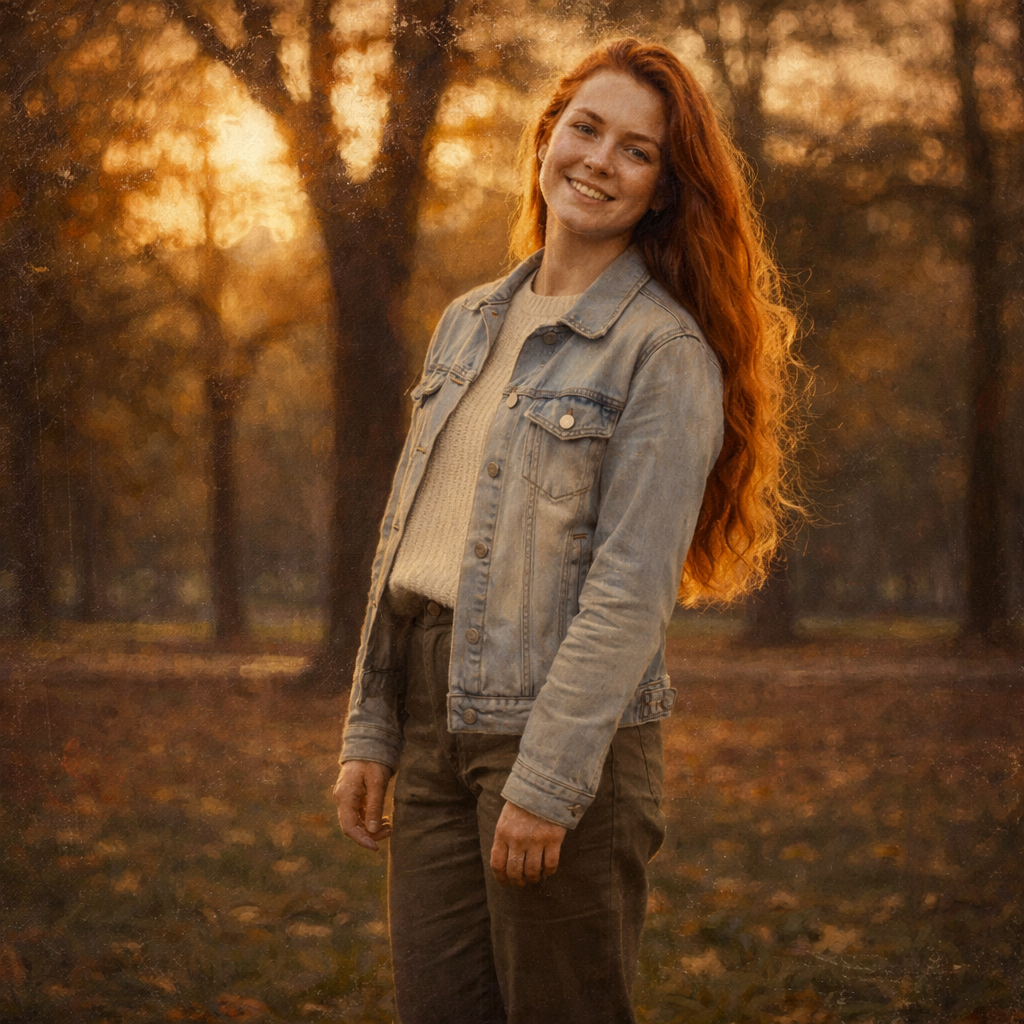
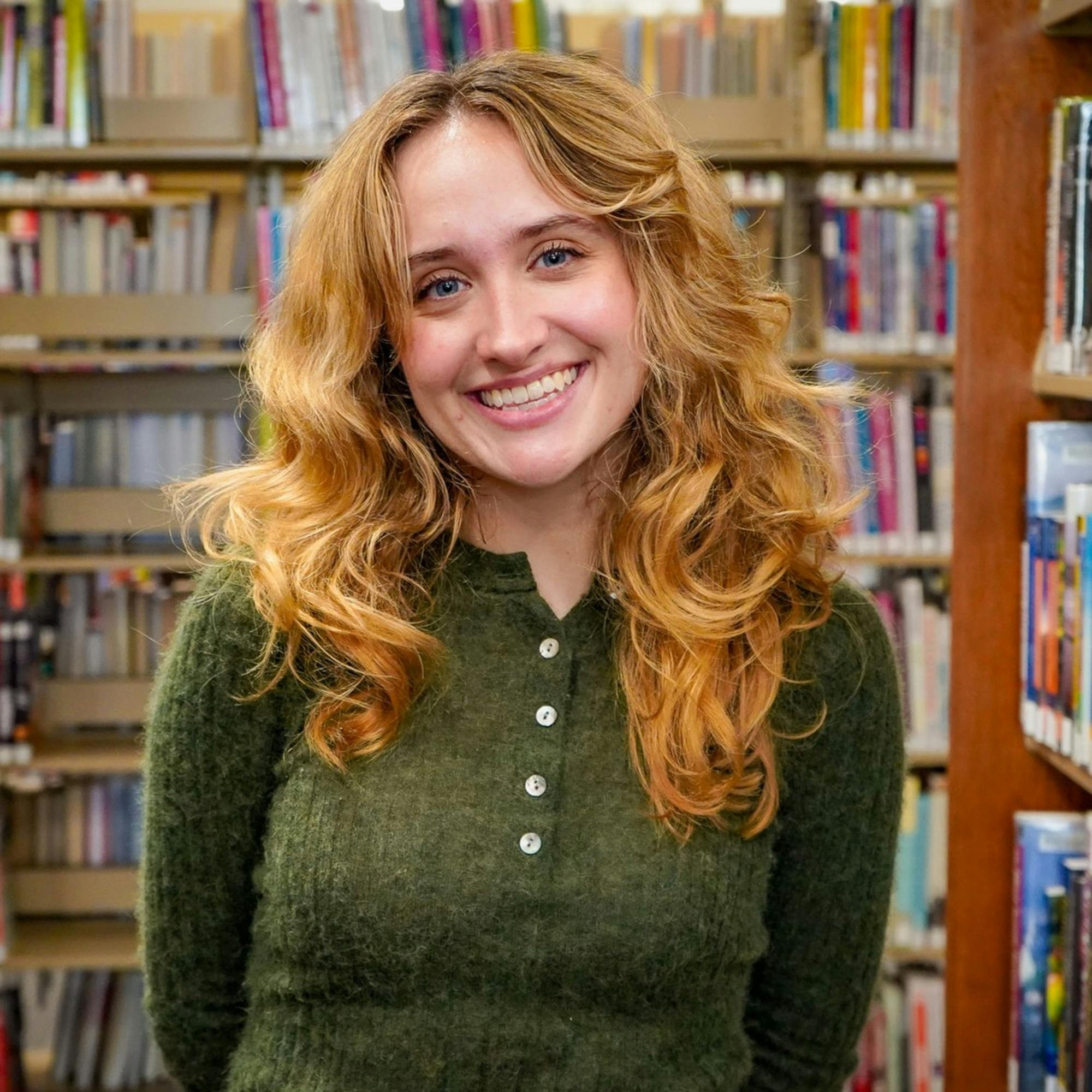
Compare the source photo with several common vintage use cases. These examples reuse the page's Hero transformation while explaining different practical outcomes.
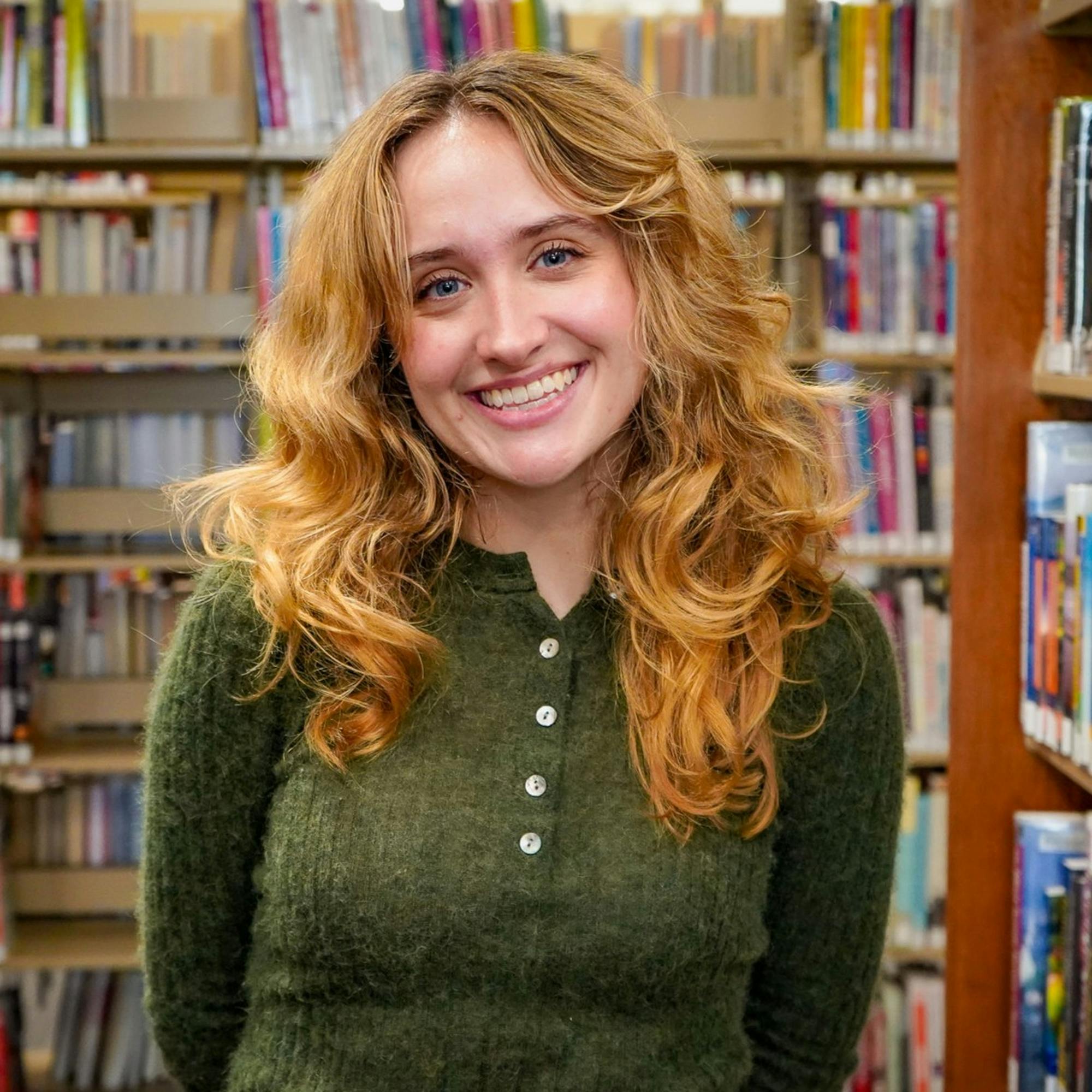 Before
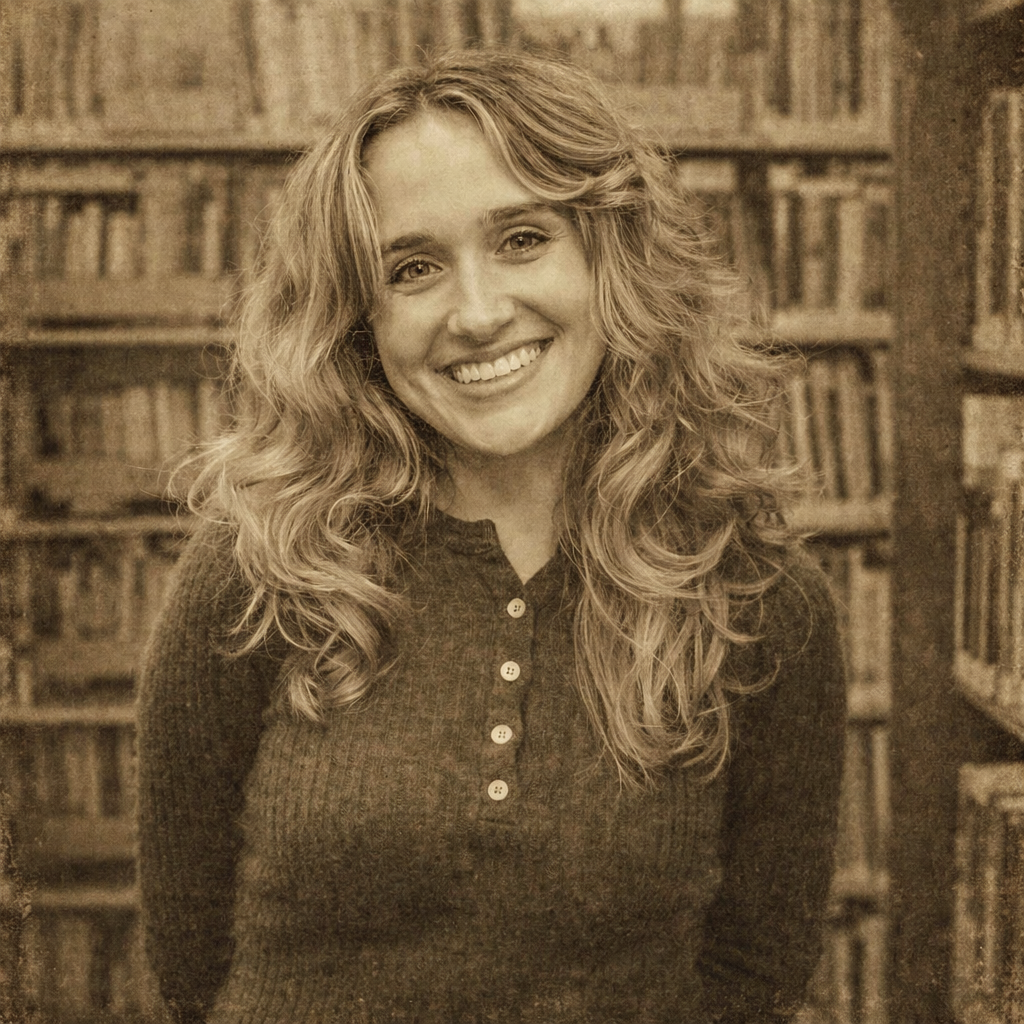 After
AfterA warm film-inspired portrait with restrained grain and a believable period mood.
BeforeAfterAn aged-color direction for family memories, album pages, and nostalgic keepsakes.
BeforeAfterA muted editorial treatment for profiles, creator branding, and magazine-style imagery.
BeforeAfterA faded travel-photo concept for landscapes, architecture, and memory-focused wall art.
Compare nearby portrait generators before choosing a final look. The best option depends on whether you need a finished artwork, a printable outline, or a profile image with a specific mood.
classical texture and painterly portraits
Oil painting changes the image into an art medium, while vintage keeps a photo-inspired result with older color cues.
soft stationery, gifts, and gentle portrait art
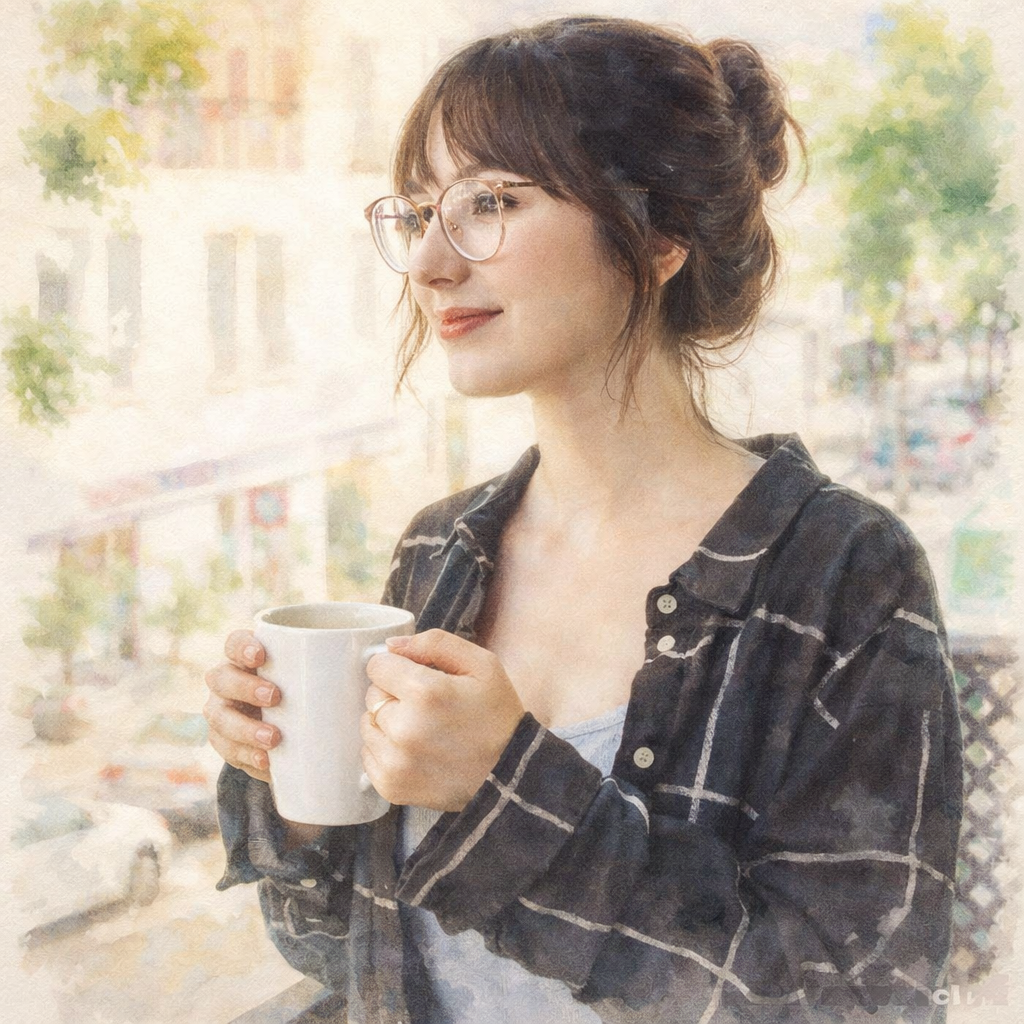
Watercolor feels light and fluid, while vintage feels aged, nostalgic, and more editorial.
clean monochrome headshots and contrast-led images
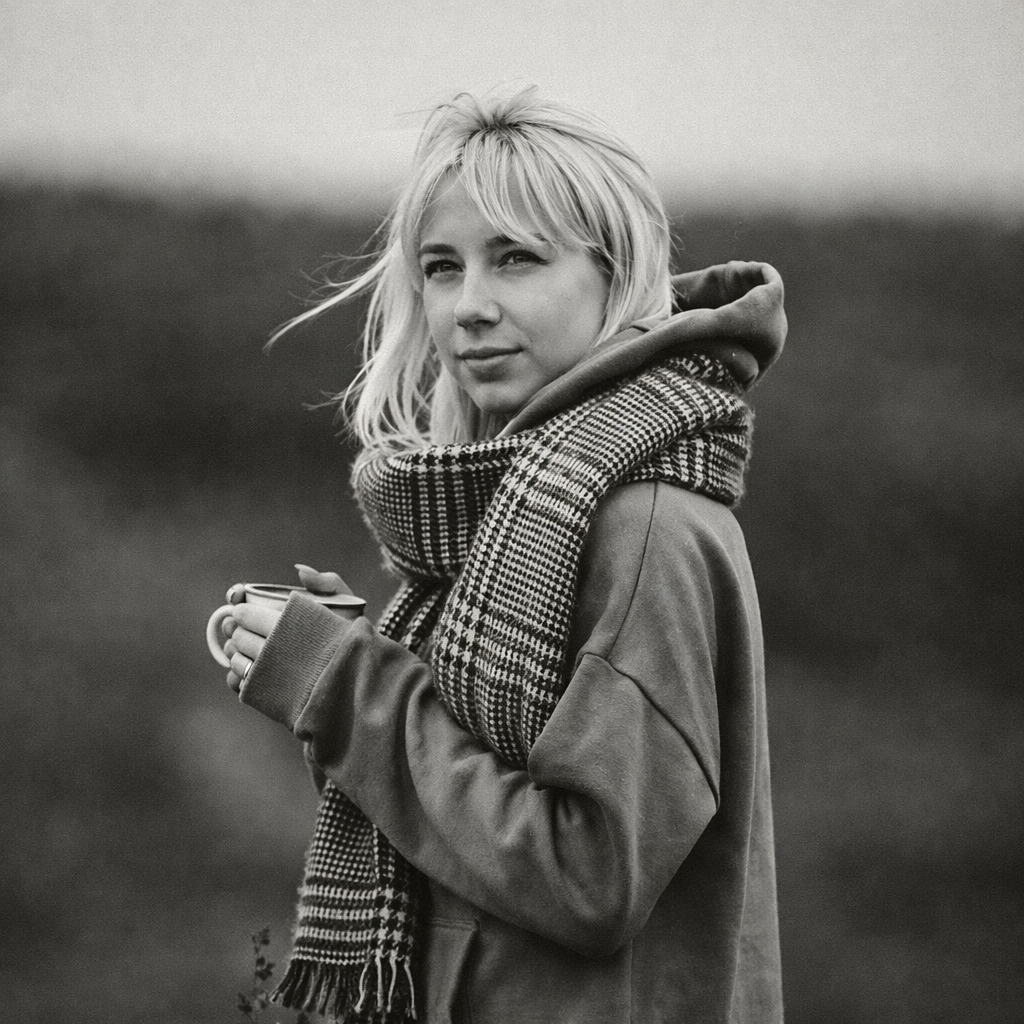
Black and white removes color entirely, while vintage keeps muted color as part of the story.
If this look is close but not quite right, these related AI portrait generators cover nearby search intents and creative outcomes.