Guide 01
Start with the display size
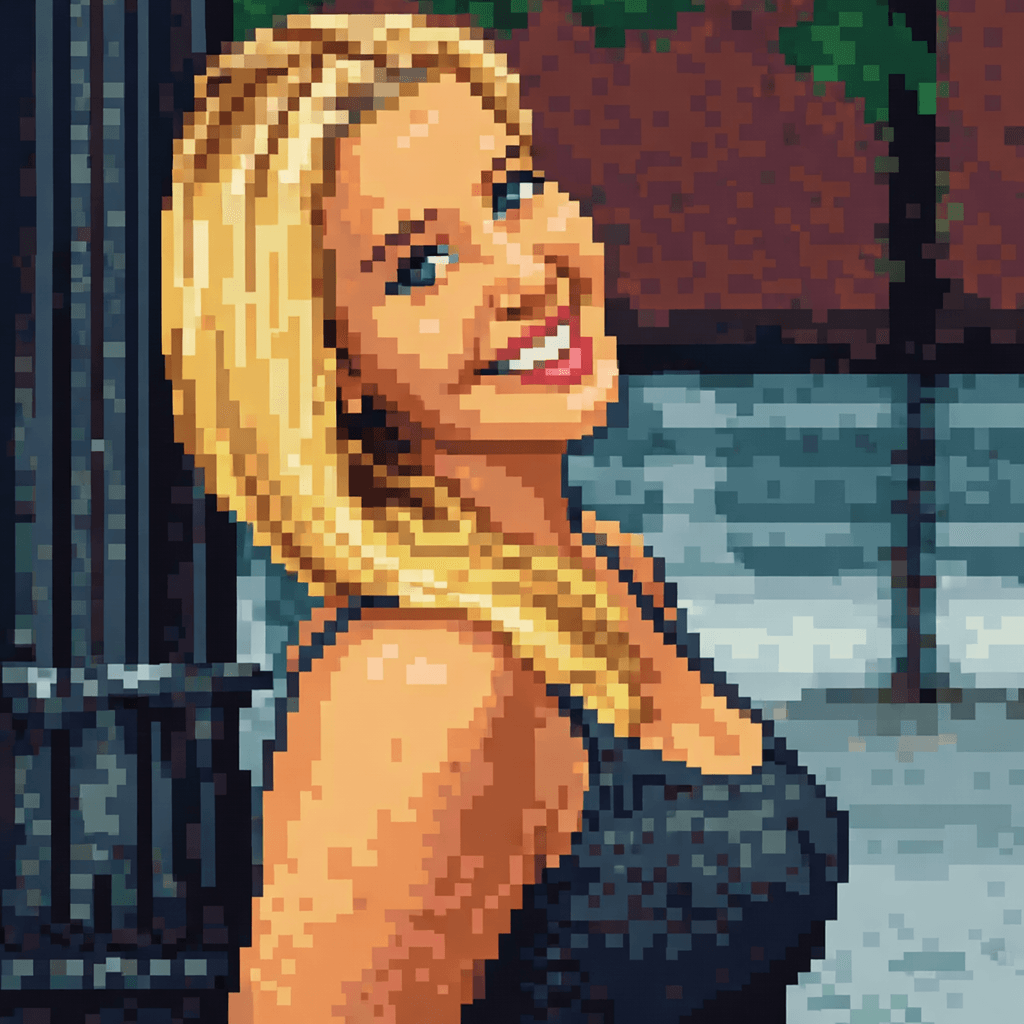
Use chunkier pixels and a simpler face for small avatars; reserve fine pixels for larger portraits and posters.
Transform any photo into stunning pixel art with AI. Our AI Pixel Art Generator converts your portraits, selfies, and photos into retro 8-bit style artwork in seconds.
Configure your style and upload a photo to start the AI transformation.
Ready for transformation
Pixel art is a beloved retro aesthetic that brings back the nostalgia of classic video games. Whether you're a gaming enthusiast, looking for unique profile pictures, or want to create nostalgic artwork, our AI Pixel Art Generator transforms your photos into beautiful 8-bit style masterpieces.
Upload a portrait, selfie, or any image you want to transform. Our AI works best with clear photos.
Select your preferred pixel size and color palette options.
Click Generate and the AI will transform your image into stunning pixel art within seconds.
Download your pixel art in high resolution and share it on social media or use it as a profile picture.

Our AI recreates authentic pixel art style reminiscent of classic Nintendo and Sega games.
Choose from small detailed pixels to chunky retro-style pixels.
From limited retro palettes to vibrant modern pixel art colors.
Download your pixel art in ultra-high resolution ready for digital use or printing.
Create pixel art avatars for Discord, Twitch, and gaming platforms.
Generate unique profile pictures with retro gaming vibes.
Turn your photos into classic pixel art portraits.
Create custom game character sprites from your photos.
Stand out on Instagram and TikTok with unique pixel art posts.
Create personalized pixel art gifts for friends and family.
Pixel art should be planned around its smallest use, because detail that looks good large can disappear in an avatar or sprite.
Use chunkier pixels and a simpler face for small avatars; reserve fine pixels for larger portraits and posters.
A controlled palette creates stronger retro character and prevents noisy color changes across the face.
Simple backgrounds and separated limbs make character sprites easier to recognize at low resolution.
Keep hard pixel edges when resizing. Avoid smoothing if the image will be used in games, icons, or retro UI.
Create pixel art avatars for Discord, Twitch, and gaming platforms. For better results, choose an input photo that already matches this use case instead of trying to force a mismatched image into the style.
Generate unique profile pictures with retro gaming vibes. For better results, choose an input photo that already matches this use case instead of trying to force a mismatched image into the style.
Turn your photos into classic pixel art portraits. For better results, choose an input photo that already matches this use case instead of trying to force a mismatched image into the style.
Yes, you can try the pixel art generator for free. Some advanced features may require a subscription for high-resolution downloads.
Clear portraits and photos with good contrast work best for pixel art transformation.
Most images are processed within a few seconds thanks to our optimized AI engine.
Usage rights depend on your subscription plan. Please check our licensing terms for detailed information.
No. Our AI automatically handles the entire conversion process, creating beautiful pixel art for you instantly.
Yes, the AI keeps the main silhouette, facial structure, pose, and color cues while converting the photo into a retro pixel style. Clear subjects with strong outlines produce more recognizable pixel avatars and icons.
Pixel art works well for gaming avatars, Discord icons, Twitch graphics, indie game mockups, sticker-style portraits, retro social posts, and nostalgic gift artwork. It is strongest when the final image needs to feel playful, compact, and instantly readable.
Avoid images with too many small faces, crowded backgrounds, heavy motion blur, or tiny important details. Pixel art simplifies detail, so a single clear subject with good contrast gives the AI a better structure to translate.
Commercial usage depends on your plan and the rights to the uploaded image. For games, paid assets, stickers, apparel, or client work, confirm that you can use the source photo and review the licensing terms before distribution.
Upload your photo and create stunning pixel art in seconds.
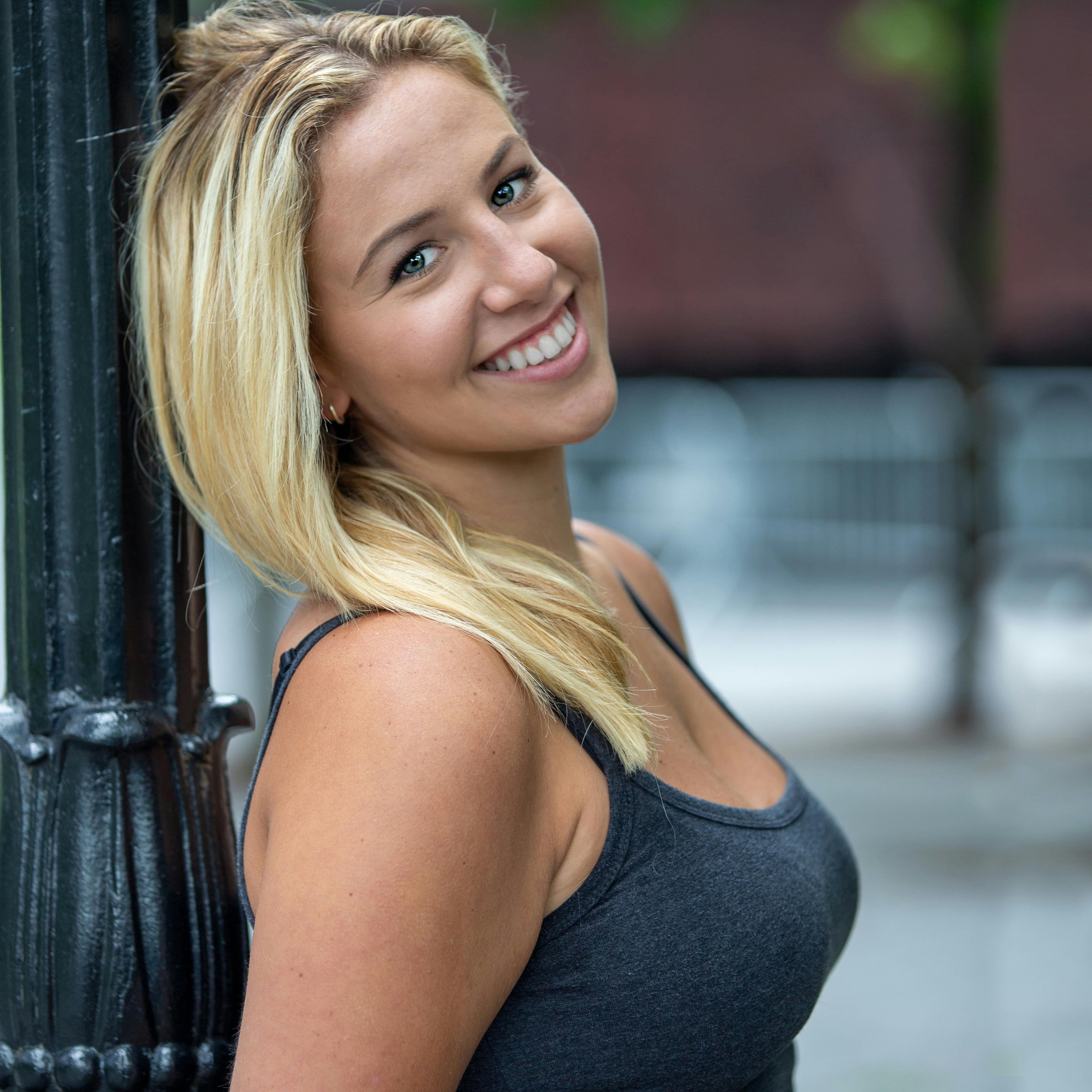
Compare the source photo with several common pixel art use cases. These examples reuse the page's Hero transformation while explaining different practical outcomes.
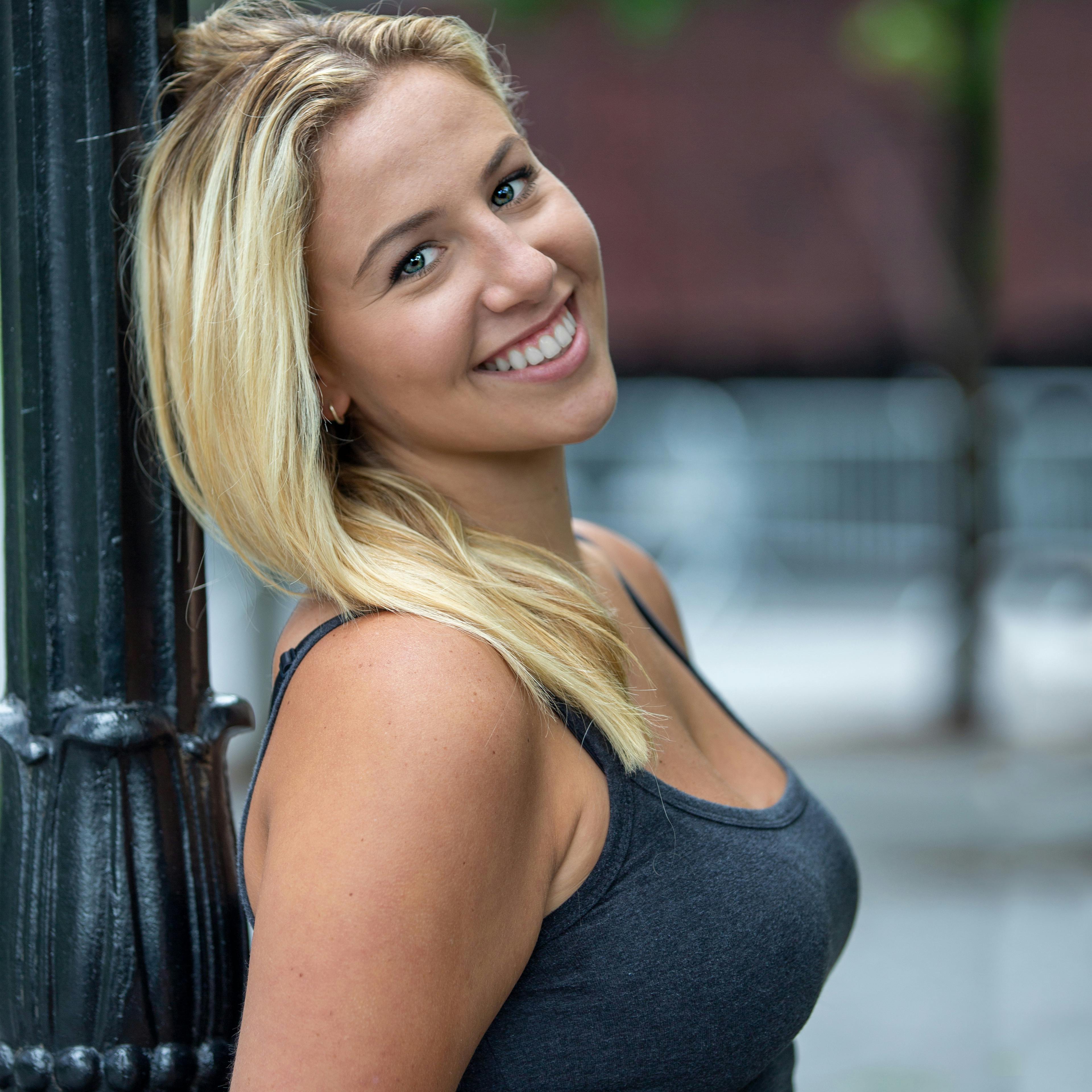 Before
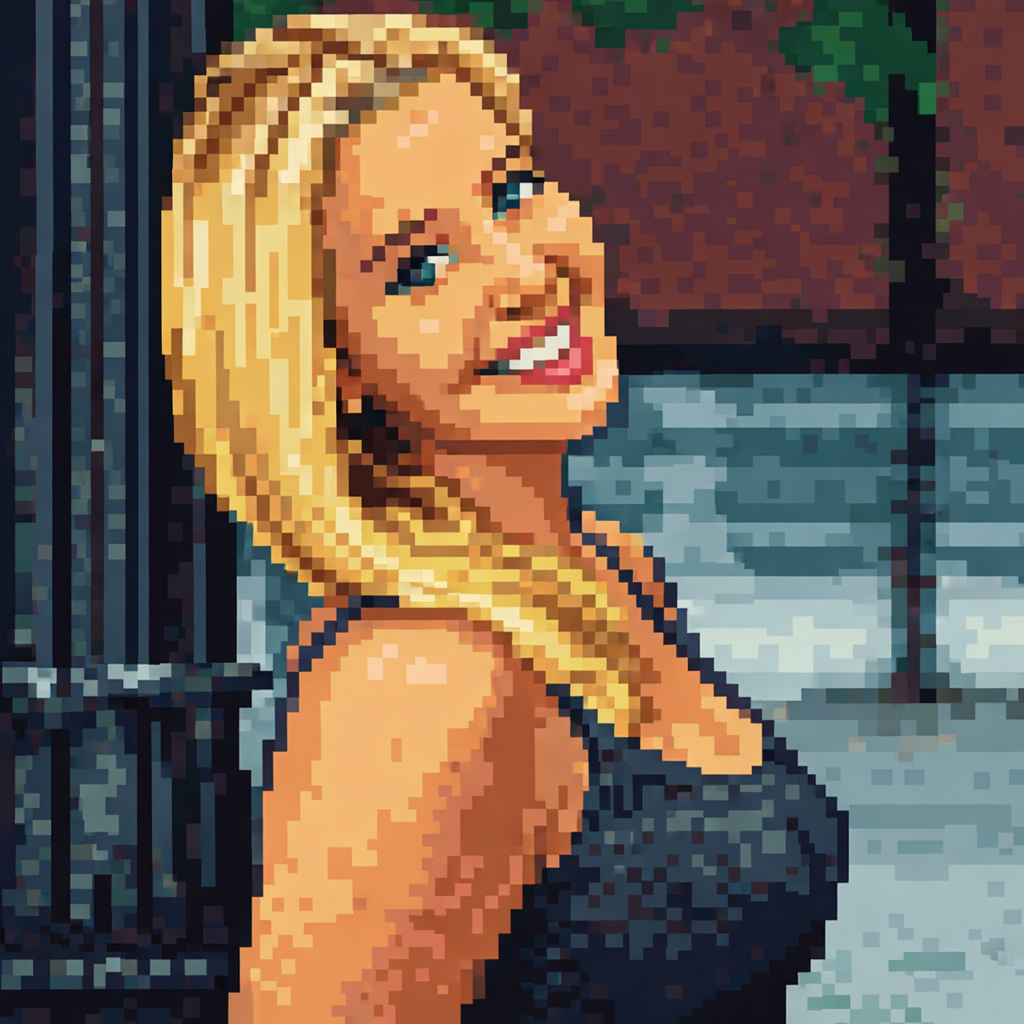 After
AfterA compact pixel avatar concept with a strong silhouette and a controlled color palette.
BeforeAfterA square retro portrait designed for social profiles, communities, and nostalgic branding.
BeforeAfterA sprite-oriented character concept with simplified shapes and readable small-scale detail.
BeforeAfterA more detailed pixel portrait for posters, creator profiles, and digital collectibles.
Compare nearby portrait generators before choosing a final look. The best option depends on whether you need a finished artwork, a printable outline, or a profile image with a specific mood.
poster-style portraits and bright social visuals
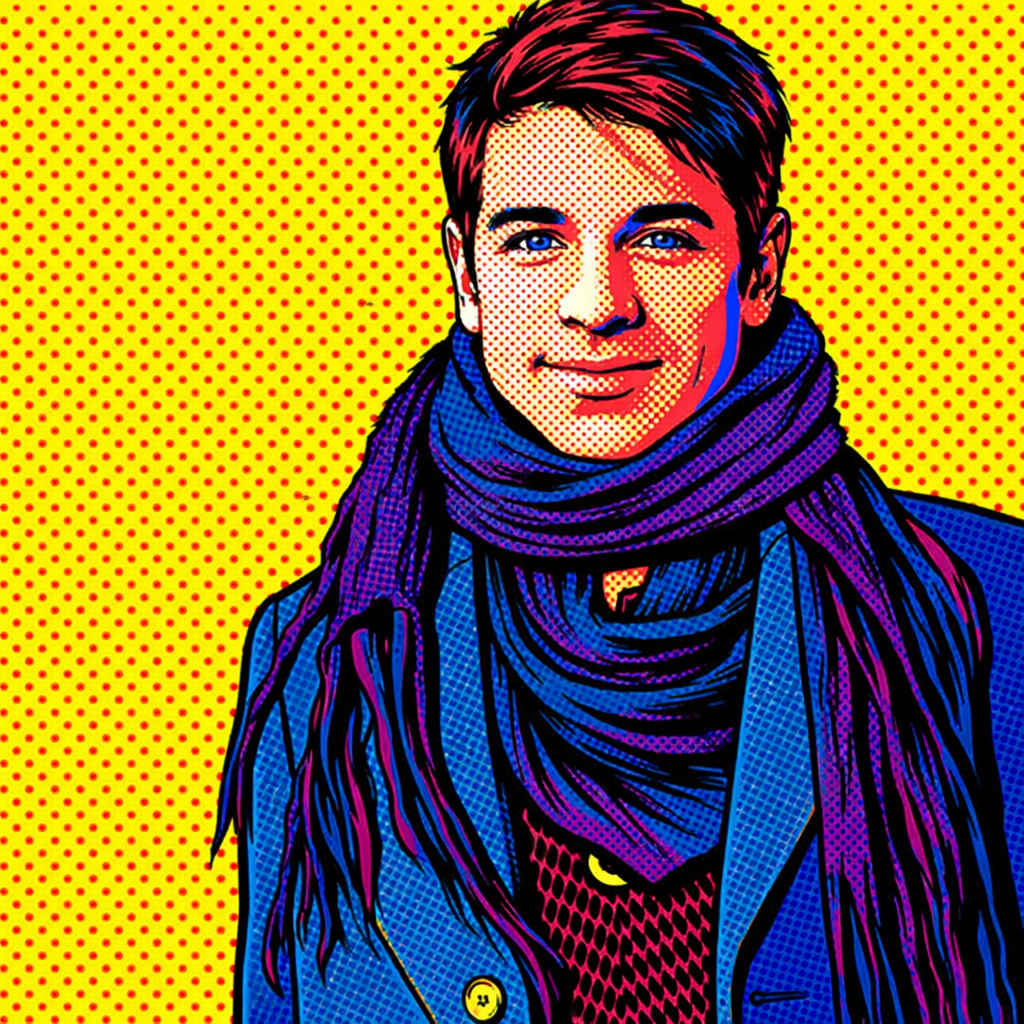
Pop art keeps large graphic shapes, while pixel art intentionally reduces the portrait into a retro grid.
expressive character portraits with more detail
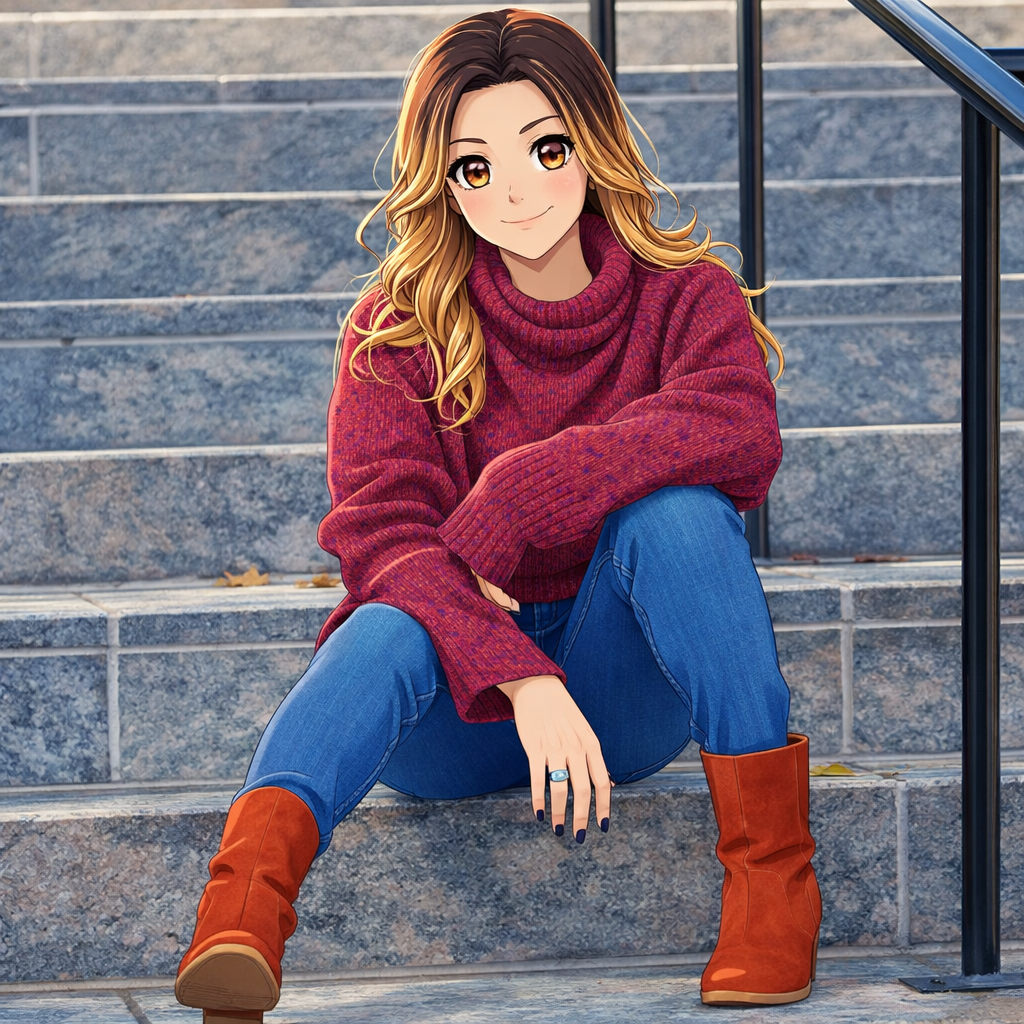
Anime keeps smooth illustration details, while pixel art favors icon clarity and nostalgic game styling.
printable outlines and hands-on coloring
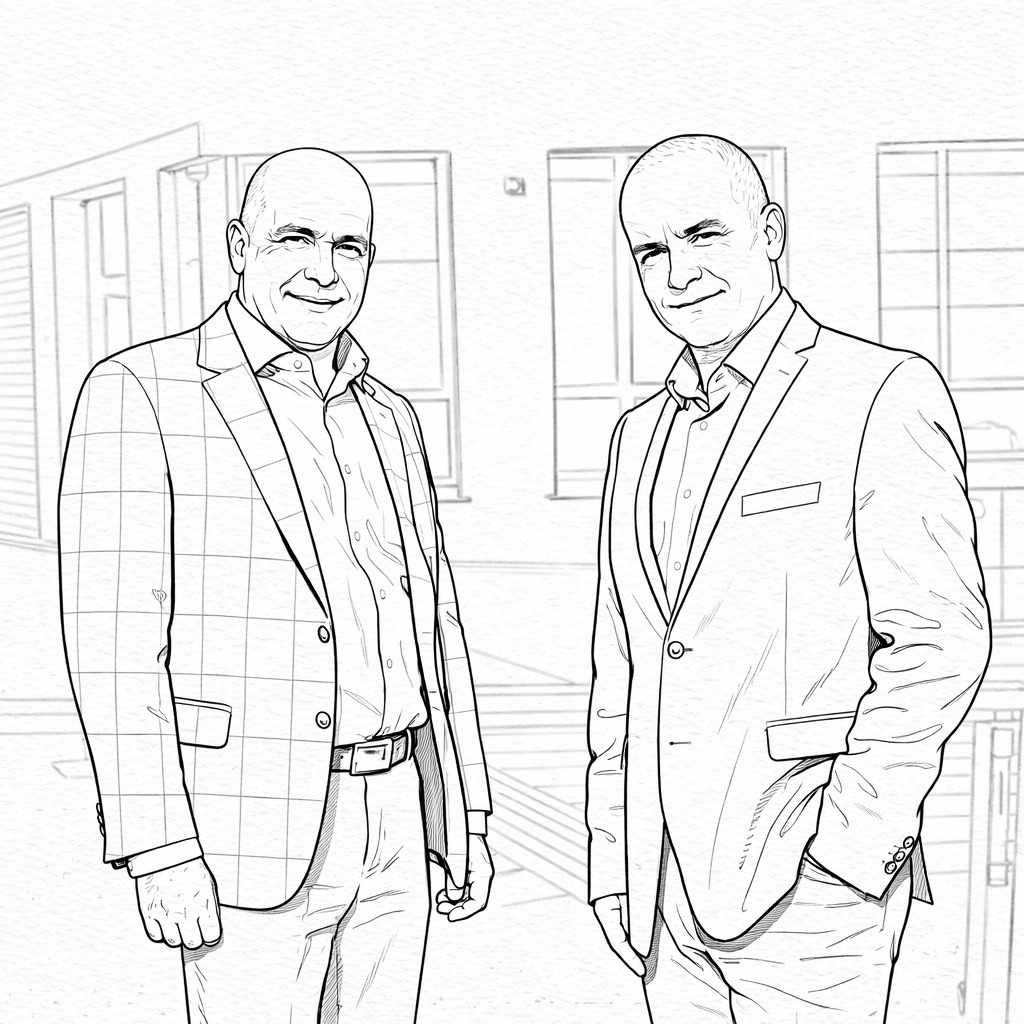
Coloring pages are made for blank areas and outlines, while pixel art is a finished digital style.
If this look is close but not quite right, these related AI portrait generators cover nearby search intents and creative outcomes.