LinkedIn Headshot Guide: Crop, Background, Attire, and Expression
bananaportrait Team
7/16/2026
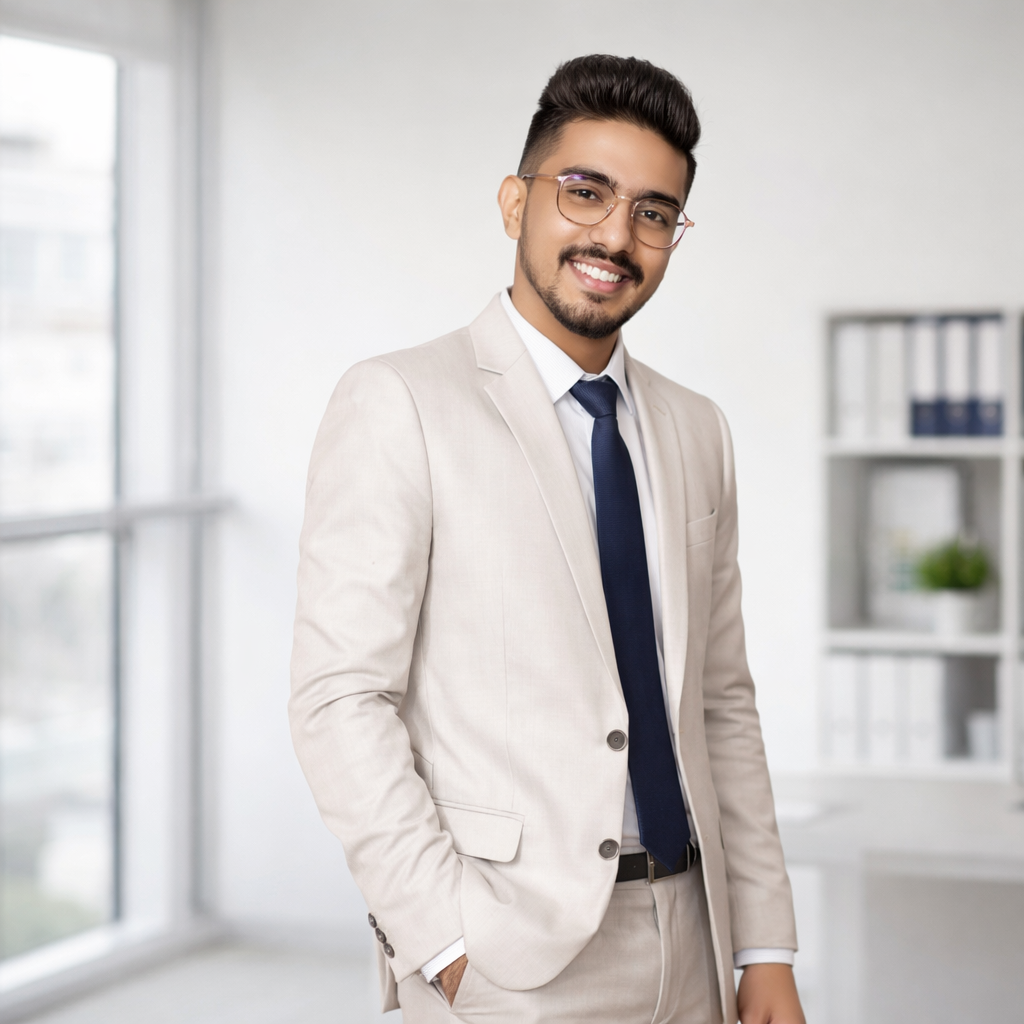
A LinkedIn headshot is usually displayed as a small circle or compact square. Fine background details and full-body poses disappear quickly, so the portrait must communicate through the face, expression, and upper-body silhouette.
Recommended crop
Start with a square or 4:5 image. Keep the head and upper shoulders visible, and leave enough space above the hair for circular cropping. Avoid placing the chin, hair, or shoulders directly against the frame.
Background choice
Neutral gray, warm white, soft office, or lightly blurred architectural backgrounds are safe choices. The background should separate hair and clothing without looking like a distracting stock-photo scene.
Attire and expression
Match clothing to the role you want to communicate. Business casual works for product, design, technology, and creative roles. Formal jackets suit executives, legal, finance, consulting, and more traditional industries. Use a calm, approachable expression rather than an exaggerated smile or a severe passport-photo look.
LinkedIn, resume, and speaker-bio differences
LinkedIn can support a slightly warmer expression. Resume photos, where culturally appropriate, usually need a simpler and more restrained crop. Speaker bios can use more personality, stronger lighting, or a softer editorial background because the portrait often appears larger.
Use the Professional Office Portrait Generator to create the headshot. If you are preparing multiple people, follow the AI headshots for employees workflow instead of styling each portrait independently.
Try the AI portrait generators mentioned in this guide
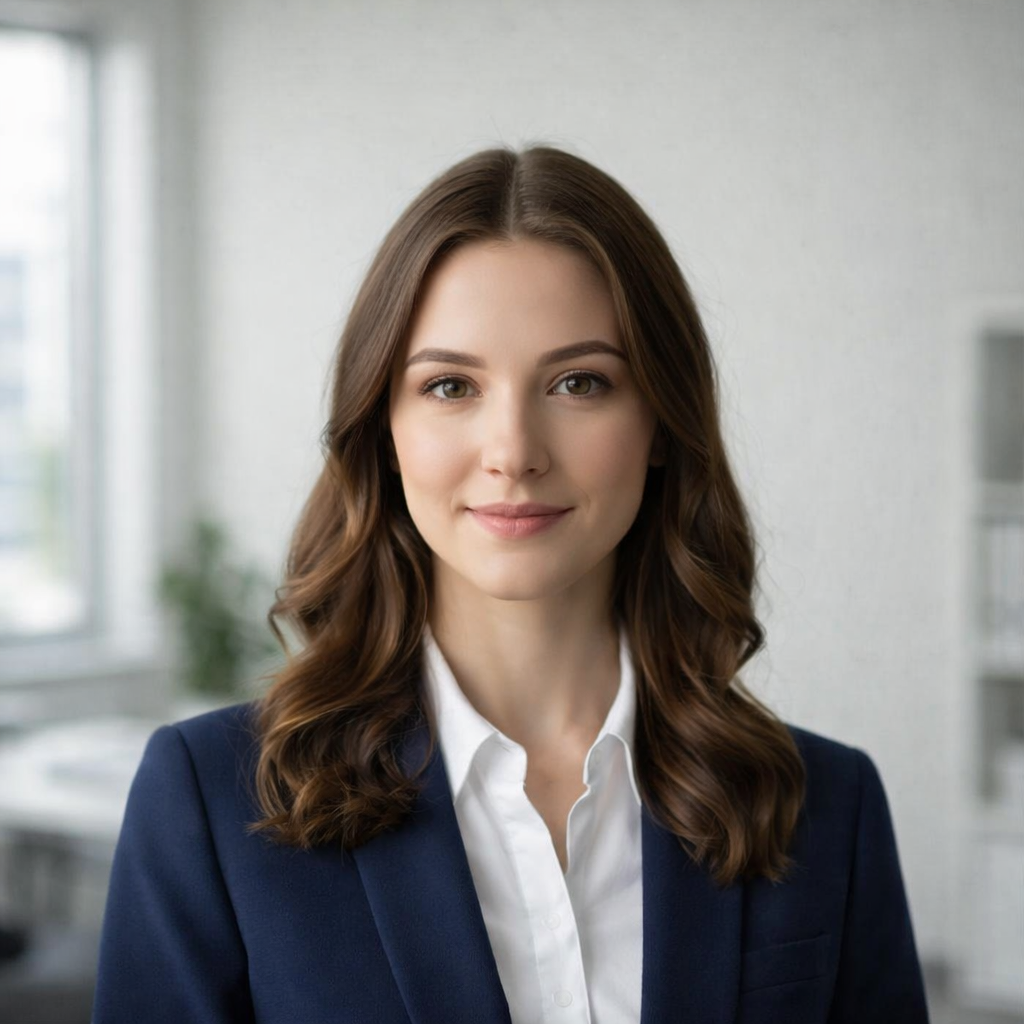
AI Professional Office Portrait Generator
Transform your photo into a professional office portrait with AI. Create polished business headshots in seconds.
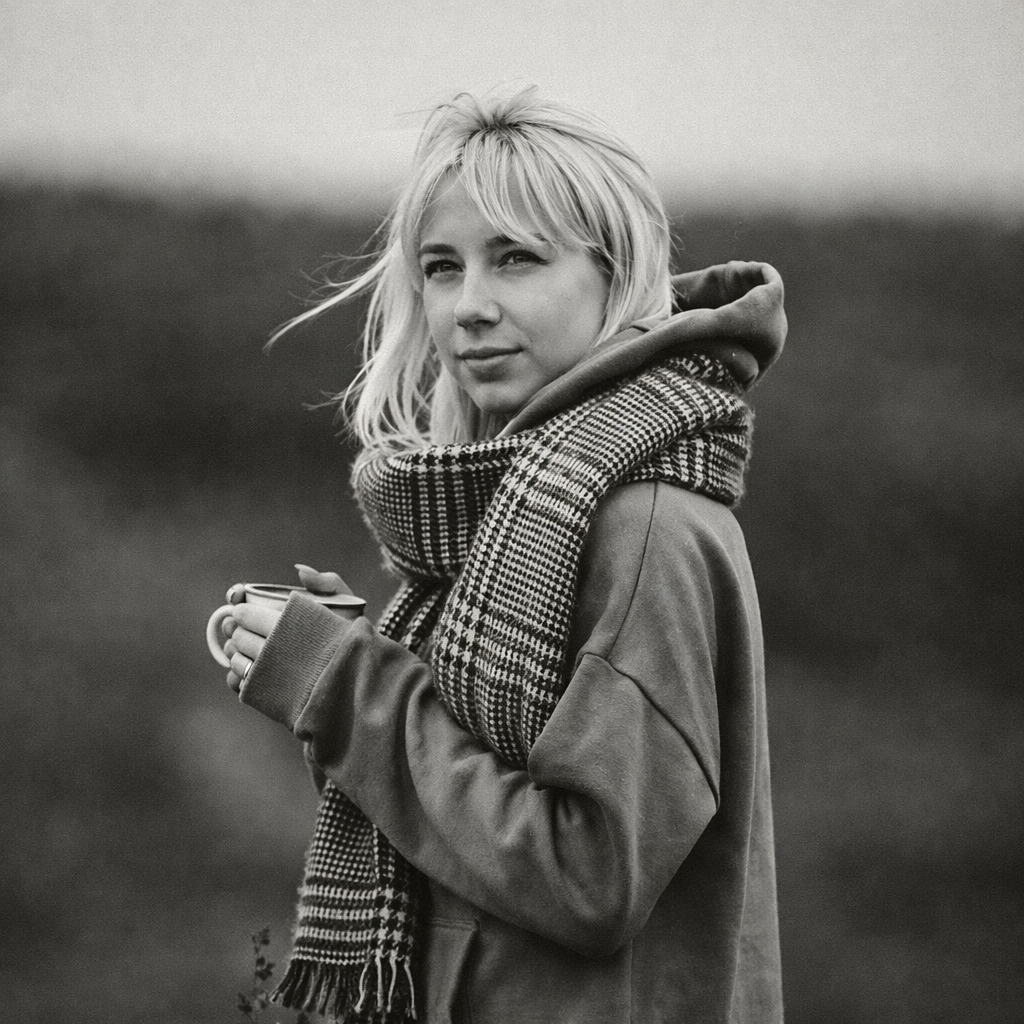
Turn Your Photo into Black & White Online
Transform any photo into stunning black and white with AI. Our AI Black & White Generator creates timeless monochrome photography from your colorful photos.
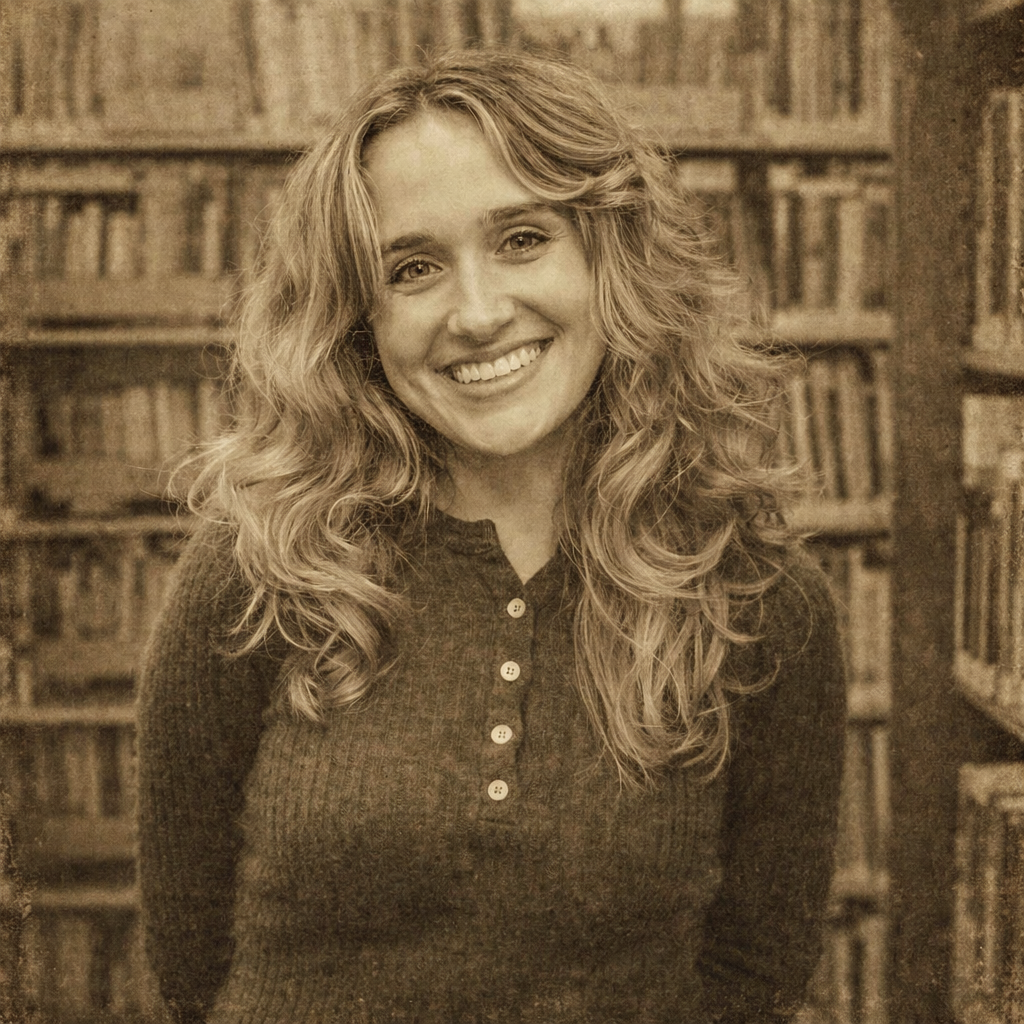
Turn Your Photo into Vintage Style Online
Transform any photo into beautiful vintage style with AI. Our AI Vintage Generator adds nostalgic film grain, sepia tones, and classic photo effects to your photos.
Keep comparing AI portrait workflows
Professional Headshot Backgrounds: Neutral, Office, and Editorial Options
Choose a professional headshot background for LinkedIn, resumes, employee directories, company team pages, and speaker bios.
AI Headshots for Employees: A Practical Team-Page Workflow
Create consistent AI portraits for employees, remote teams, company directories, and corporate team pages from mixed source photos.
How to Create Consistent Team Headshots for Remote Employees
Standardize crop, background, attire, lighting, and review rules when remote employees submit photos from different phones and locations.