AI Headshots for Employees: A Practical Team-Page Workflow
bananaportrait Team
7/16/2026
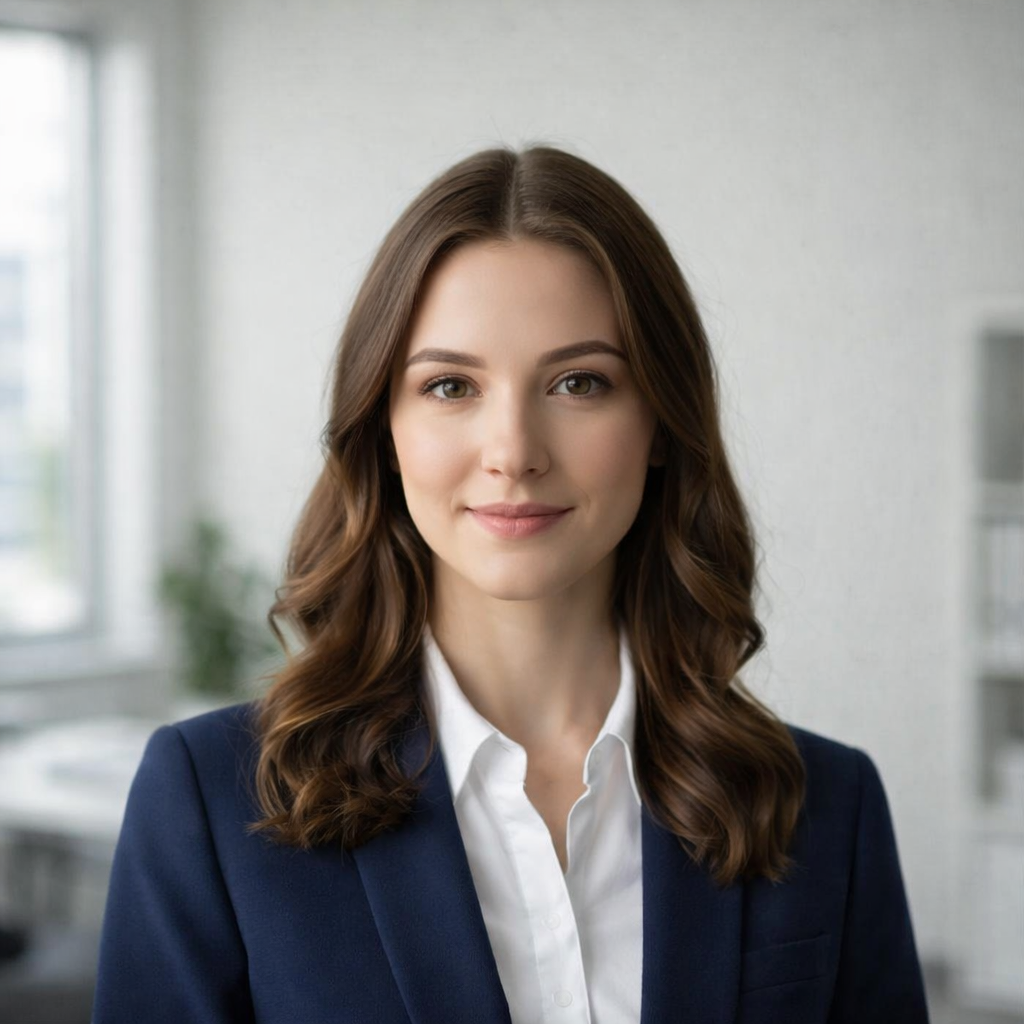
AI portraits for employees are most useful when a company needs a coherent team page but cannot bring every employee into the same studio. The goal is not to make every person identical. The goal is to standardize the visual rules around different faces and source devices.
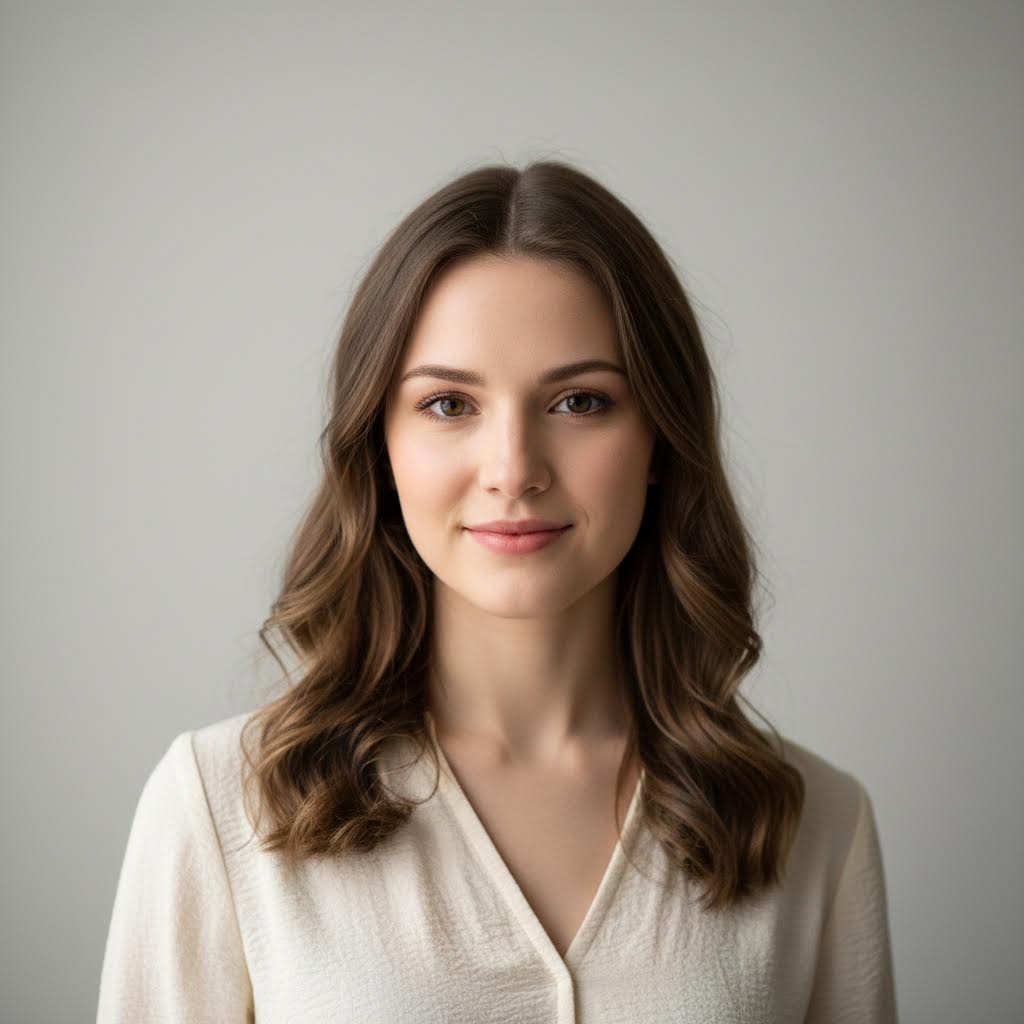
Set one portrait specification
Define a square or 4:5 crop, consistent face size, head-and-shoulders framing, one background family, and a target clothing level. Share those rules before employees submit photos.
Accept realistic remote inputs
Employees can use different phones and cameras, but ask for eye-level images, visible faces, balanced light, and no heavy filters. Avoid screenshots and tiny social-media downloads.
Generate and review as a set
Use the Professional Office Portrait Generator for each person. Review the portraits together rather than approving them one by one. Check shoulder height, background brightness, crop, expression, and clothing formality across the full directory.
Keep identity and credibility first
A company team page should still look like the real employees. Reject results that change age, facial structure, hair, or defining features too aggressively. Consistency should come from composition and styling, not from making faces look uniform.
Continue with the consistent team-headshot checklist and the professional background guide before publishing a large employee directory.
Try the AI portrait generators mentioned in this guide
AI Professional Office Portrait Generator
Transform your photo into a professional office portrait with AI. Create polished business headshots in seconds.
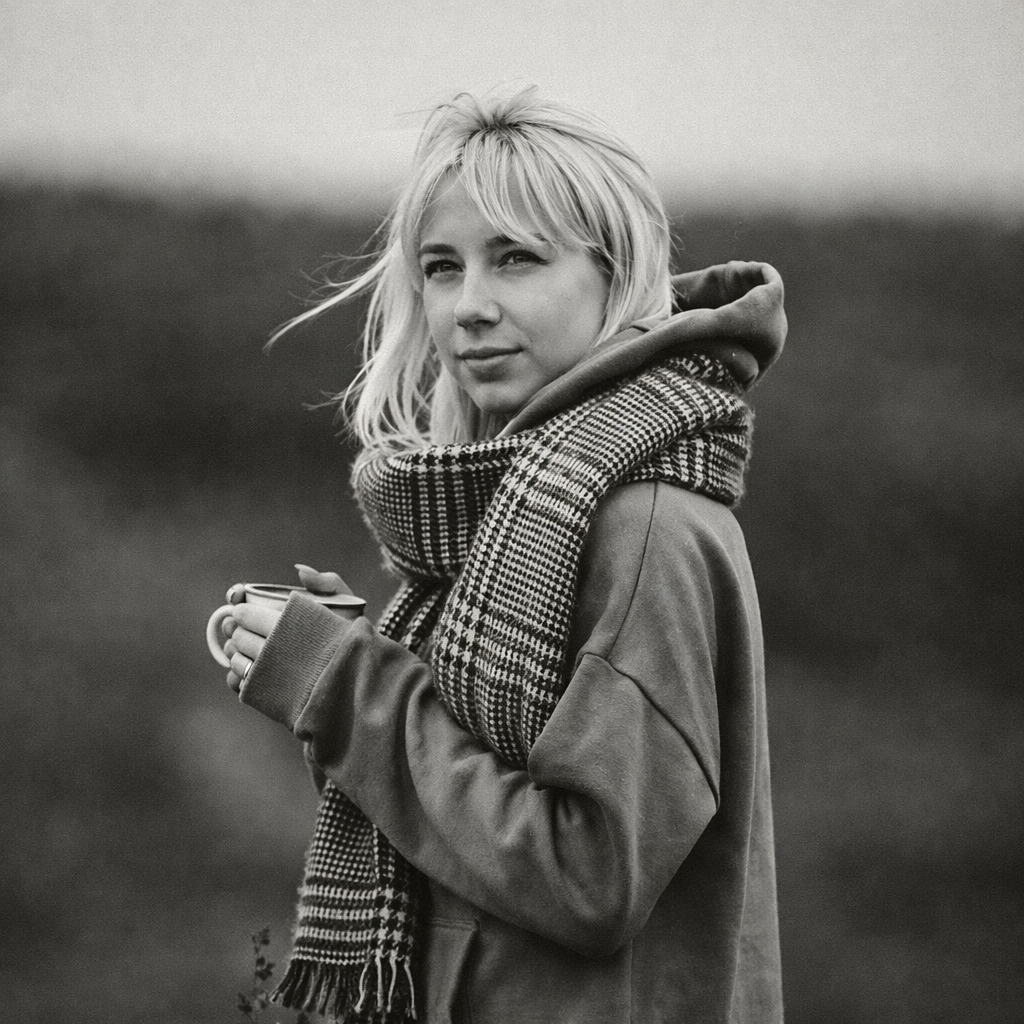
Turn Your Photo into Black & White Online
Transform any photo into stunning black and white with AI. Our AI Black & White Generator creates timeless monochrome photography from your colorful photos.
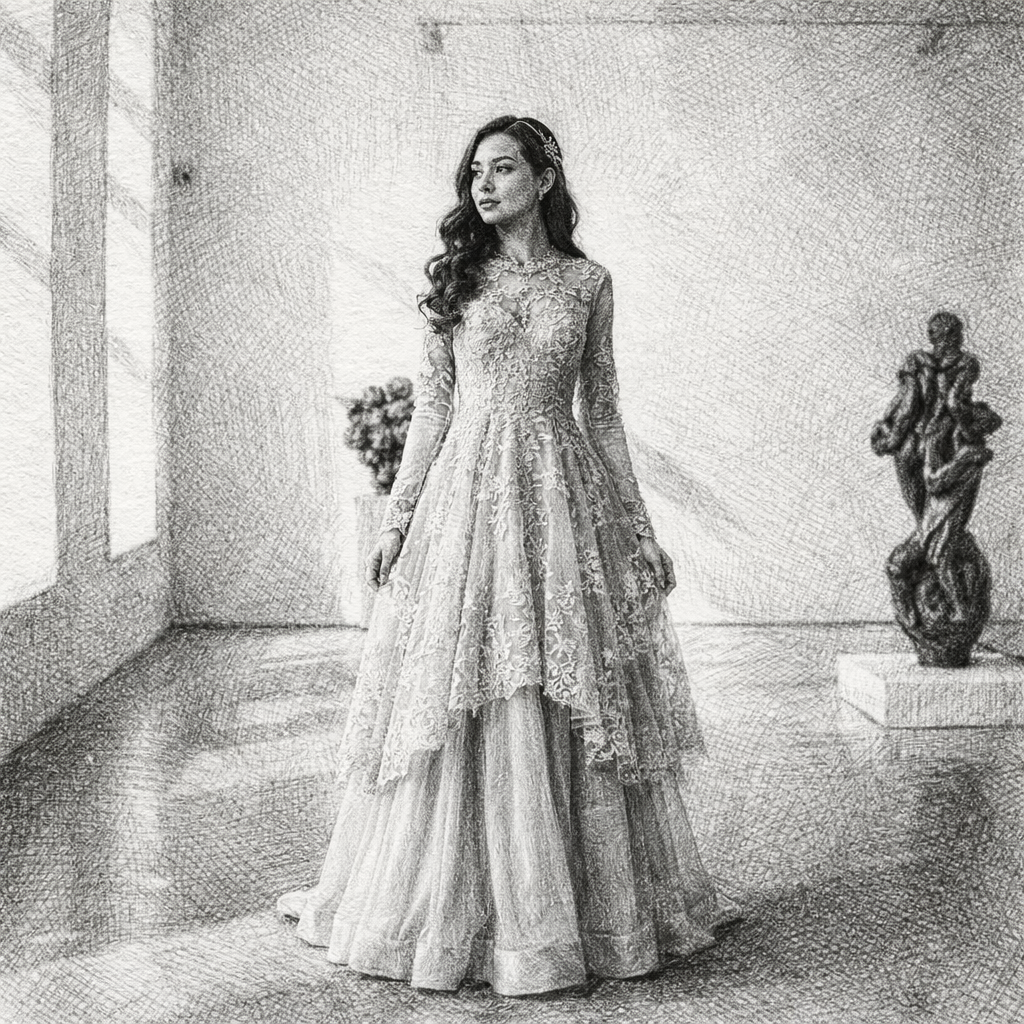
Turn Your Photo into a Sketch Drawing Online
Transform any photo into a beautiful sketch drawing with AI. Our AI Sketch Generator lets you convert portraits, selfies, and photos into stunning hand-drawn style illustrations in seconds.
Keep comparing AI portrait workflows
How to Create Consistent Team Headshots for Remote Employees
Standardize crop, background, attire, lighting, and review rules when remote employees submit photos from different phones and locations.
Professional Headshot Backgrounds: Neutral, Office, and Editorial Options
Choose a professional headshot background for LinkedIn, resumes, employee directories, company team pages, and speaker bios.
LinkedIn Headshot Guide: Crop, Background, Attire, and Expression
Prepare a LinkedIn headshot that remains readable at small size and adapts cleanly to resumes, speaker bios, and company profiles.