How to Create Consistent Team Headshots for Remote Employees
bananaportrait Team
7/16/2026
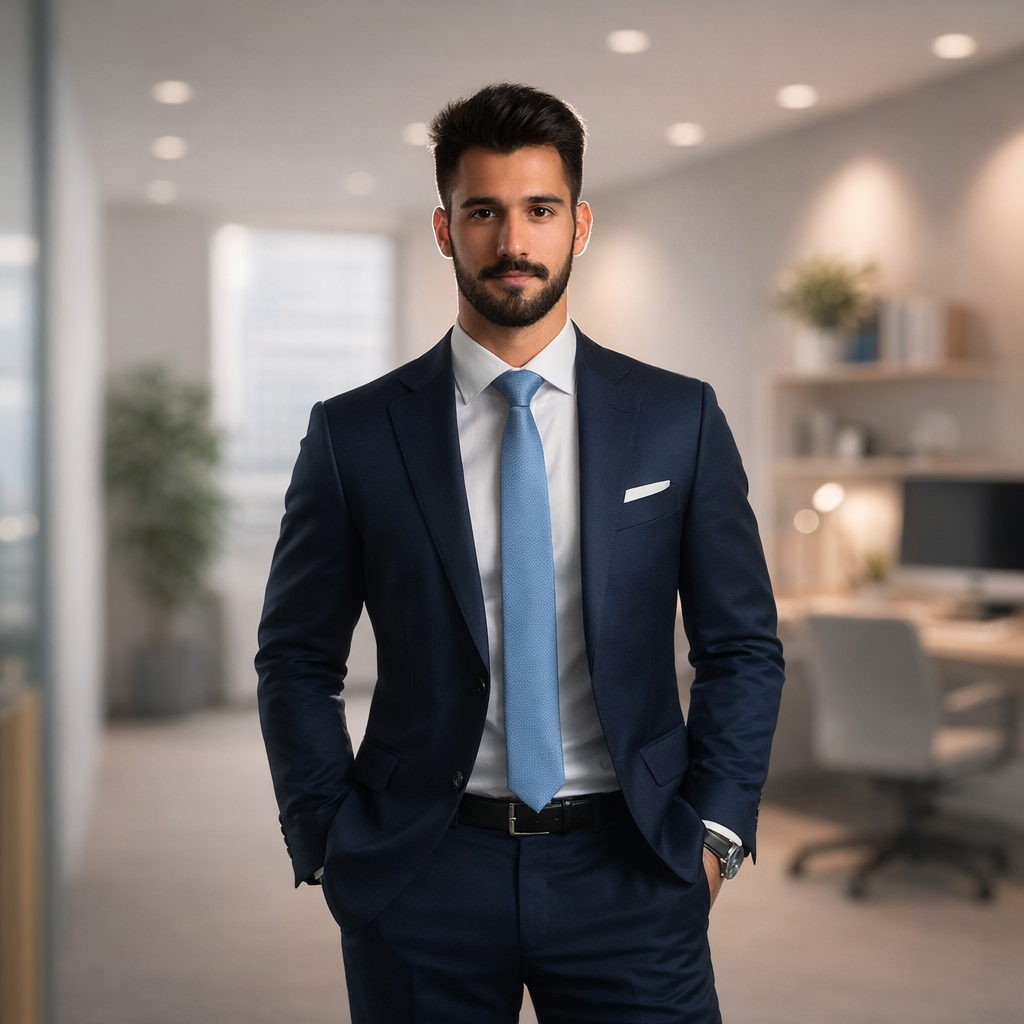
Remote-team headshots become inconsistent for predictable reasons: different camera heights, different face sizes, mixed backgrounds, uneven lighting, and different interpretations of “professional.” A small portrait specification solves most of those problems before generation begins.
Use one crop rule
Choose square or 4:5, place the eyes at a consistent height, and keep a similar amount of shoulder area in every portrait. Face size is one of the first inconsistencies visitors notice on a team page.
Use one background family
The backgrounds do not need to be identical. They should share brightness, color temperature, and visual complexity. For example, choose light neutral studio backgrounds or soft office backgrounds, but do not mix them randomly.
Set clothing formality
Define whether the team should appear formal, business casual, or casual. Allow role-based variation, but keep the overall color and contrast controlled so one portrait does not dominate the page.
Normalize remote-device differences
Ask employees to face a window, hold the camera at eye level, avoid portrait-mode blur artifacts, and submit the original file. The Professional Office Portrait Generator can improve the setting, but it cannot restore detail that was removed by a tiny screenshot.
Review the grid, not the individual
Place all finished images into a team-page mockup. Compare eye line, face size, shoulder position, background brightness, and expression. Regenerate the outliers until the group feels coherent.
For the source-photo collection process, use the AI employee-headshot workflow. For the visual system, compare professional headshot backgrounds.
Try the AI portrait generators mentioned in this guide
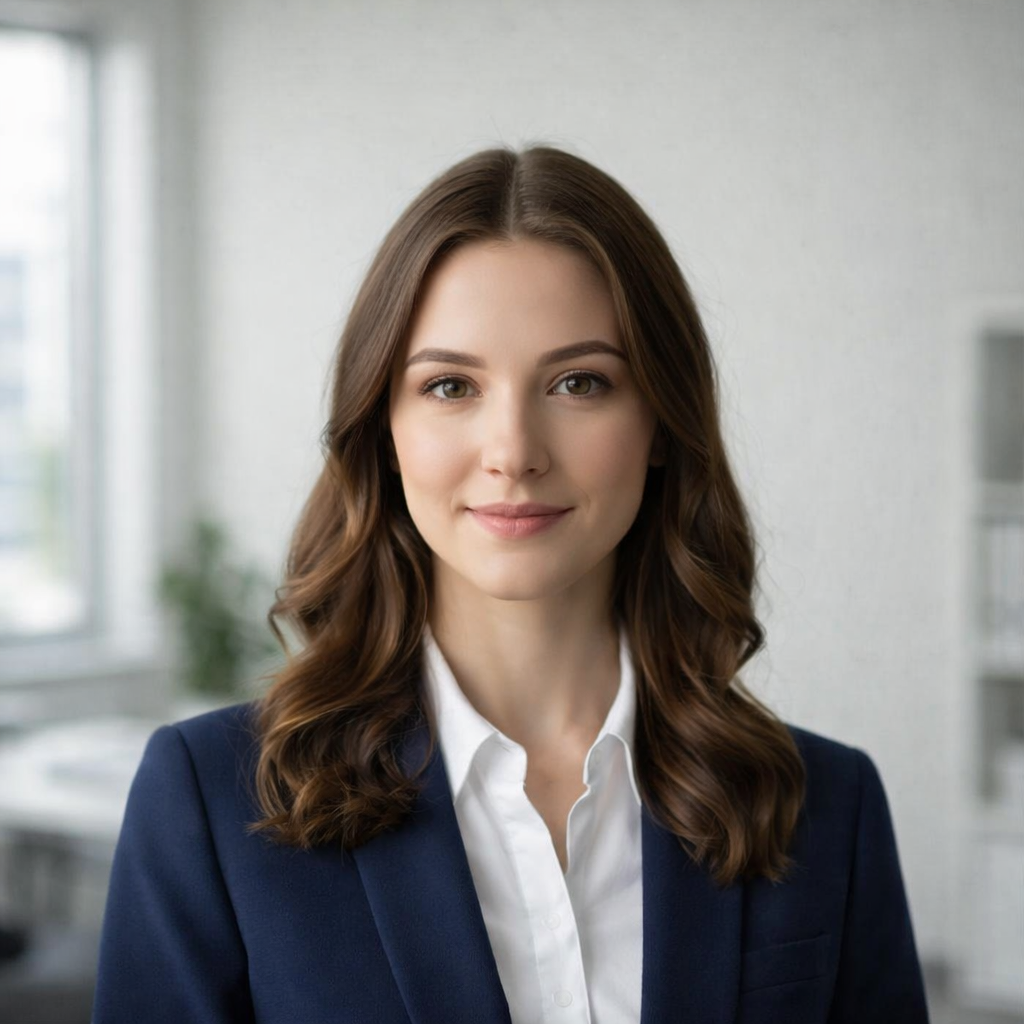
AI Professional Office Portrait Generator
Transform your photo into a professional office portrait with AI. Create polished business headshots in seconds.
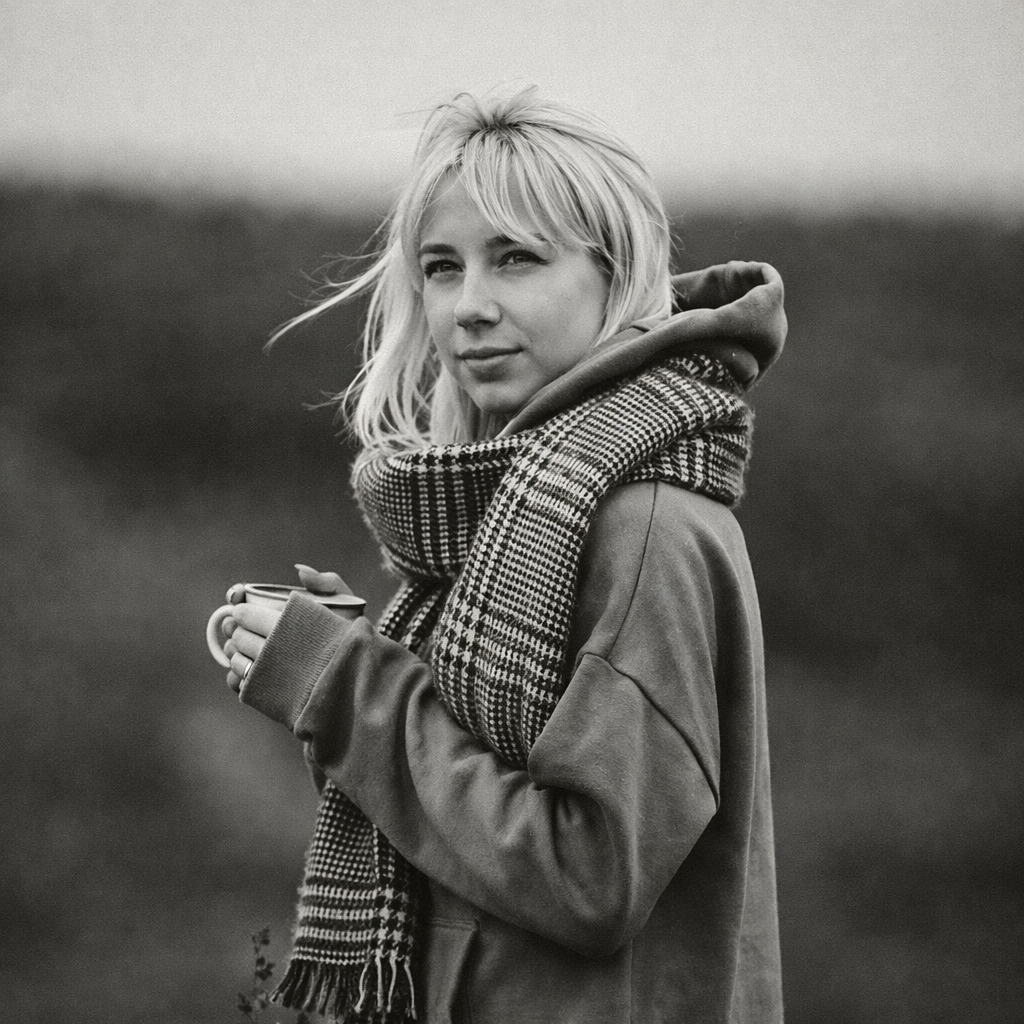
Turn Your Photo into Black & White Online
Transform any photo into stunning black and white with AI. Our AI Black & White Generator creates timeless monochrome photography from your colorful photos.
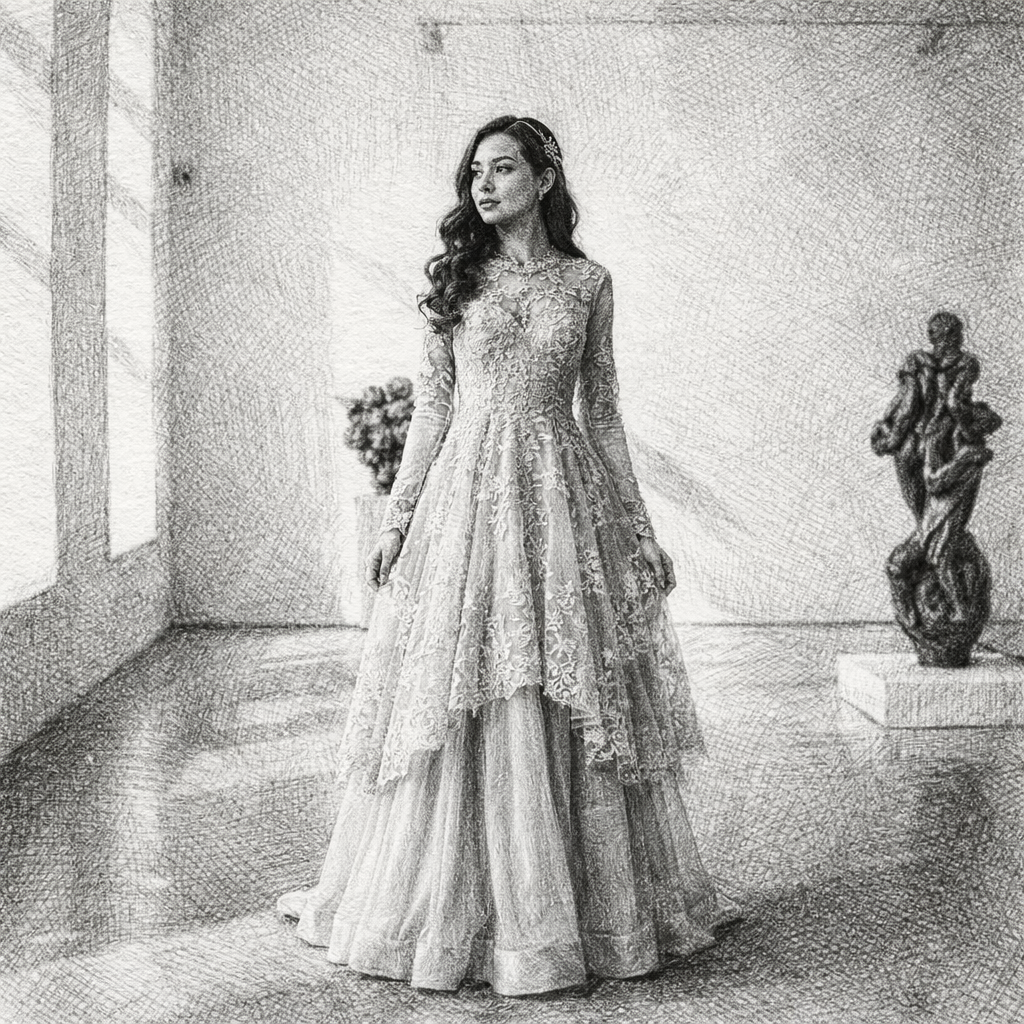
Turn Your Photo into a Sketch Drawing Online
Transform any photo into a beautiful sketch drawing with AI. Our AI Sketch Generator lets you convert portraits, selfies, and photos into stunning hand-drawn style illustrations in seconds.
Keep comparing AI portrait workflows
AI Headshots for Employees: A Practical Team-Page Workflow
Create consistent AI portraits for employees, remote teams, company directories, and corporate team pages from mixed source photos.
Professional Headshot Backgrounds: Neutral, Office, and Editorial Options
Choose a professional headshot background for LinkedIn, resumes, employee directories, company team pages, and speaker bios.
LinkedIn Headshot Guide: Crop, Background, Attire, and Expression
Prepare a LinkedIn headshot that remains readable at small size and adapts cleanly to resumes, speaker bios, and company profiles.