Professional Headshot Backgrounds: Neutral, Office, and Editorial Options
bananaportrait Team
7/16/2026
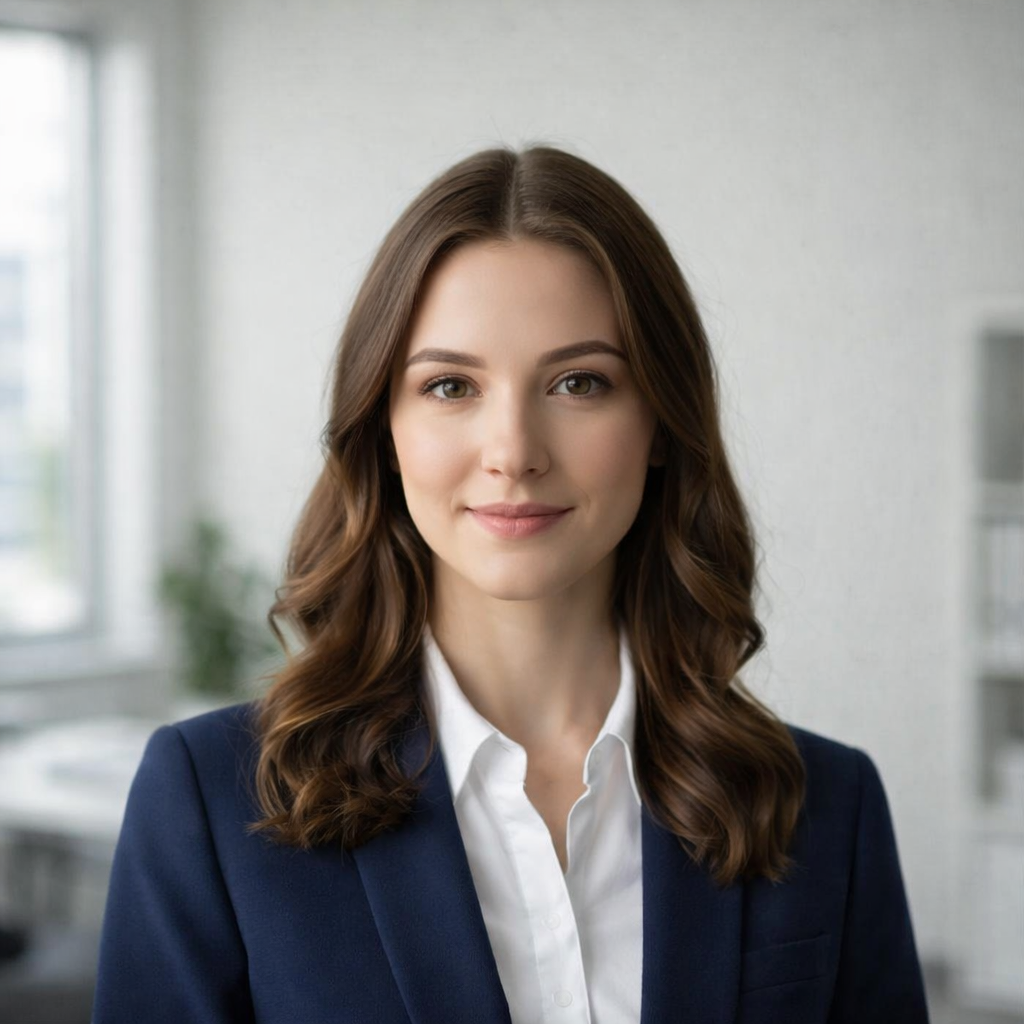
The background sets the level of formality before a viewer reads a job title. A good professional background supports the face, separates hair and clothing, and remains believable for the role.
Neutral studio background
Light gray, warm white, and muted neutral backgrounds are the safest choices for resumes, employee directories, legal, finance, and formal company pages. They also make large teams easier to standardize.
Soft office background
A softly blurred office creates context without distracting from the person. It works well for consultants, founders, sales teams, remote companies, and personal-branding pages. Keep architectural lines and bright windows subtle.
Dark executive background
Charcoal or deep neutral backgrounds can feel premium and authoritative. Use enough edge light to separate dark hair and jackets. This option is stronger for executive portraits and speaker bios than for a large mixed team directory.
Editorial background
Editorial portraits can include stronger light, texture, or environmental context. They suit authors, creators, speakers, and leadership profiles that appear larger on the page. They are less suitable when every employee portrait must look uniform.
Match background and attire
Avoid a dark jacket disappearing into a dark wall, or a white shirt blending into a bright background. Background contrast should define the silhouette without creating a cutout effect.
Create the portrait with the Professional Office Portrait Generator. For a single profile, use the LinkedIn headshot guide. For a company directory, follow the consistent team-headshot workflow.
Try the AI portrait generators mentioned in this guide
AI Professional Office Portrait Generator
Transform your photo into a professional office portrait with AI. Create polished business headshots in seconds.
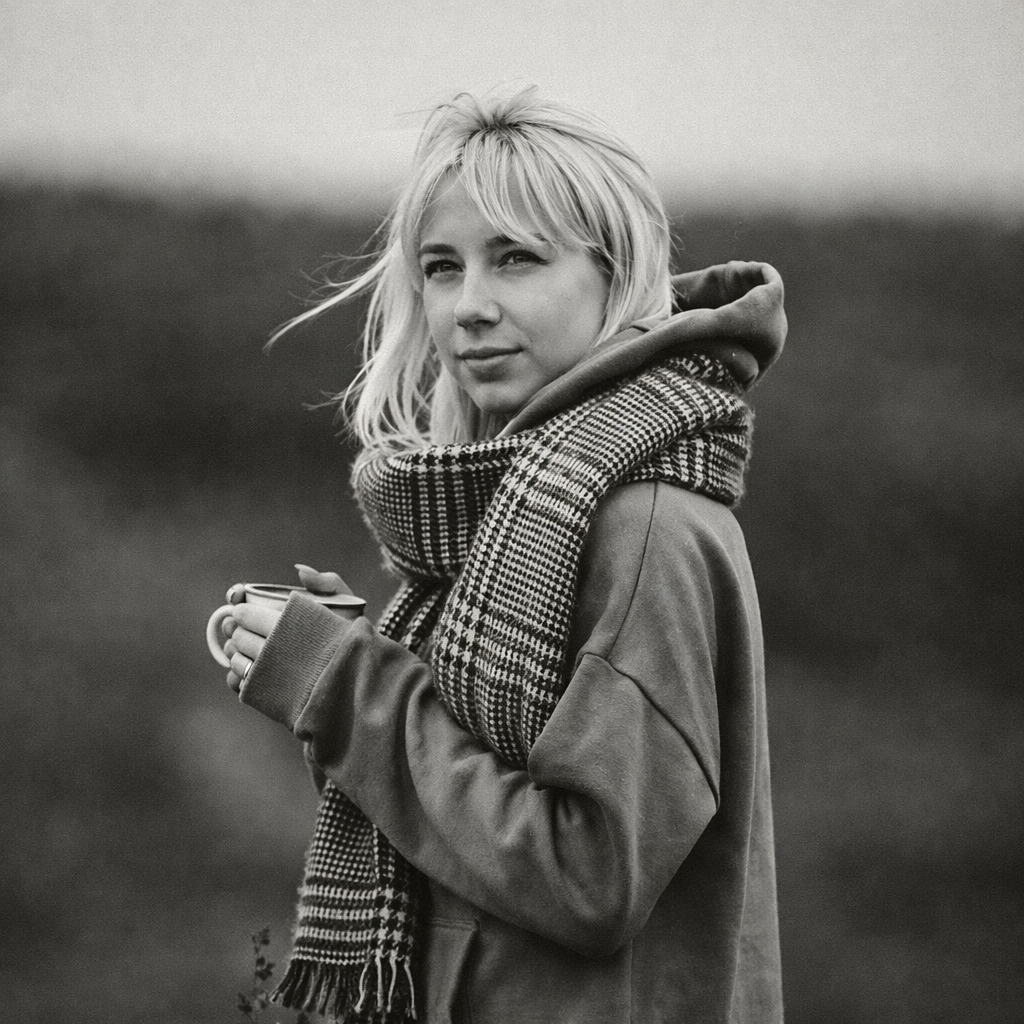
Turn Your Photo into Black & White Online
Transform any photo into stunning black and white with AI. Our AI Black & White Generator creates timeless monochrome photography from your colorful photos.
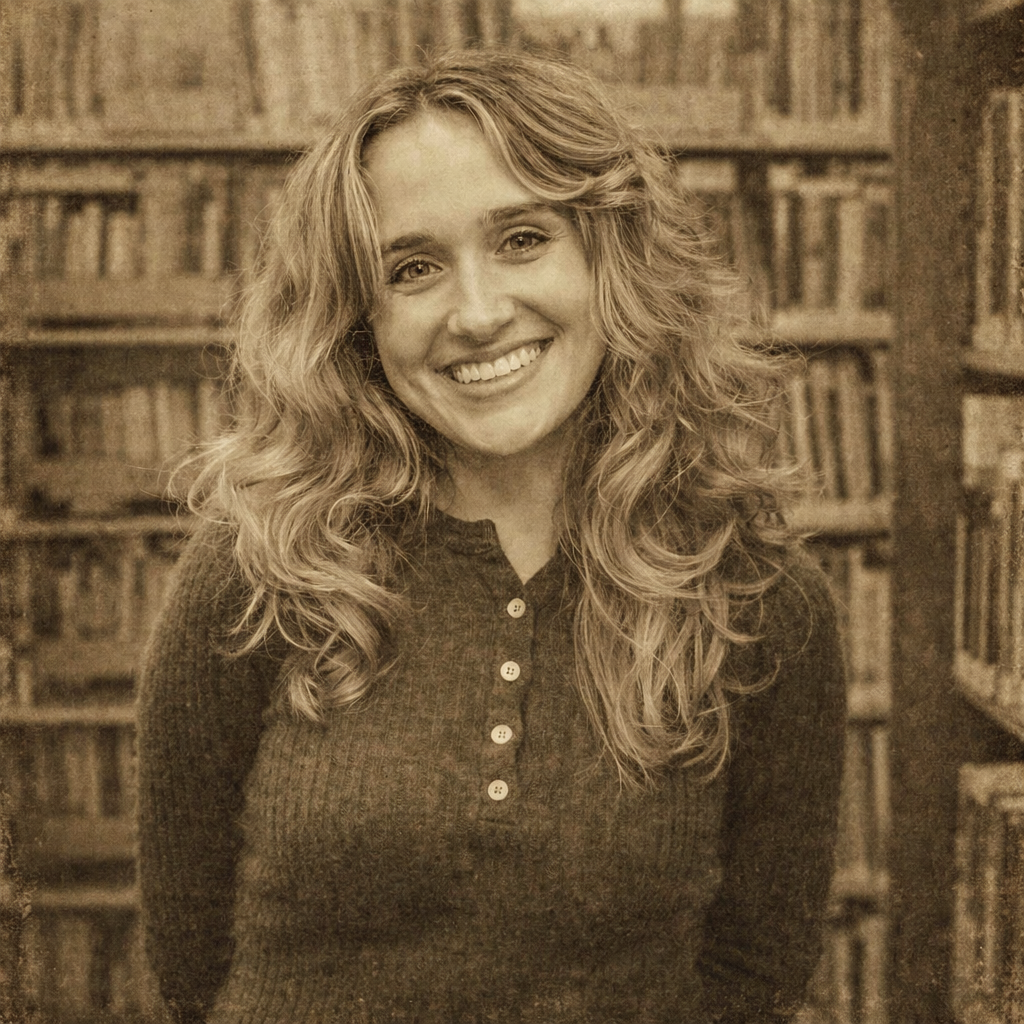
Turn Your Photo into Vintage Style Online
Transform any photo into beautiful vintage style with AI. Our AI Vintage Generator adds nostalgic film grain, sepia tones, and classic photo effects to your photos.
Keep comparing AI portrait workflows
LinkedIn Headshot Guide: Crop, Background, Attire, and Expression
Prepare a LinkedIn headshot that remains readable at small size and adapts cleanly to resumes, speaker bios, and company profiles.
How to Create Consistent Team Headshots for Remote Employees
Standardize crop, background, attire, lighting, and review rules when remote employees submit photos from different phones and locations.
AI Headshots for Employees: A Practical Team-Page Workflow
Create consistent AI portraits for employees, remote teams, company directories, and corporate team pages from mixed source photos.